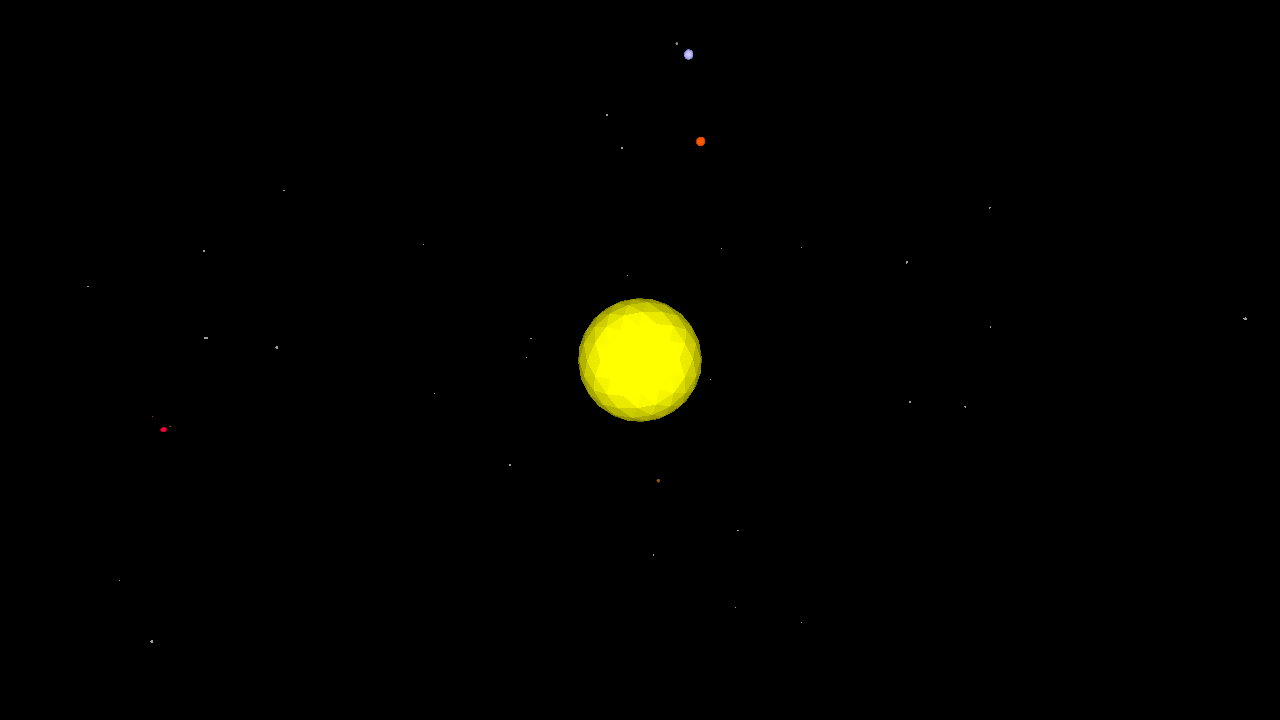
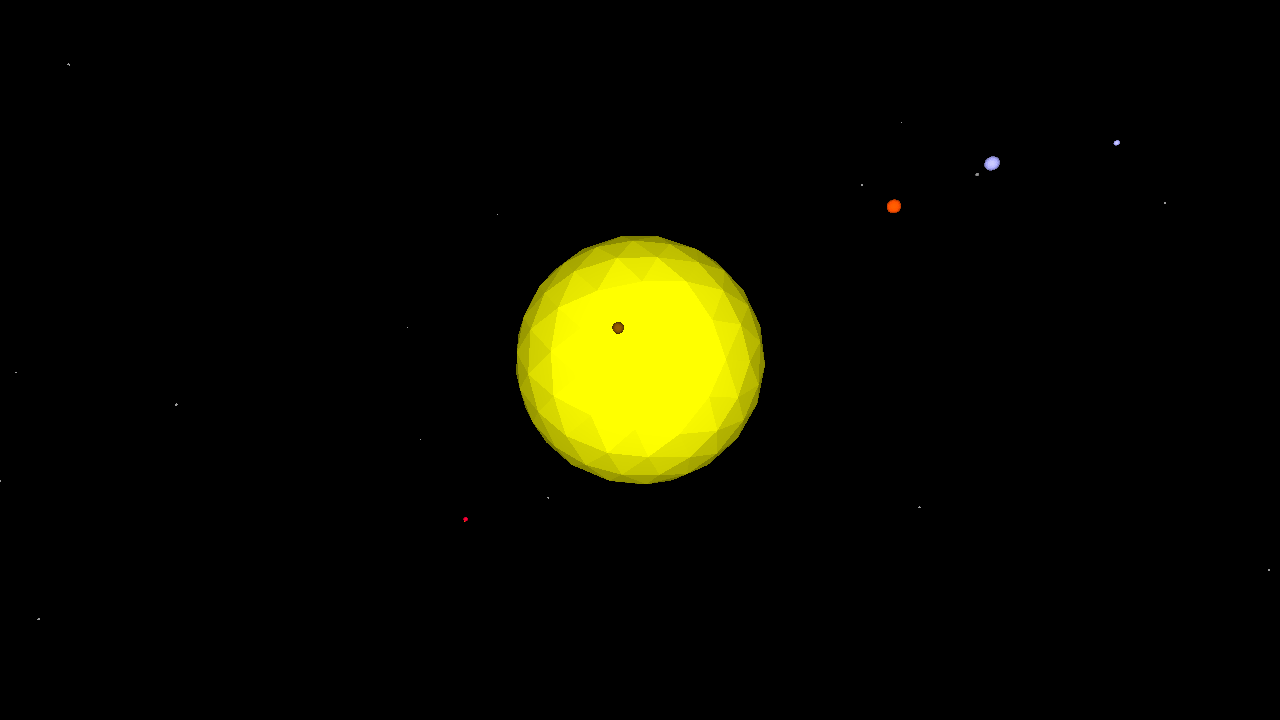
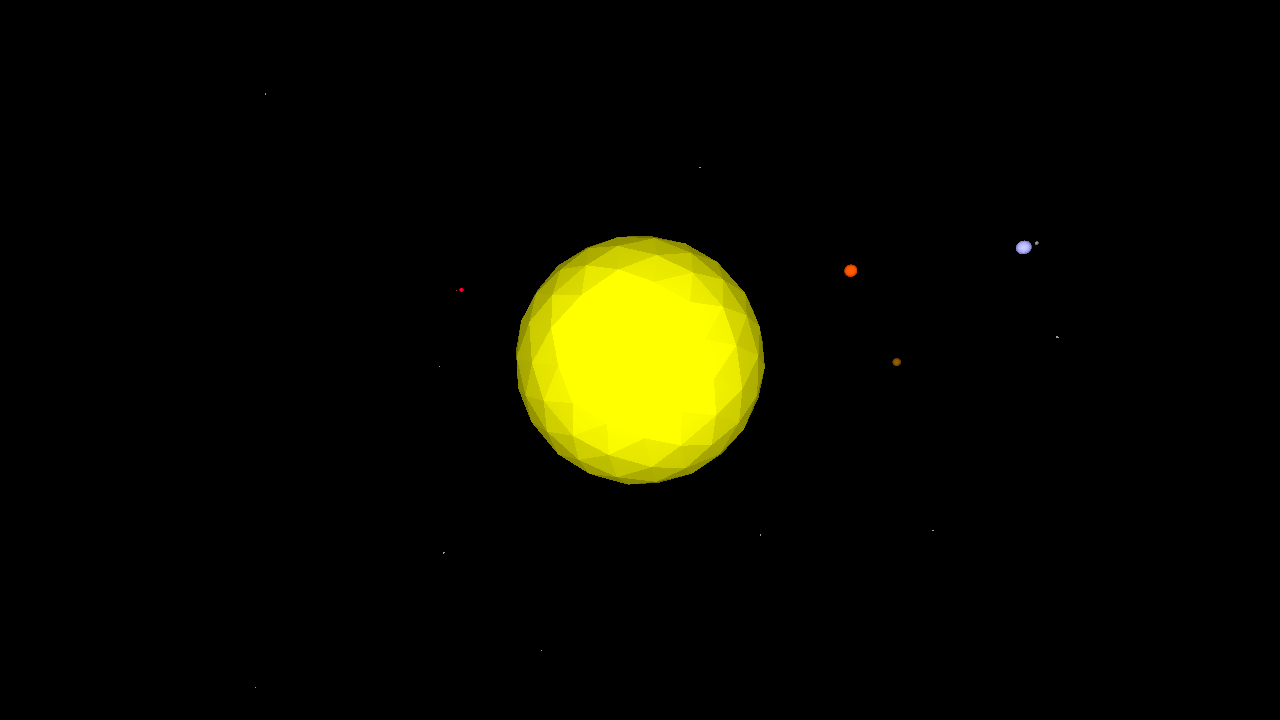
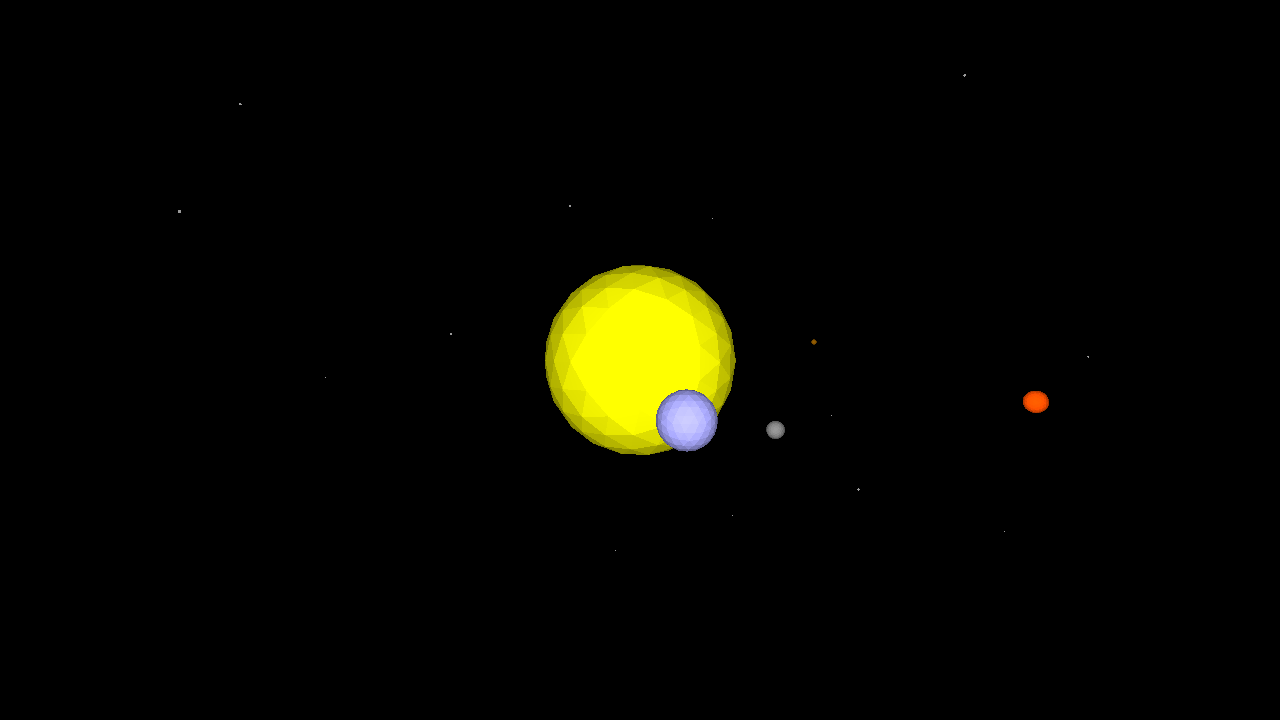
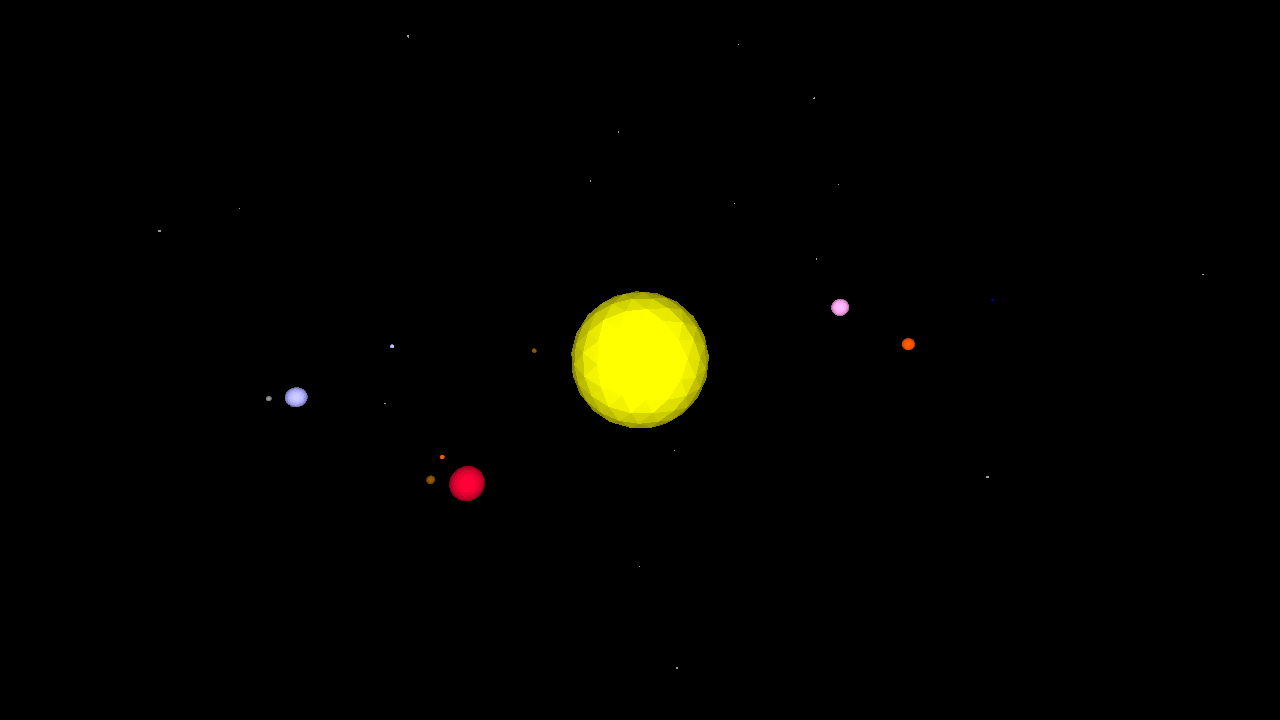
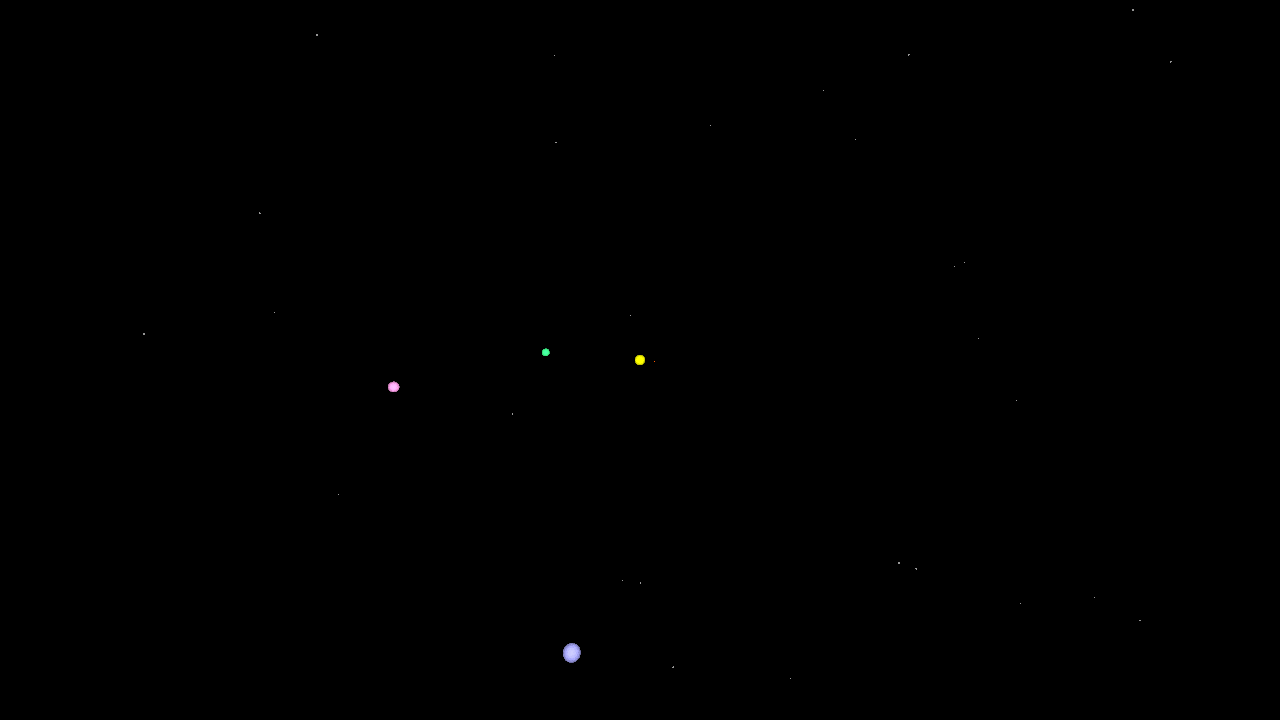
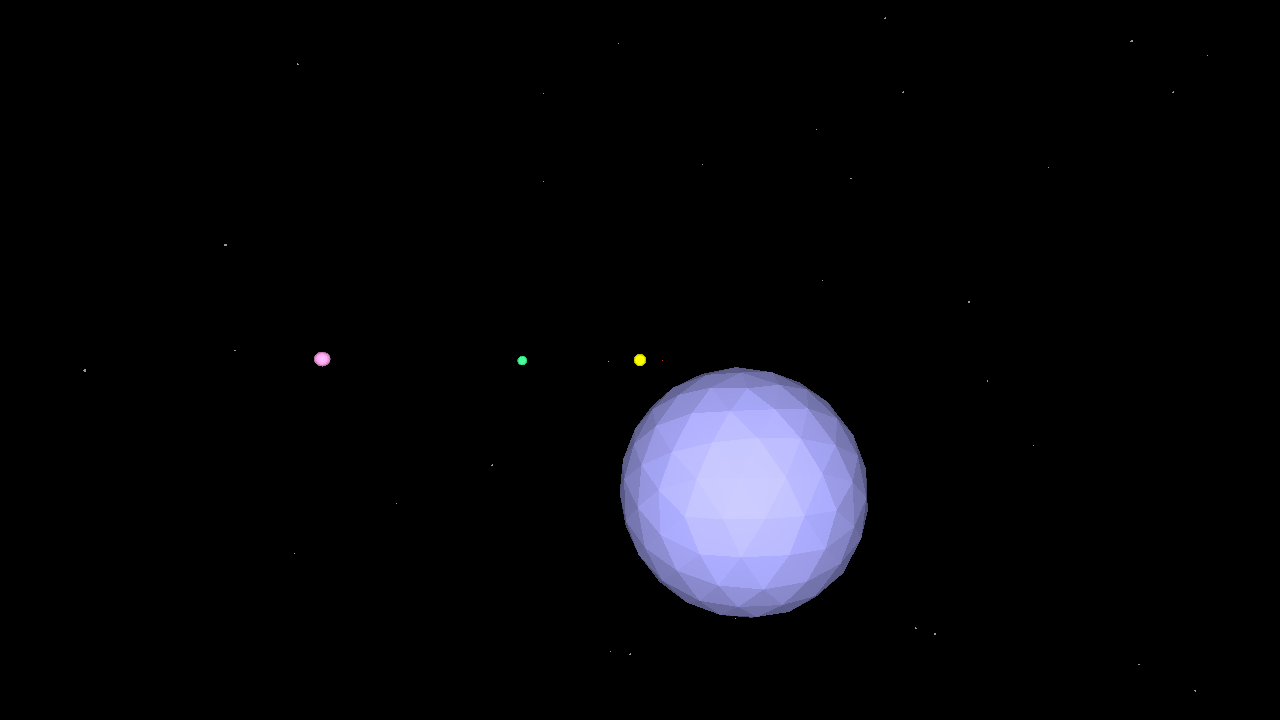
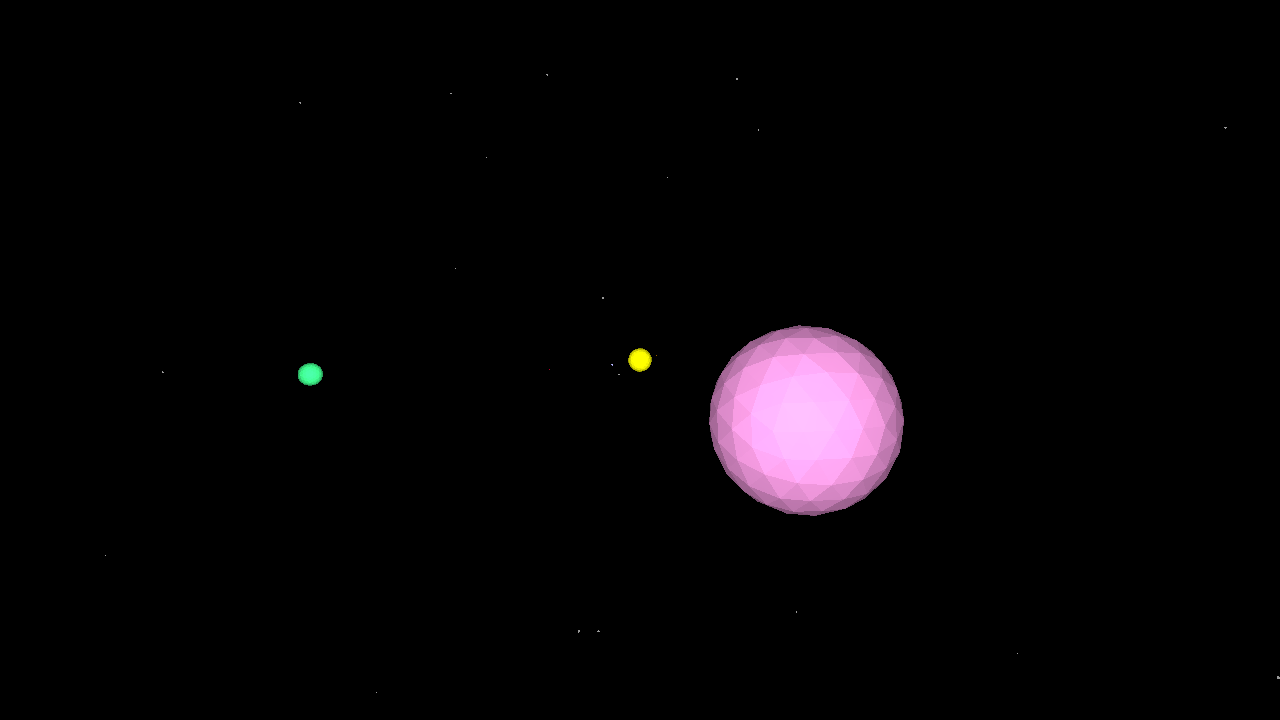
This Solar System simulation features the ability to add orbiting moons to the planets, a few of which are already defined. It is not entirely to scale (the planets are larger than they are in reality).
Use the scrollwheel or finger-scroll to zoom in and out, and drag the mouse to rotate around the sun!
TO solarsystem

  reset
  penup
  hideturtle

  cam:pullin 100
  ;pull in the camera turtle

  ;---------------------------------
  ;make a starfield in the distance:
  ;---------------------------------

  setfillcolor 5
  repeat 200 [
    home randomvectors
    forward 2500 + random 100
    up 90
    spot 1 + random 5
  ]

  ;---------------------------------
  ;define planetary parameter lists:
  ;---------------------------------

  make "distance [0 39 72 100 152 520 953 1918 3006 3953]
  ;the distance of the planets from the sun in 100ths of an AU
  ;The first value is the sun itself, which is at the home position

  make "size [100 3 7.5 7.9 4.2 88.7 74.6 32.6 30.2 1.41]
  ;the planets are in scale relative to each other but not the sun,
  ;which is much larger than the value we have given it here

  make "color [13 8 9 7 1 14 11 7 2 10]
  ;each planet's color (and the sun)

  make "tilt [0 7 3.3 0 1.85 1.31 2.49 0.77 1.77 17.14]
  ;ecliptical tilt

  make "speed [0 4.1 1.62 1 0.53 0.084 0.034 0.011 0.006 0.004]
  ;speed of orbit

  ;-------------
  ;define moons:
  ;-------------

  make "moon [0 0 0 1 2 0 0 0 0 0]
  ;how many moons?

  make "mooncolor [[][][][5][8 9][][][][][]]
  make "moondistance [[][][][3][2 3][][][][][]]
  make "moonsize [[][][][2.1][1.12 0.62][][][][][]]
  make "moontilt [[][][][0][1 2][][][][][]]
  make "moonspeed [[][][][30][40 30][][][][][]]
  ;moon parameters, similar to planets
  ;only earth and mars are populated here,
  ;add the others as you like!

  ;---------------------------
  ;create the sun and planets:
  ;---------------------------

  repeat 10 [
    home

    make "planet repcount
    ;store the current planet for use inside hatch

    newmodel repcount {"setfc item :planet :color "ico 0.1 * item :planet :size}
    ;create a new turtle model using the data from the :color and :size lists
    ;we use a 'soft list' {} to create 'hard data' for use by newmodel
    ;as the turtle model is rendered each frame

    hatch [
      ;create a new hatchling

      setmodel :planet
      ;set the turtle model

      penup
      dropanchor
      ;set the orbit (anchor) point to the current position

      pullout 0.5 * item :planet :distance
      ;pull away from the anchor the distance specified in the :distance list

      orbitright random 360
      ;orbit around a random amount

      orbitup item :planet :tilt
      ;orbit up (tilt) the amount specified in the :tilt list

      showturtle
      ;hatchlings are not visible by default

      if 0 < item :planet :moon [ ;are there any moons? foreach "moon item :planet :mooncolor [ ;for each moon, let's create it the same way we did planets: make "moonnumber loopcount make "moonmodel word :planet loopcount newmodel :moonmodel {"setfc :moon "ico 0.1 * item :moonnumber item :planet :moonsize} make "parent turtle ;define the 'parent' turtle for use by the moon hatchling hatch [ ;hatch the moon setmodel :moonmodel dropanchor right random 360 pullout item :moonnumber item :planet :moondistance orbitup item :moonnumber item :planet :moontilt showturtle forever [ fixate query :parent [position] ;keep 'fixated' (look at and set the anchor point to) ;the parent turtle's position. if orbitdistance > item :moonnumber item :planet :moondistance [
                pullin orbitdistance - (item :moonnumber item :planet :moondistance)
              ]
              ;if it's getting away from us, try and catch up!

              orbitright 0.1 * item :moonnumber item :planet :moonspeed
              ;orbit the planet based on the :moonspeed

              sleep 6.25
              ;take a little nap
            ]
          ]
        ]
      ]
      forever [
        orbitright 0.05 * item :planet :speed
        sleep 25
      ]
      ;orbit the sun (we're back to the planet now) based on the value
      ;from the :speed list. Then take a little nap (wait 1)

    ]
  ]
  hideturtle
  ;hide Myrtle, although she would be sitting in the sun

END