News

Greetings, fearless early adopter!

Don’t worry, it’s not really that bad. We’ve been working for months and months to ensure that the first experience our early adopters have with turtleSpaces is not catastrophic.

But there are still a few wrinkles in the turtleSpaces road to be worked out. And we’re working them out as quick as we can.

We’ve built-in an auto-update mechanism to ensure you get the fixes for those wrinkles ASAP!

If you encounter something really scary, shoot an e-mail to help@turtlespaces.org

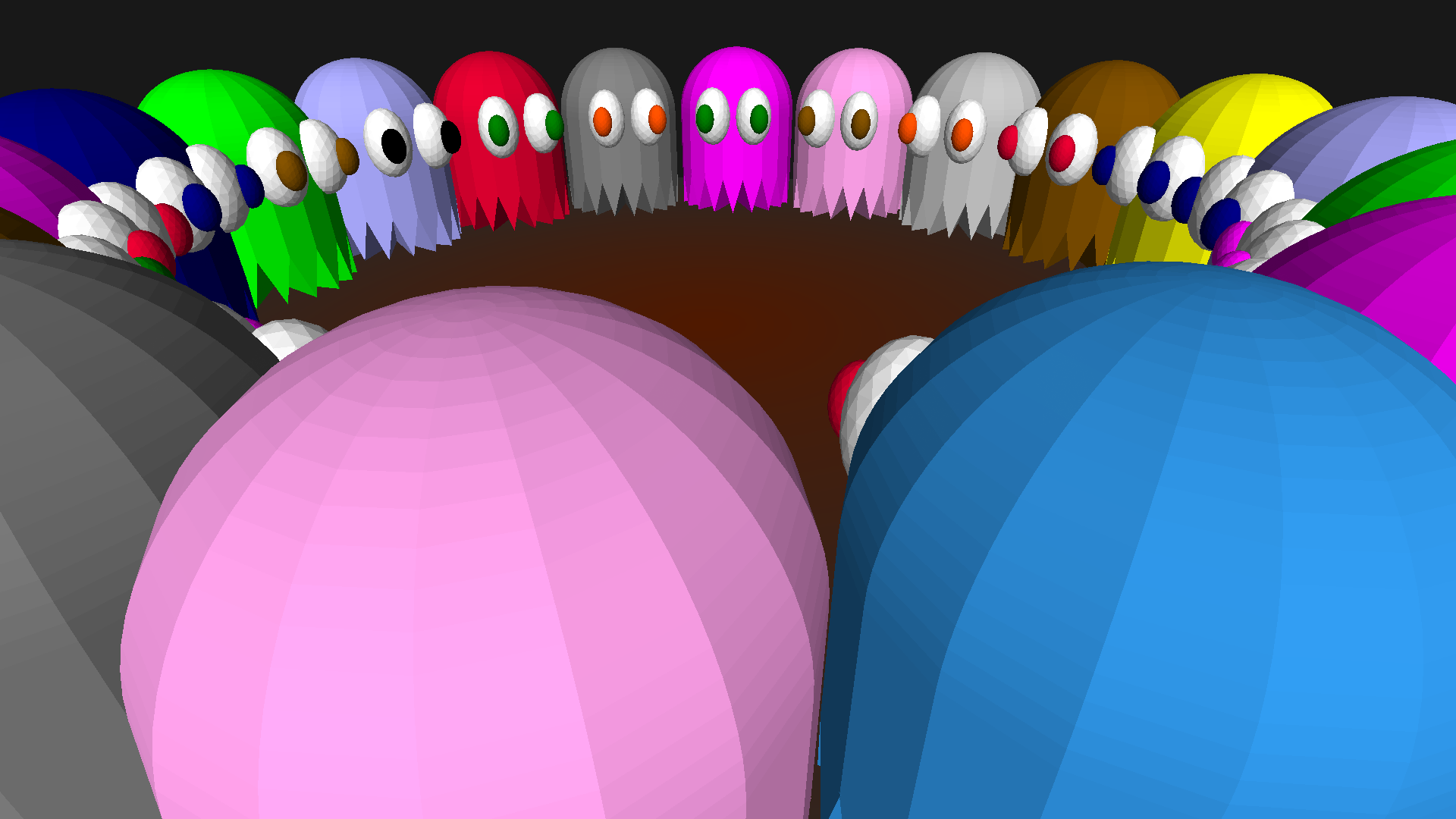
Creating Animated Videos Using turtleSpaces

The above animation was created inside turtleSpaces, and then exported as a webm video file using the savewebm primitive. I then used Final Cut Pro to add the audio and the titles.

The Logo code used to create the animation is fairly straightforward. The turtle moves in an arc outwards from the center, creating arcs around it and generating the pattern. The location and sizes of the arcs depends on the current loop iterations. Graphics rendering is suspended while each ‘frame’ is created, after which the code renders the frame and pauses to ensure the user sees it, then continues on.
Read More »

turtleSpaces Halloween!

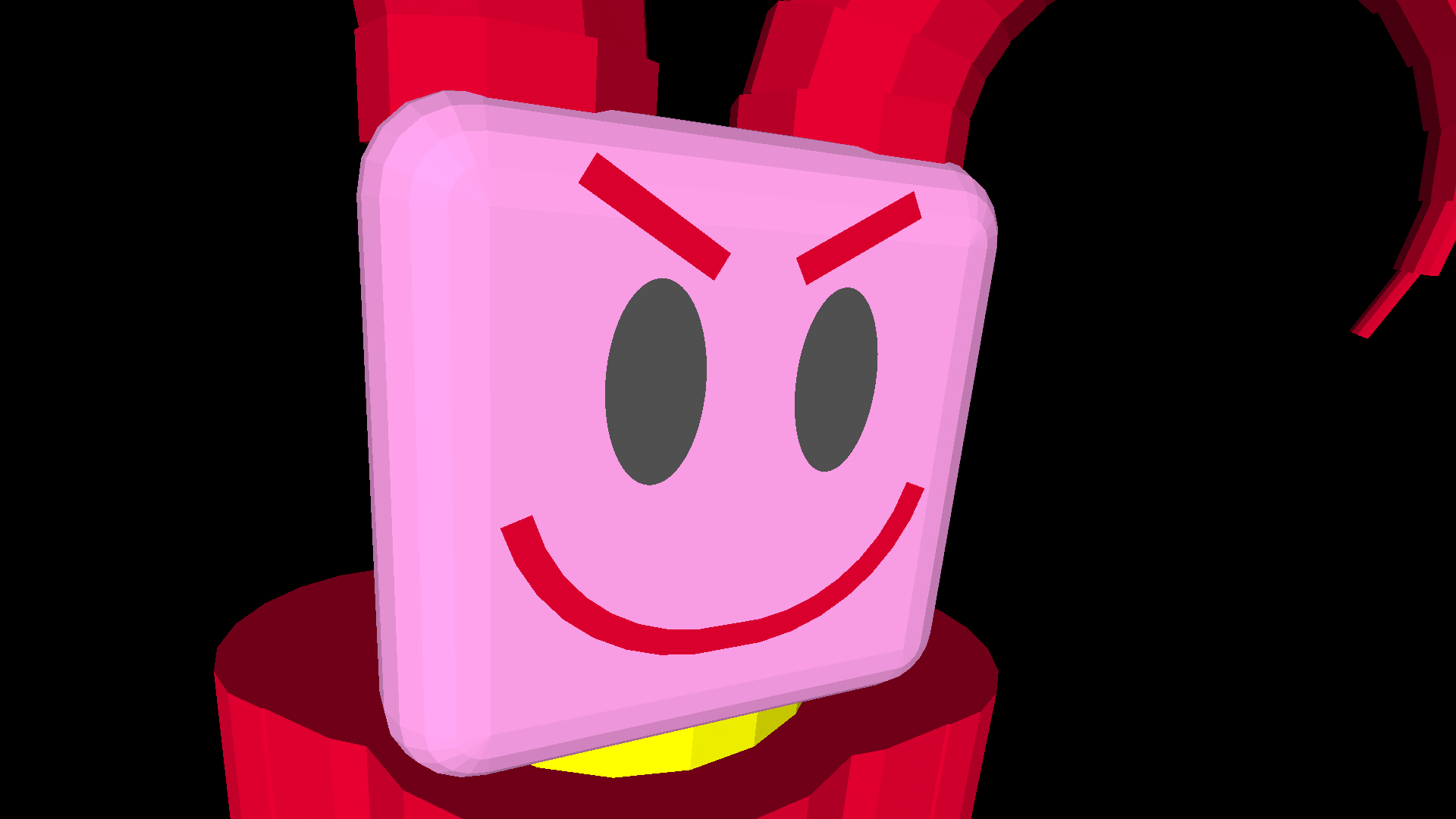
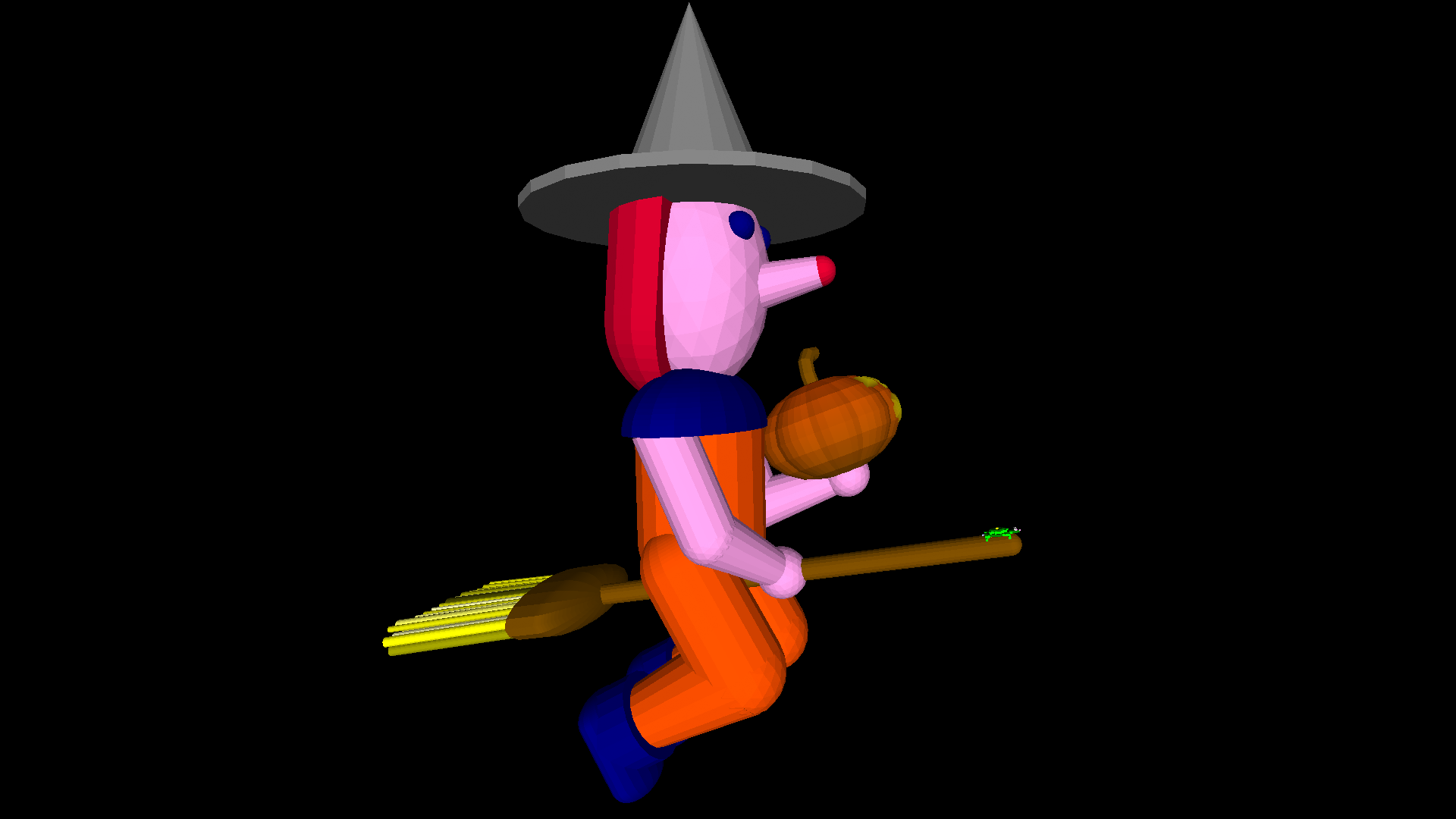
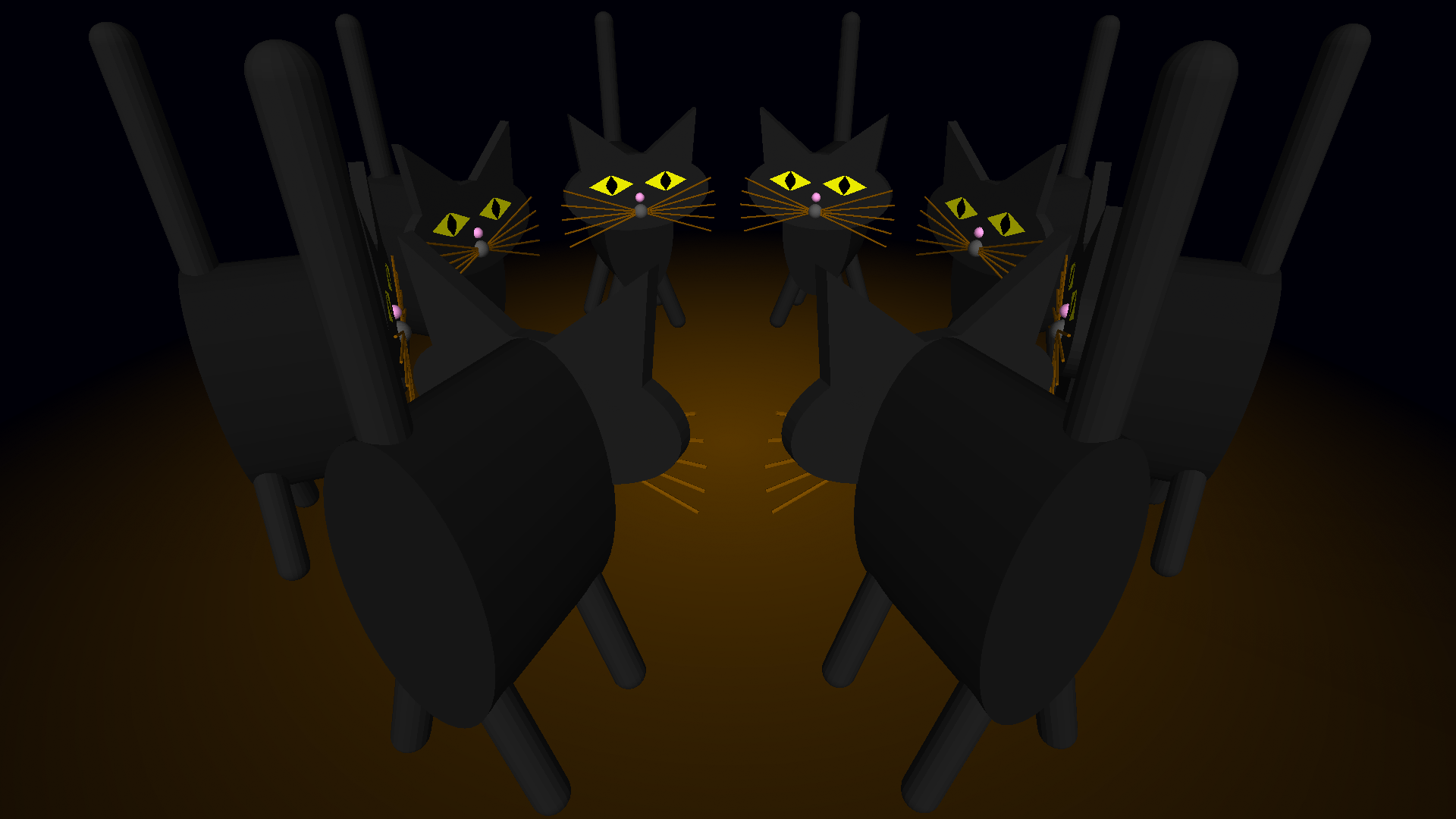
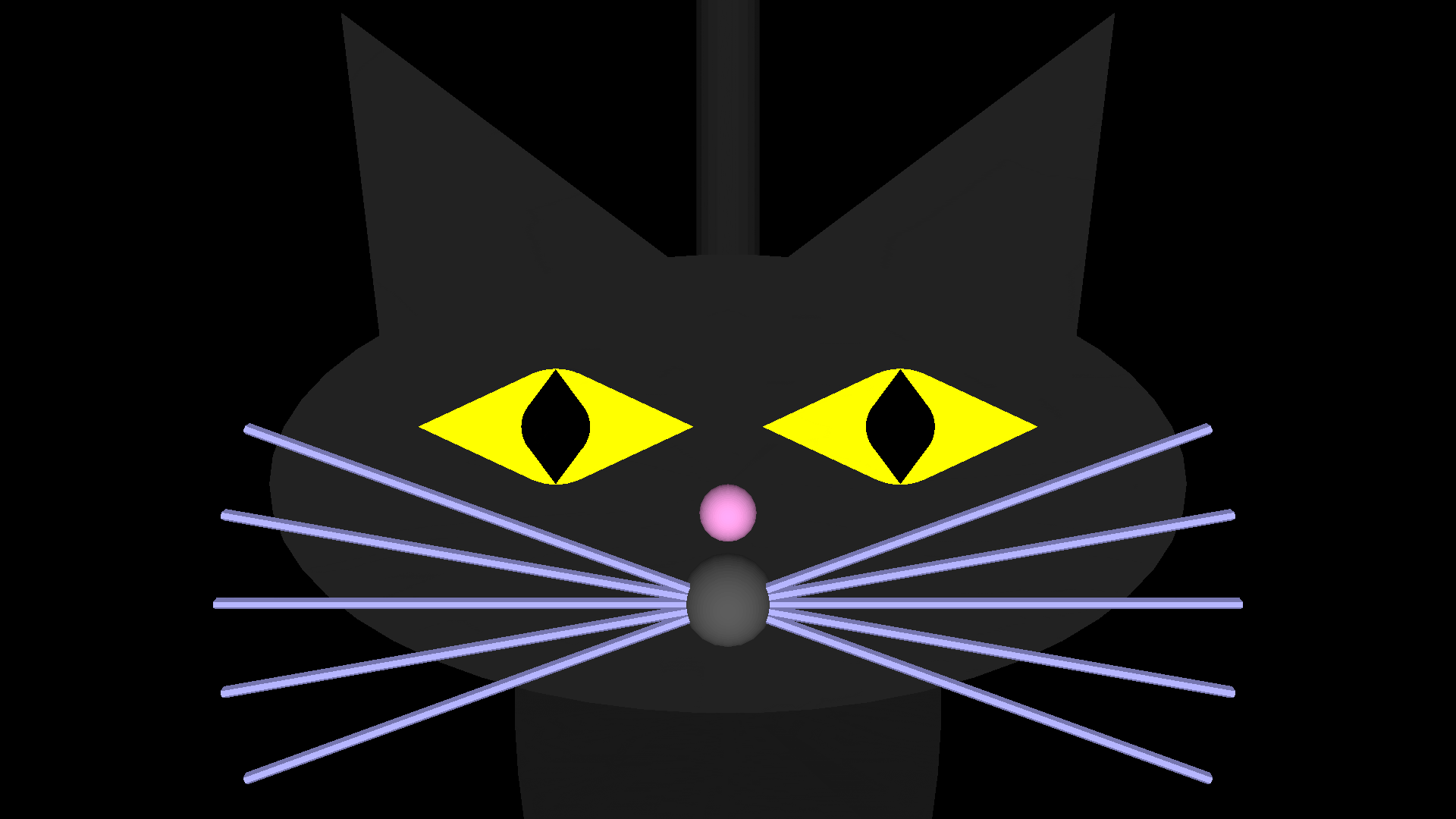
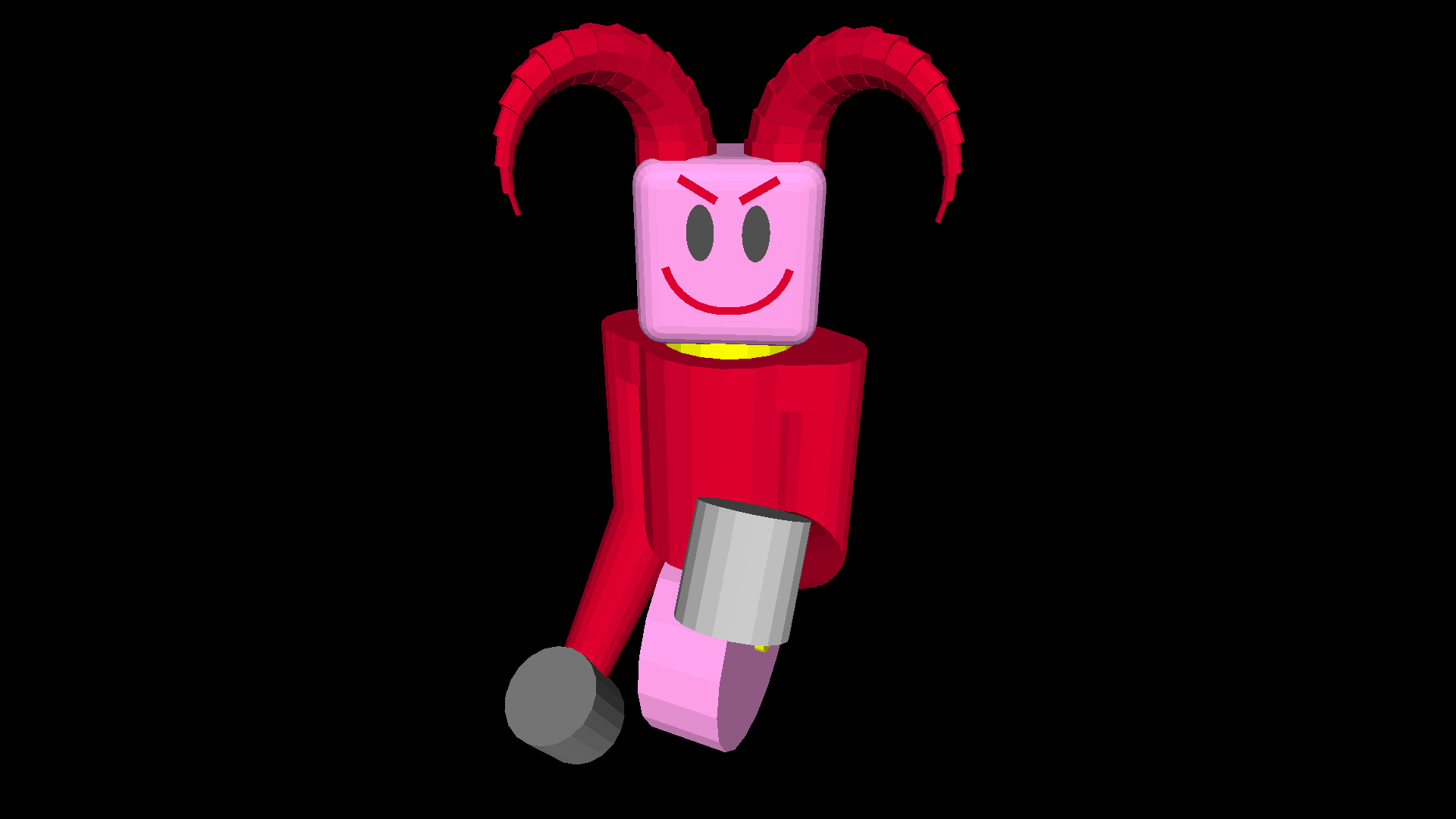
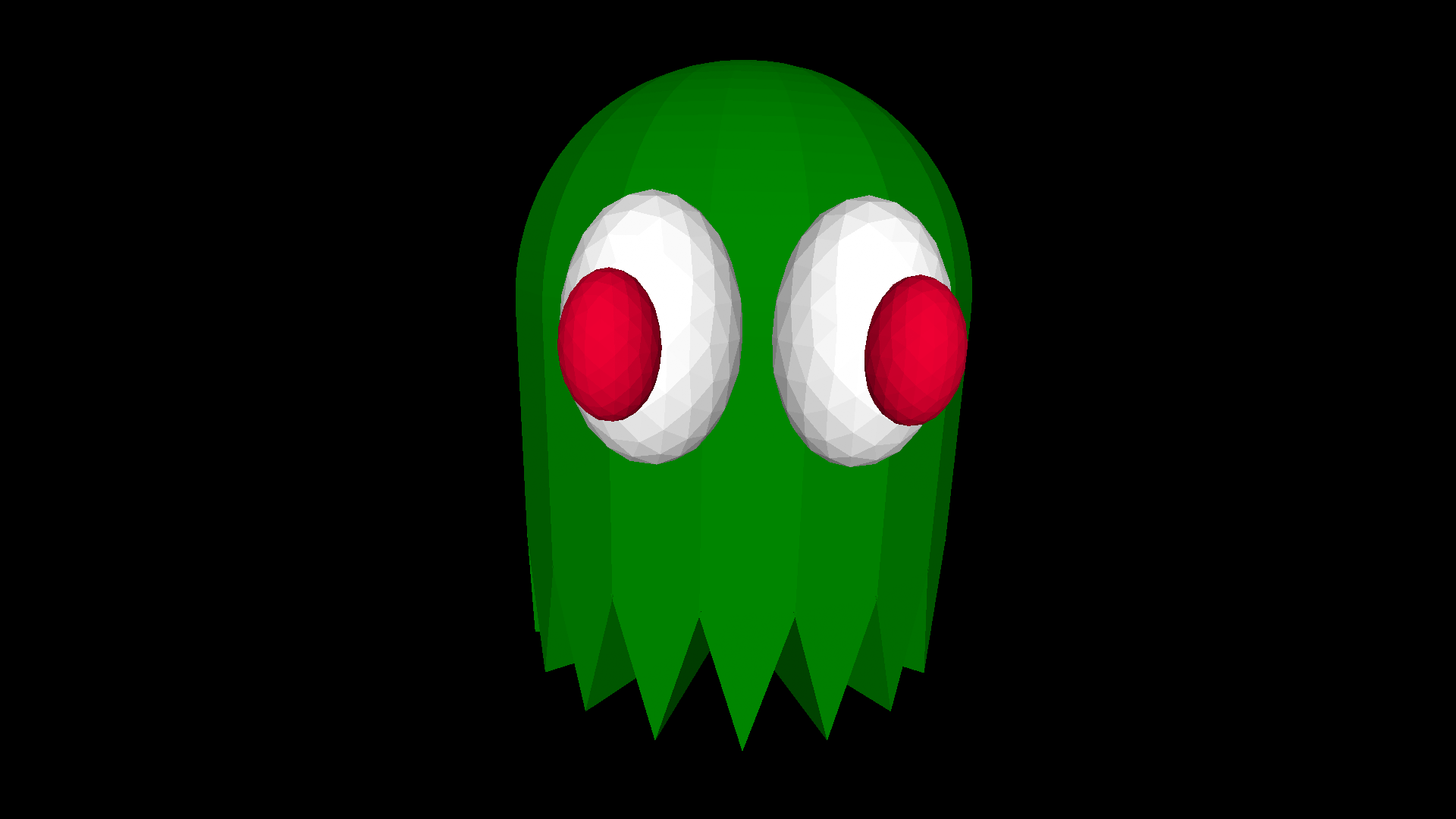
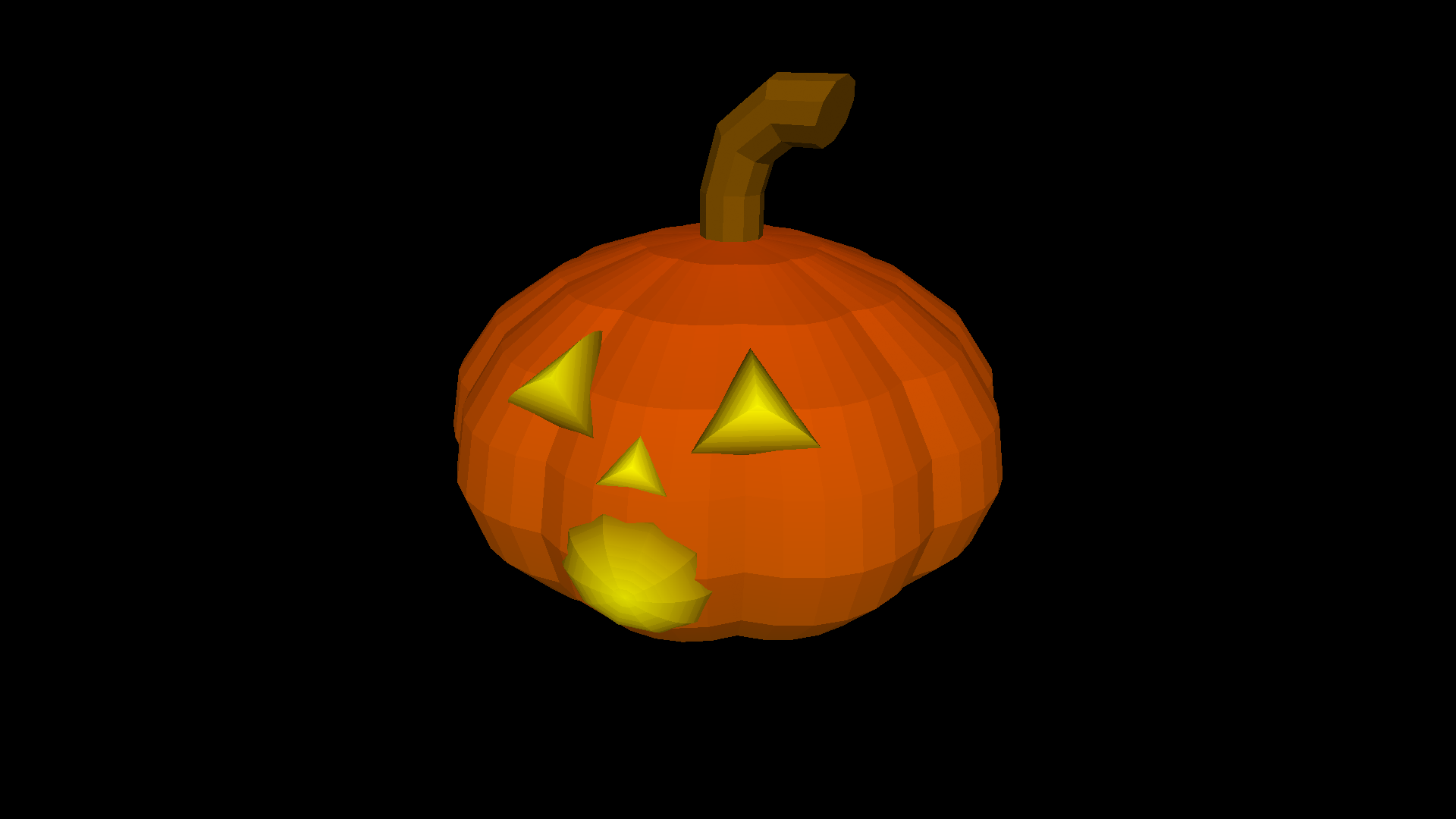
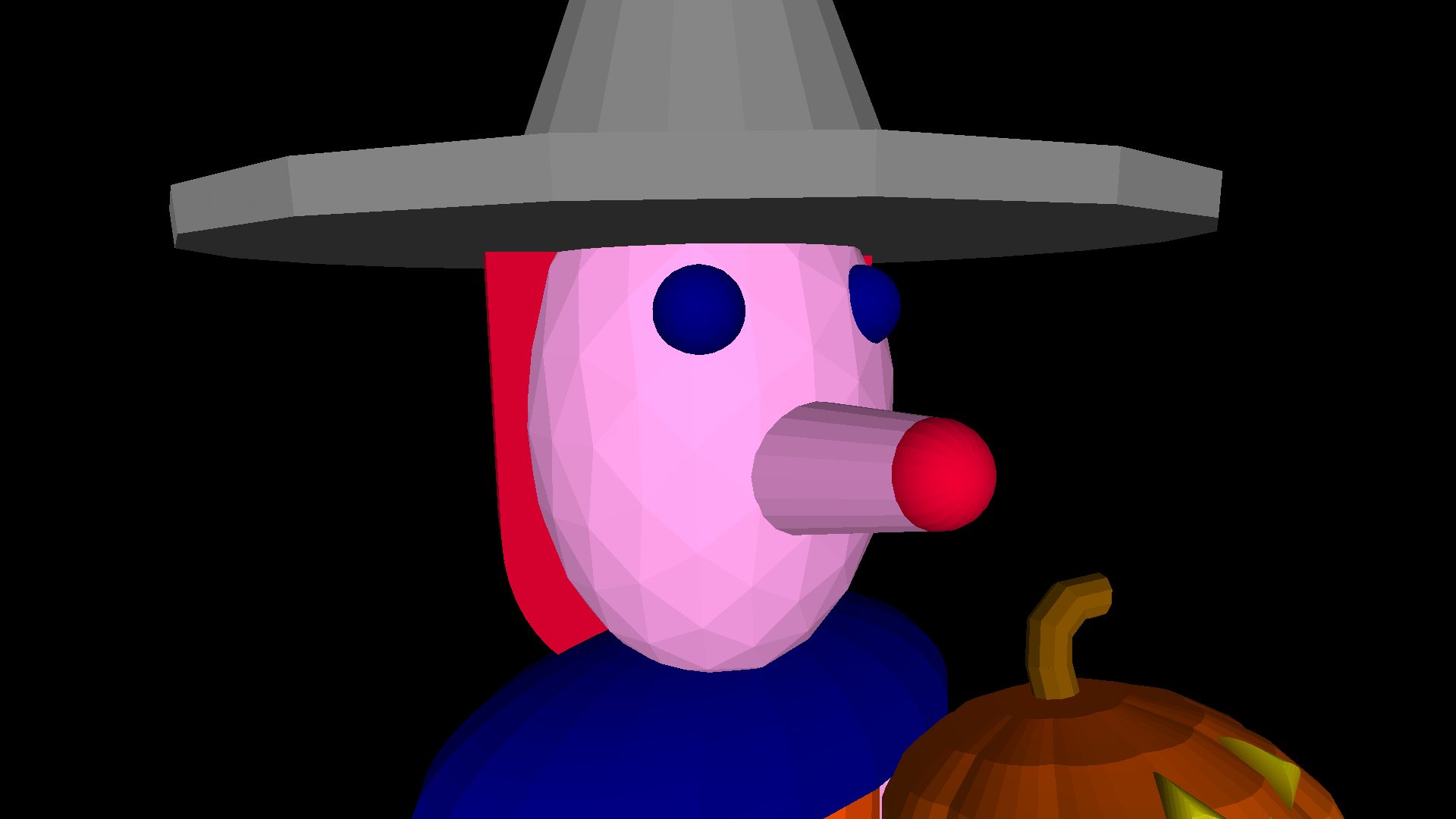
Witches, pumpkins, devils, ghosts and black cats are all haunting turtleSpaces this Hallowe’en! turtleSpaces is great for creating 3D models using code.

You can also find these models in the Published projects section of the webLogo interpreter.

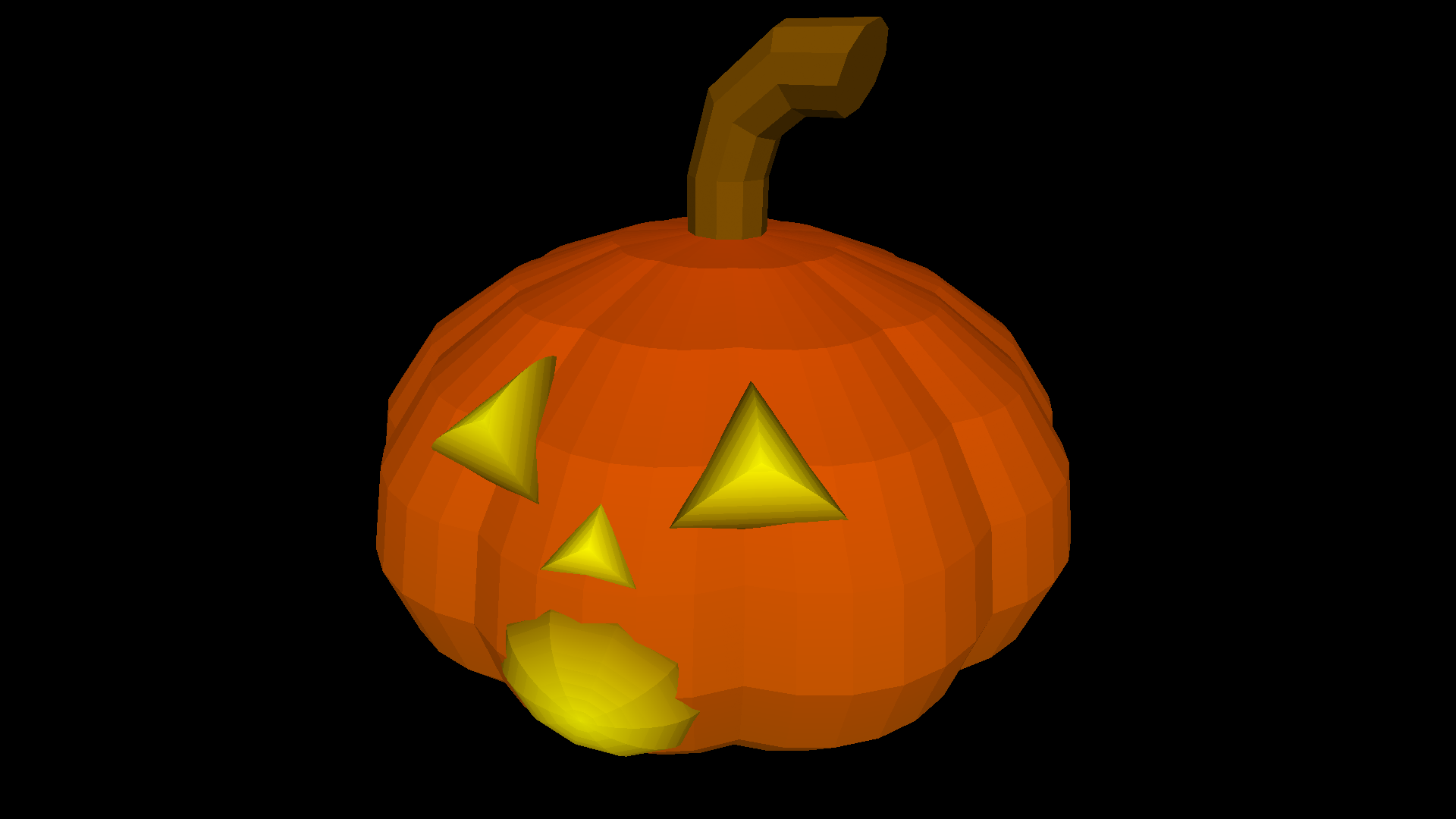
The Pumpkin:

The pumpkin is created using the spheroidslice primitive, which creates an elongated slice of a sphere. By creating ten of these slices (every 36 degrees) we can easily create the pumpkin’s body:

Read More »

A Starry turtleSpaces Logo Introduction Part One: Starfield

Traditional Logo had new users build a house as an introduction, but due to turtleSpaces’ 3D nature, starfields are much more impressive, so we’ll start there.

▶ View interactive demo

Click and drag the window above to see all the stars!

Cool huh? First, we’re going to create this simple starfield that wraps around the camera position.

We’ll start by creating the procedure:

Then we’ll add in some setup stuff:

Read More »

A Starry turtleSpaces Logo Introduction Part Three: Starwarp Improvements

In the previous episode, we created a progressively-generated starfield we moved through with the camera turtle, creating a cool flying-through-space effect.

But it has a few issues we should address. Firstly, it is possible for a star to end up flying through the windscreen of our spaceship! Which is cool, but looks a bit strange. Second, as the program runs it piles up all of these stars behind us, which can slow everything down. We need to get rid of those. Finally, it would be pretty neat if we could have the stars ‘pop’ into view, so we’ll explore how we can do that.

Read More »

A Starry turtleSpaces Logo Introduction Part Two: Starwarp

In this second part of our introduction to turtleSpaces Logo, we’re going to take the stars we made in the first part, and create a ‘rolling’ starfield we are going to move through using the camera turtle, to create a Star Trek-style warp effect.

/img/uploads/2021/09/starwarp.webm

To create this effect, the drawing turtle, Myrtle, is going to create stars deep into the space. The camera turtle, Snappy, will move forward (the camera turtle points into the space, towards Myrtle, by default) following Myrtle as she moves deeper, creating stars.

Read More »

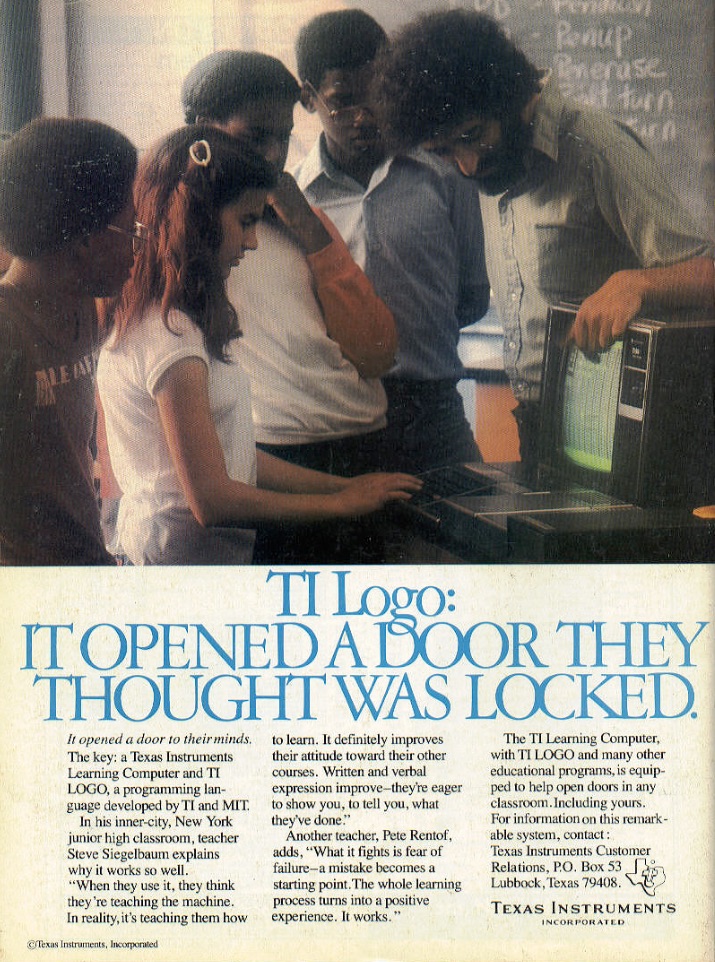
Past and Future Turtles: Logo’s Adventures in Academia (Part 2)

This is a continuation of Past and Future Turtles: The Evolution of the Logo Programming Language (Part 1)

So, Logo was the greatest thing that had ever happened to education, and it was going to foster a bright new generation of geniuses who were going to change the world. We just had to get it out there, and Logo would do the rest.

That was the message its creators sent to the world. And people were listening. In particular, computer manufacturers. It was the early 1980s, an era where the price of a personal computer had dropped into the range of affordability for most of the Western market, with computers such as the VIC-20 and the Sinclair ZX81 costing as little as $100, and even those at the higher-end of the market falling below $1000.
Read More »

Example: Towers of Hanoi

This rendition of Towers of Hanoi is a simple game to code and makes introductory use of 3D shapes. Recreating it could serve as a great introduction to turtleSpaces and Logo coding in general.

In the game, you attempt to transfer the disks on post 1 to post 3 ending in the same order the disks started in (smallest to largest, starting from the top). To do this, you can transfer disks between posts, but disks can only be placed on top of disks smaller than they are.

Read More »

A Fully Commented turtleSpaces Logo Listing of PONG

When I was a kid I had a home PONG machine, one of those that was sold through a department store (in this case Sears) in the late 1970s, which my Dad bought from a garage sale for $5. It was black and white, and the paddles were controlled by knobs on the front of the unit, and the NES had come out by this point and so it wasn’t very enticing for the other kids in the neighbourhood, but my brother and I spent hours playing it anyway.

Read More »

How to create and 3D print a chess pawn in turtleSpaces Logo

First, open the weblogo.

Then, click in the bottom right REPL area

Create the ‘head’ of the pawn using the ico primitive


If you start the line with a cs, you can use the up arrow to go back to the line after adding each command (and seeing the result) to edit what you’ve done and add more! Append all of the following instructions on to the same line, then just keep re-executing it.

Read More »

An Introduction to Logo Movement with Myrtle the Turtle

This catchy song introduces the turtleSpaces Logo movement primitives.

This animation was made inside turtleSpaces, and demonstrates its ability to create animated content.

You can use screen capture software such as ScreenFlow or the built-in SAVEWEBM primitive to export a recording of the screen, and then sync it to your music.

You can also load music in OGG format into turtleSpaces and then work on synchronizing your animation with it in realtime using the SLEEP and WAIT primitives. This animation was done that way. Keep in mind that the animation may play back at different speeds on different computers unless you use the TIME primitive to keep everything locked to timing points!

Read More »