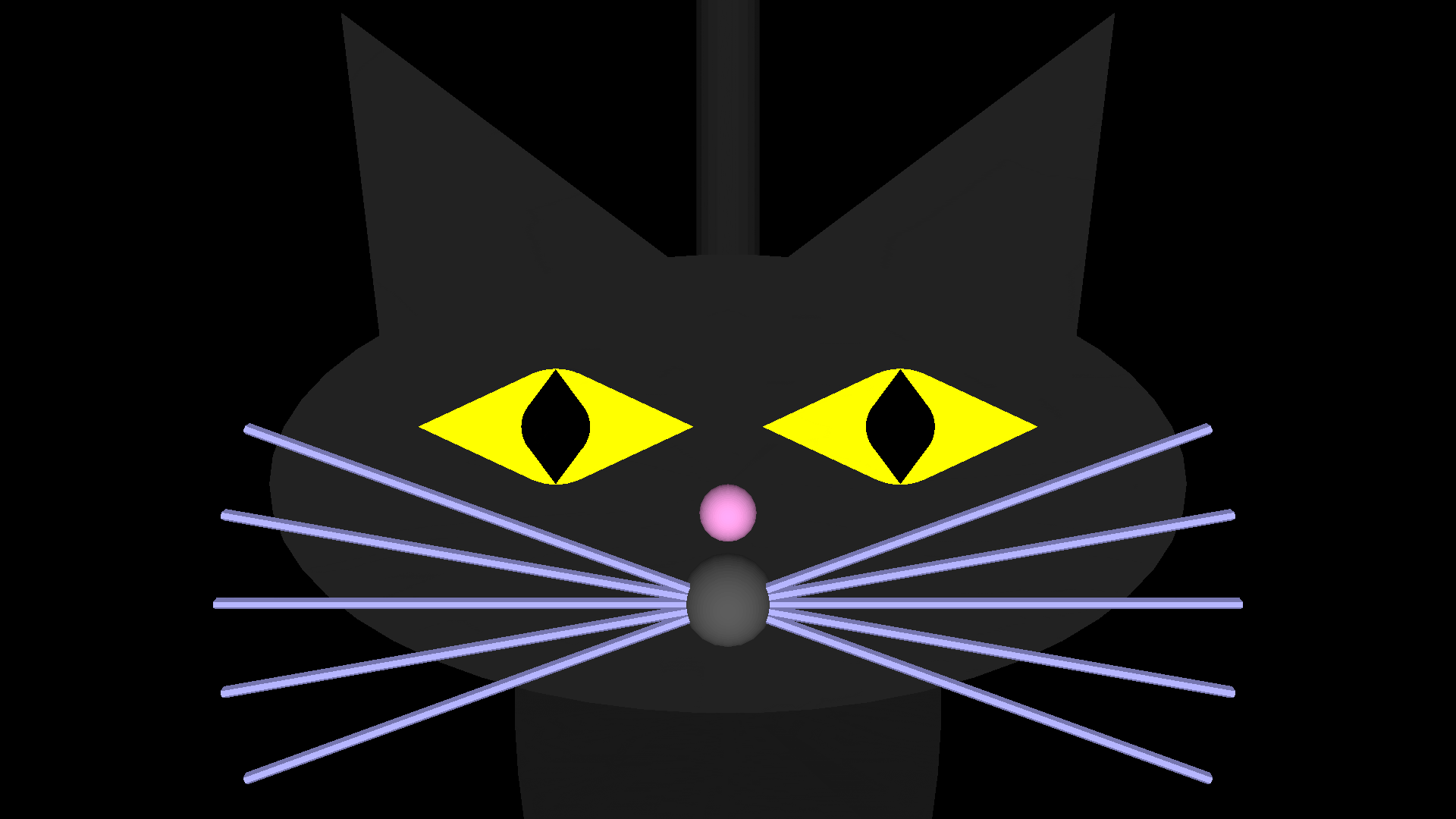
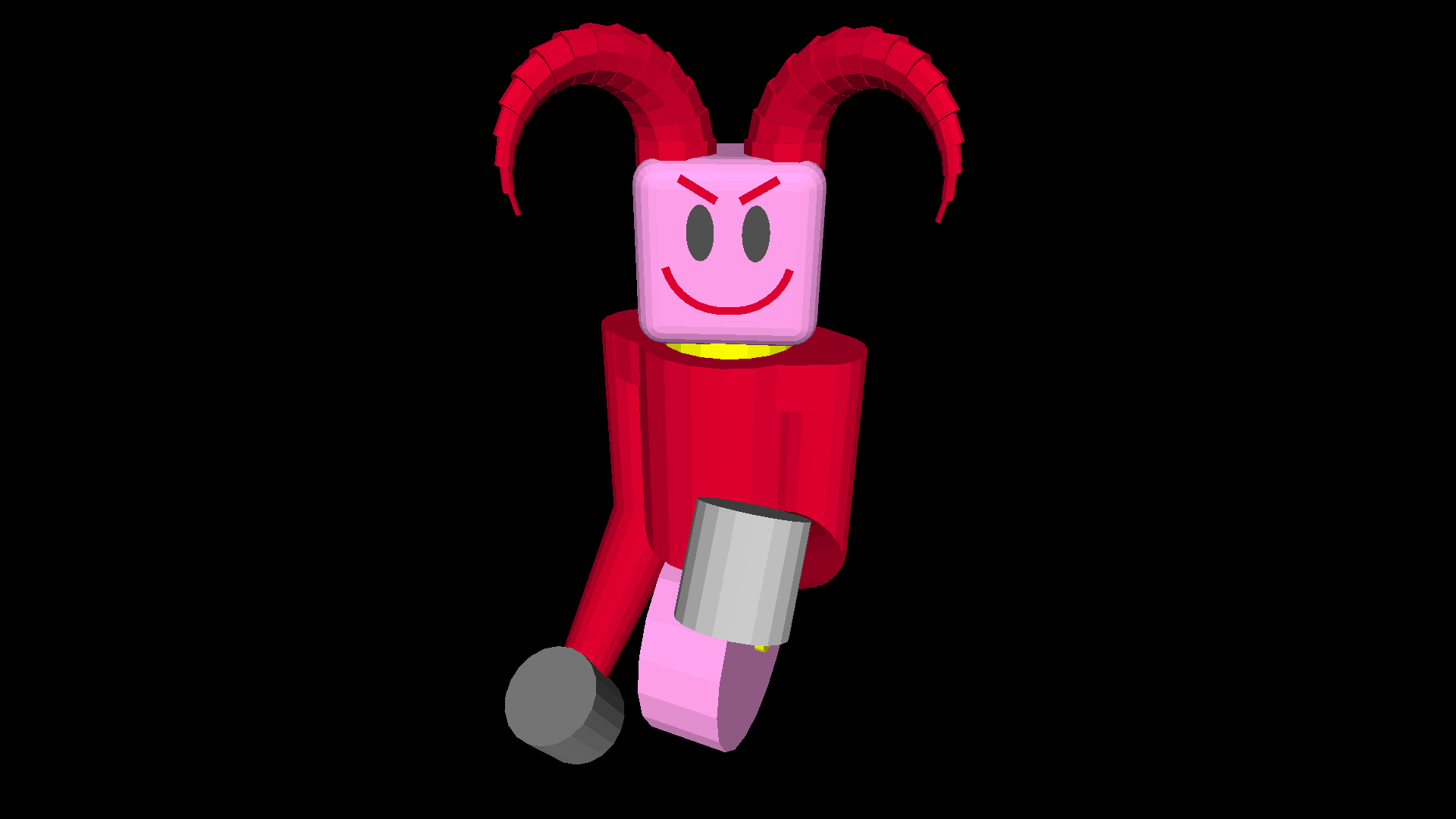
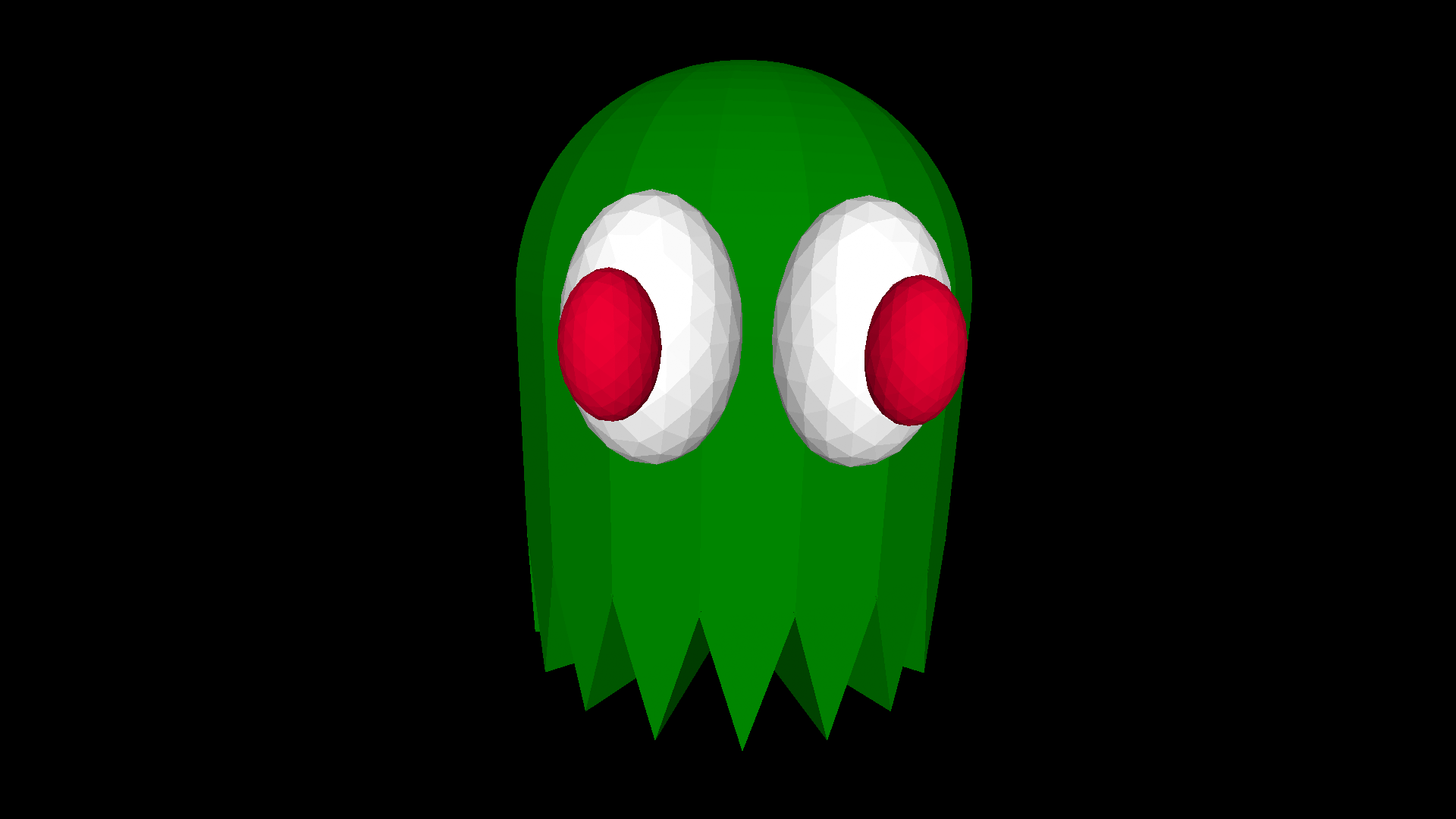
Novedades

¡Saludos, intrépida persona pionera!

Tranquilidad, que no es para tanto. Llevamos meses y meses trabajando para que la primera experiencia de quienes adoptan turtleSpaces desde el principio no sea catastrófica.

Pero todavía quedan algunas arrugas por planchar en el camino de turtleSpaces. Y las estamos planchando tan rápido como podemos.

¡Hemos incorporado un mecanismo de actualización automática para que recibas las correcciones de esas arrugas lo antes posible!

Si te encuentras con algo que dé mucho miedo, envía un correo electrónico a help@turtlespaces.org

Los artículos marcados (en inglés) solo están disponibles en inglés.

turtleSpaces Halloween! (en inglés)
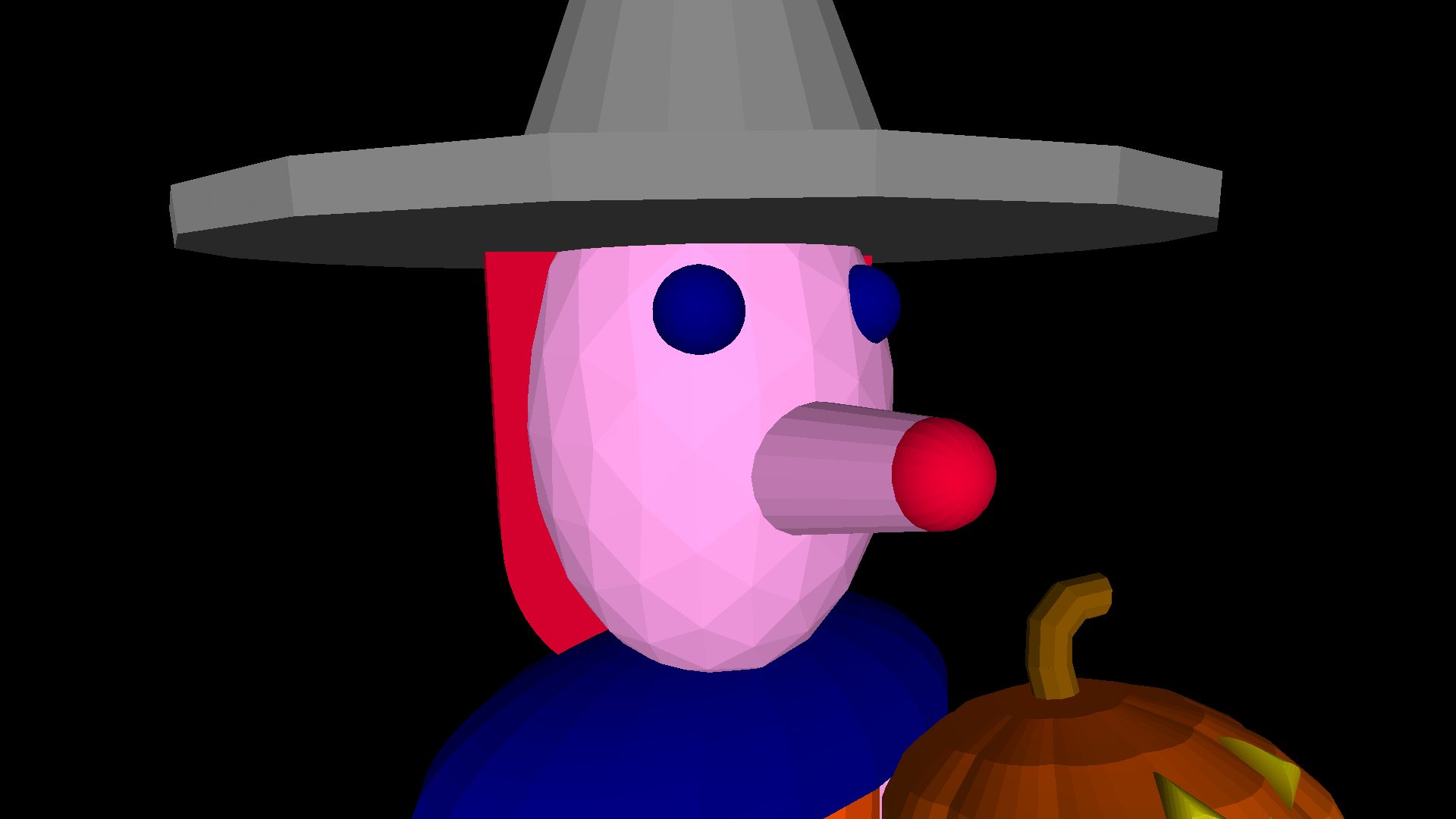
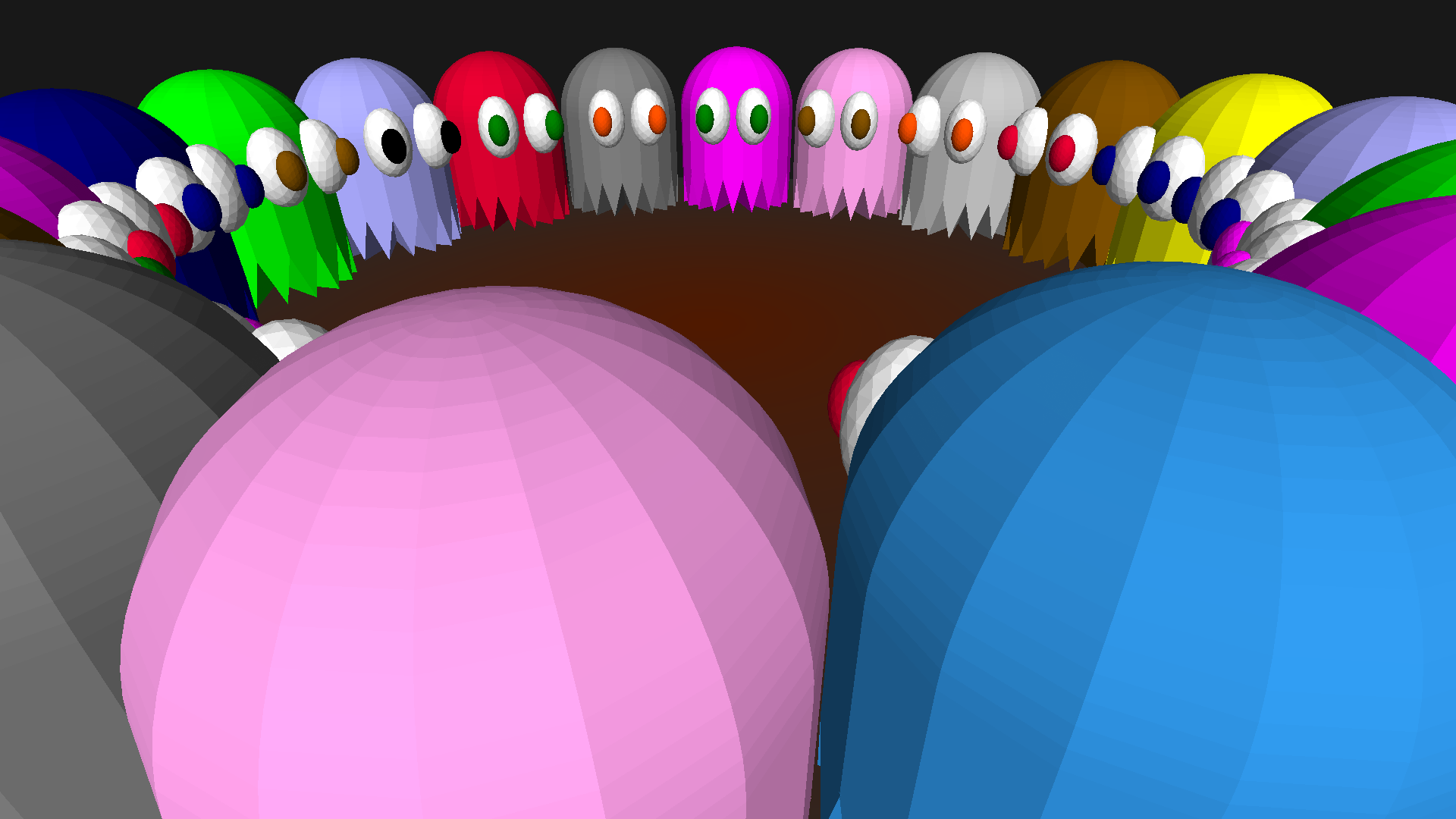
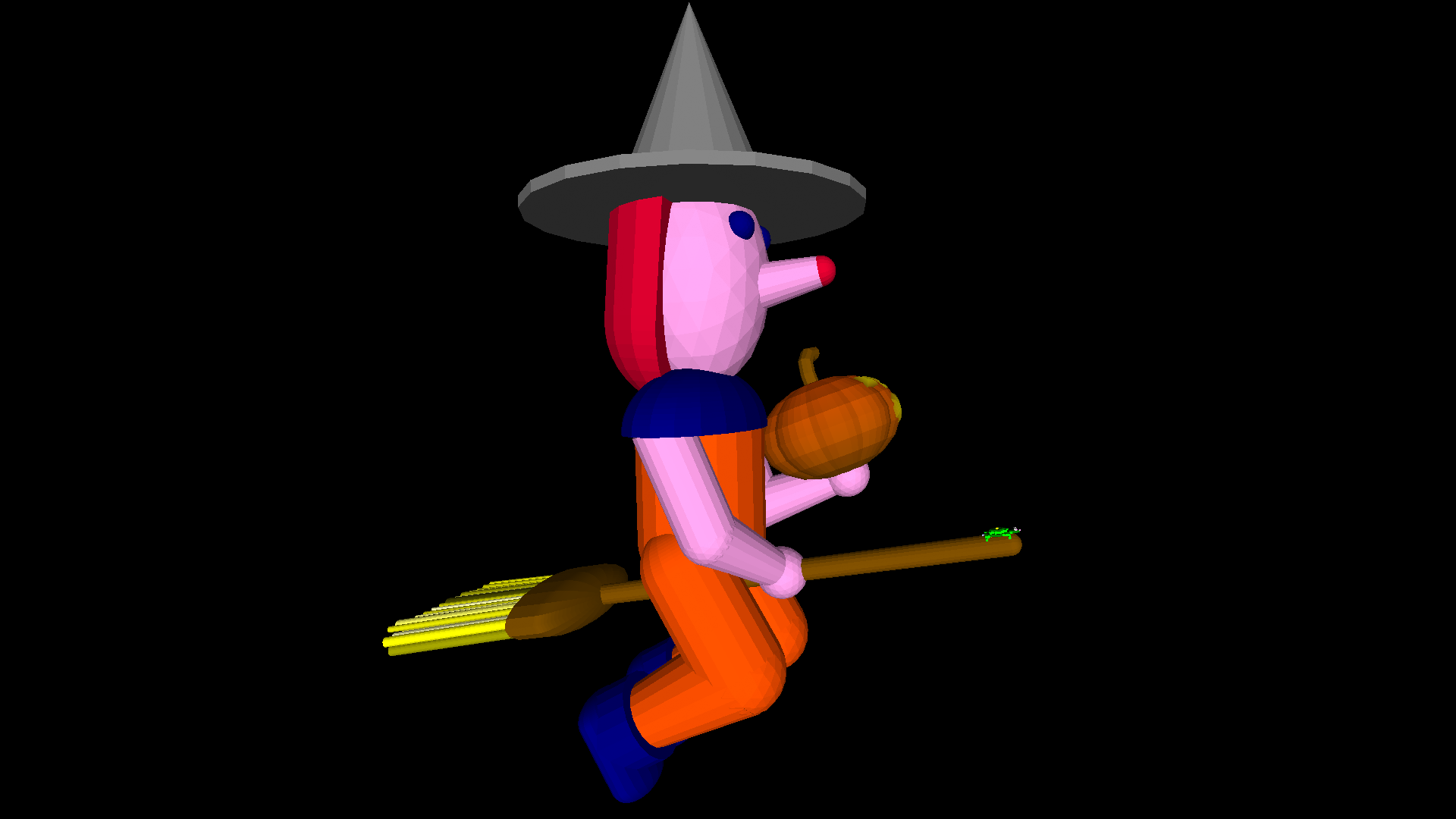
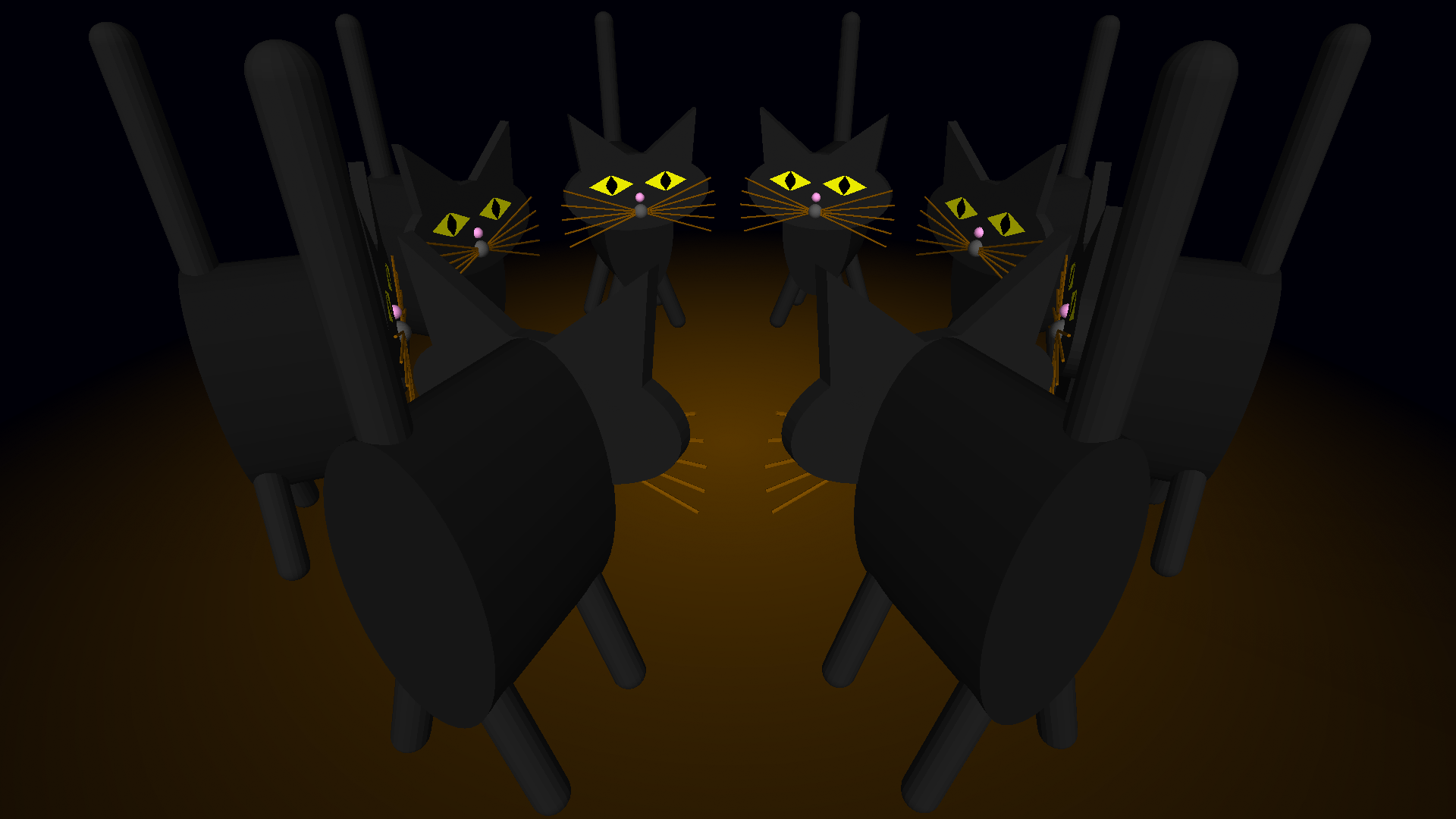
Witches, pumpkins, devils, ghosts and black cats are all haunting turtleSpaces this Hallowe’en! turtleSpaces is great for creating 3D models using code.

You can also find these models in the Published projects section of the webLogo interpreter.

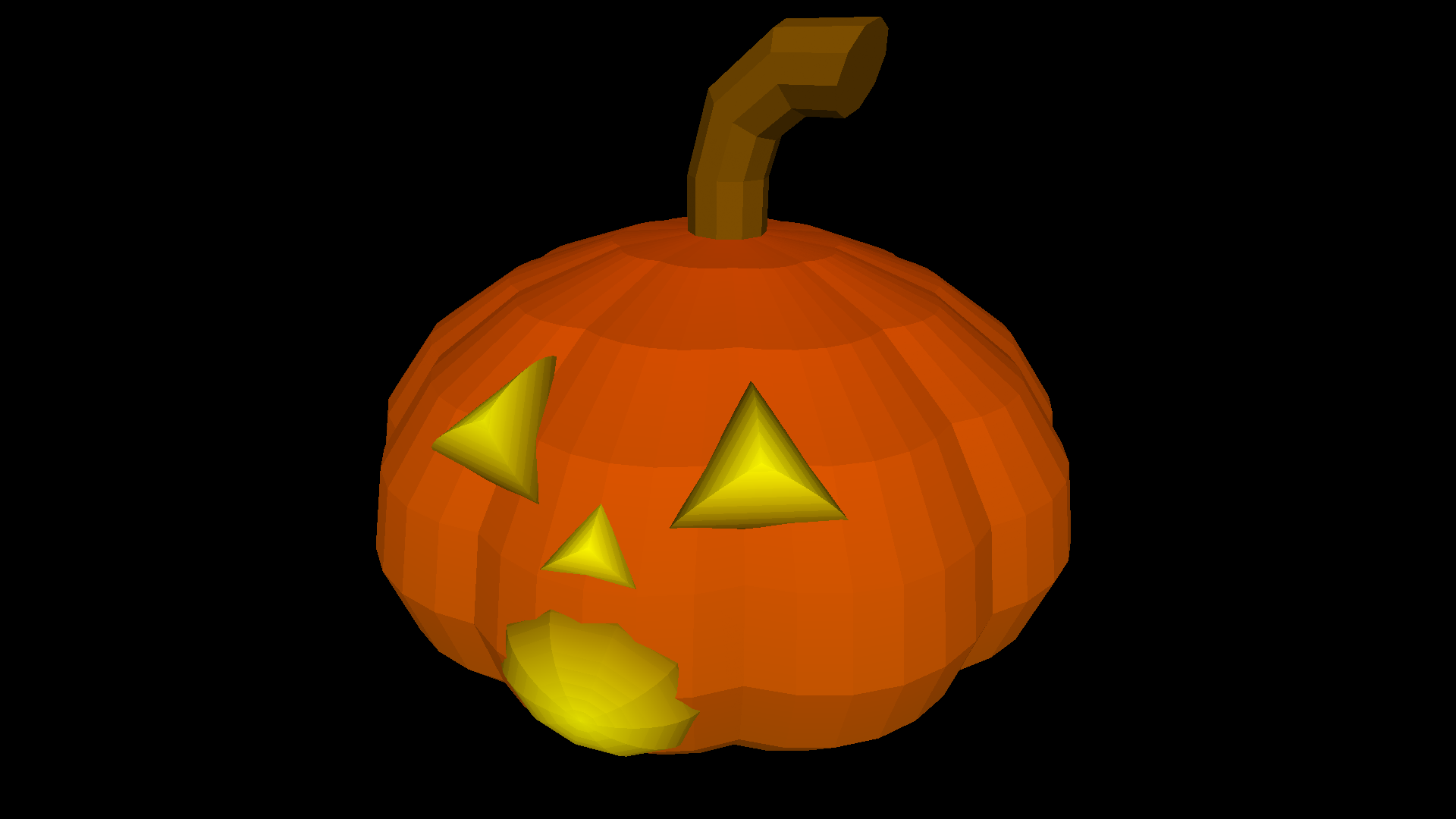
The Pumpkin:
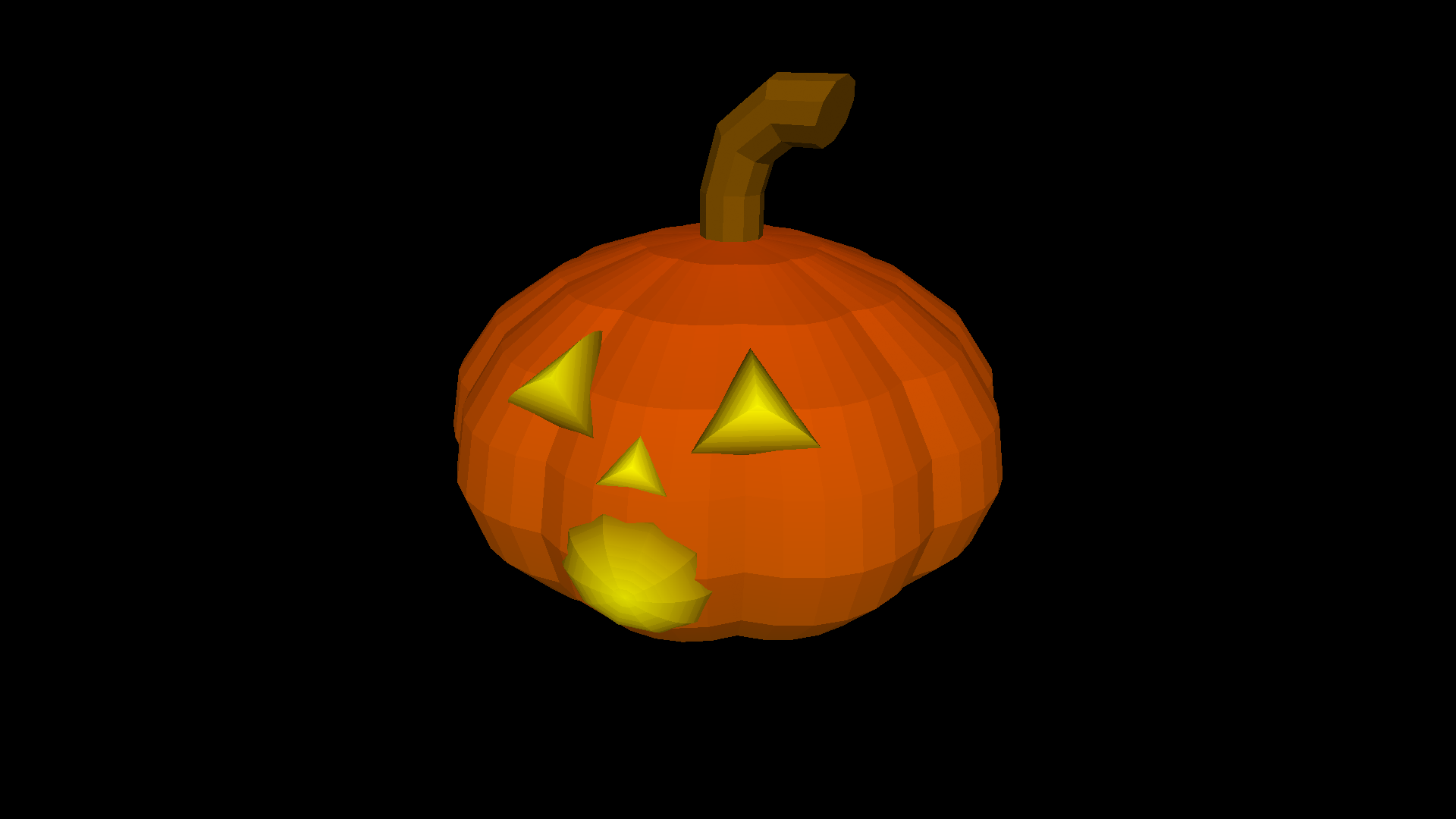
The pumpkin is created using the spheroidslice primitive, which creates an elongated slice of a sphere. By creating ten of these slices (every 36 degrees) we can easily create the pumpkin’s body:
Leer más »

Creating Animated Videos Using turtleSpaces (en inglés)

The above animation was created inside turtleSpaces, and then exported as a webm video file using the savewebm primitive. I then used Final Cut Pro to add the audio and the titles.

The Logo code used to create the animation is fairly straightforward. The turtle moves in an arc outwards from the center, creating arcs around it and generating the pattern. The location and sizes of the arcs depends on the current loop iterations. Graphics rendering is suspended while each ‘frame’ is created, after which the code renders the frame and pauses to ensure the user sees it, then continues on.

Leer más »

A Starry turtleSpaces Logo Introduction Part Two: Starwarp (en inglés)

In this second part of our introduction to turtleSpaces Logo, we’re going to take the stars we made in the first part, and create a ‘rolling’ starfield we are going to move through using the camera turtle, to create a Star Trek-style warp effect.

/img/uploads/2021/09/starwarp.webm

To create this effect, the drawing turtle, Myrtle, is going to create stars deep into the space. The camera turtle, Snappy, will move forward (the camera turtle points into the space, towards Myrtle, by default) following Myrtle as she moves deeper, creating stars.

Leer más »

A Starry turtleSpaces Logo Introduction Part Three: Starwarp Improvements (en inglés)

In the previous episode, we created a progressively-generated starfield we moved through with the camera turtle, creating a cool flying-through-space effect.

But it has a few issues we should address. Firstly, it is possible for a star to end up flying through the windscreen of our spaceship! Which is cool, but looks a bit strange. Second, as the program runs it piles up all of these stars behind us, which can slow everything down. We need to get rid of those. Finally, it would be pretty neat if we could have the stars ‘pop’ into view, so we’ll explore how we can do that.

Leer más »

A Starry turtleSpaces Logo Introduction Part One: Starfield (en inglés)

Traditional Logo had new users build a house as an introduction, but due to turtleSpaces’ 3D nature, starfields are much more impressive, so we’ll start there.

▶ View interactive demo

Click and drag the window above to see all the stars!

Cool huh? First, we’re going to create this simple starfield that wraps around the camera position.

We’ll start by creating the procedure:

Then we’ll add in some setup stuff:

Leer más »

Past and Future Turtles: Logo’s Adventures in Academia (Part 2) (en inglés)

This is a continuation of Past and Future Turtles: The Evolution of the Logo Programming Language (Part 1)

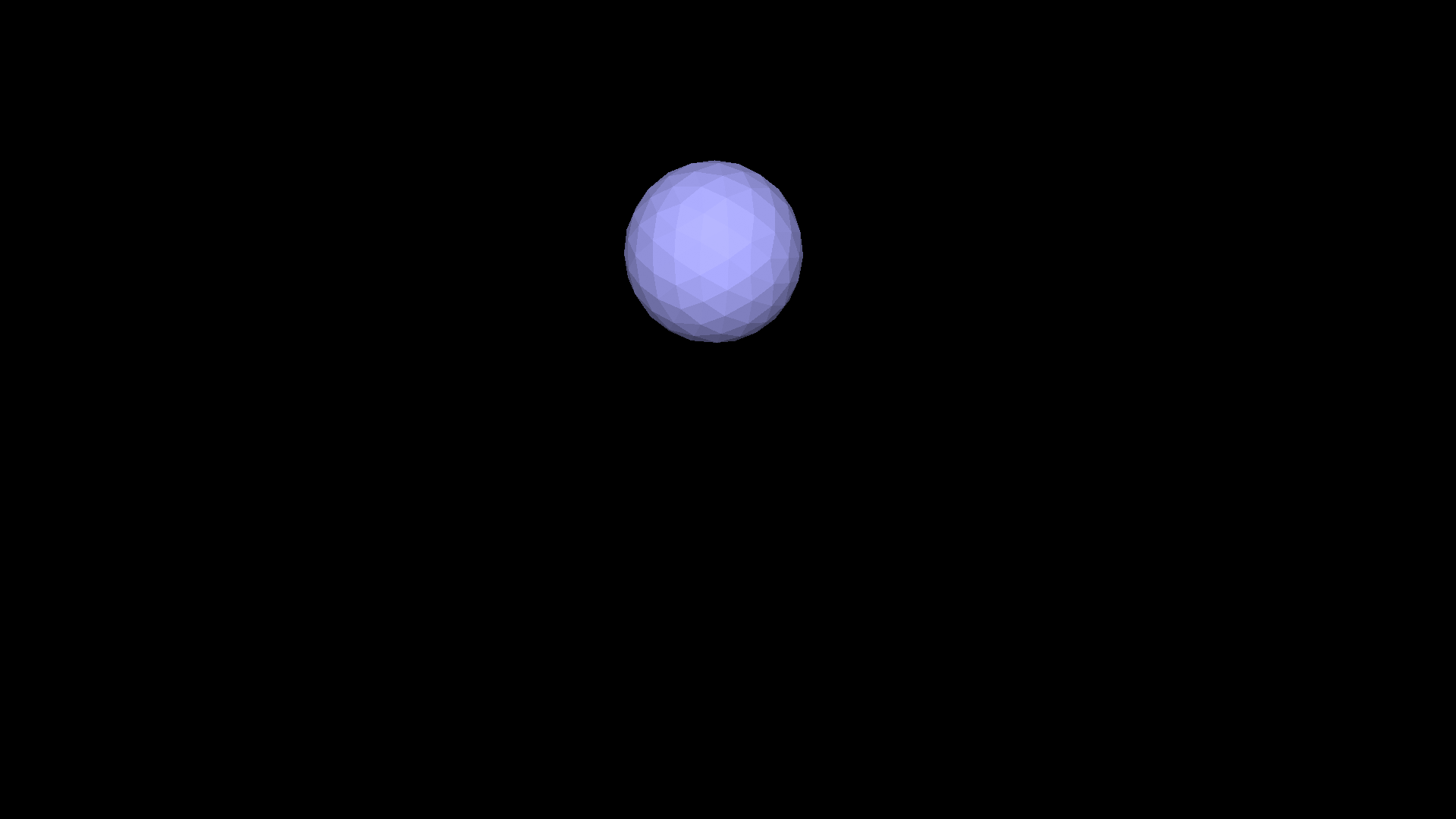
So, Logo was the greatest thing that had ever happened to education, and it was going to foster a bright new generation of geniuses who were going to change the world. We just had to get it out there, and Logo would do the rest.

That was the message its creators sent to the world. And people were listening. In particular, computer manufacturers. It was the early 1980s, an era where the price of a personal computer had dropped into the range of affordability for most of the Western market, with computers such as the VIC-20 and the Sinclair ZX81 costing as little as $100, and even those at the higher-end of the market falling below $1000.
Leer más »

Example: Towers of Hanoi (en inglés)

This rendition of Towers of Hanoi is a simple game to code and makes introductory use of 3D shapes. Recreating it could serve as a great introduction to turtleSpaces and Logo coding in general.

In the game, you attempt to transfer the disks on post 1 to post 3 ending in the same order the disks started in (smallest to largest, starting from the top). To do this, you can transfer disks between posts, but disks can only be placed on top of disks smaller than they are.

Leer más »

How to create and 3D print a chess pawn in turtleSpaces Logo (en inglés)

First, open the weblogo.

Then, click in the bottom right REPL area

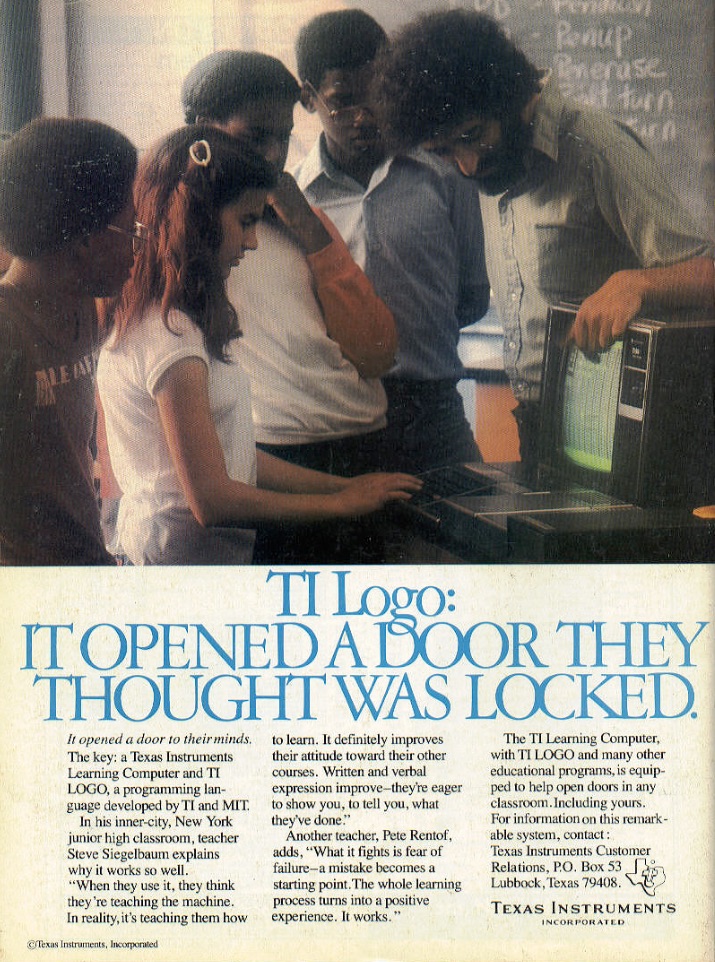
Create the ‘head’ of the pawn using the ico primitive


If you start the line with a cs, you can use the up arrow to go back to the line after adding each command (and seeing the result) to edit what you’ve done and add more! Append all of the following instructions on to the same line, then just keep re-executing it.

Leer más »

Example: Plane Trapped in a Torus (en inglés)

/img/uploads/2021/08/torusplane.webm

This example demonstrates the use of various camera-related functions, shape inversion, the premodel primitive and others to create this cool animation of a plane trapped in a torus!

The procedure first sets the turtle model to the built-in plane model, before creating a tag that sets the color of the torus. Then it creates an inverted torus (one whose inside is rendered instead of its outslde) because we’re going to fly inside it!

Leer más »

A Guide to 3D Printing Using turtleSpaces (en inglés)

This guide is in development

Valid shapes:

Shapes must be closed, that is they must have no exposed ‘inside’ faces. Closed shapes include:

voxel, voxeloid, sphere, spheroid, icosphere, icospheroid, cappeddome, cappeddomoid, cylinder, torus, etc.

Note: the cylinders used for large pen sizes (rope) are valid shapes and appear to slice correctly.

Warning: open shapes will be rejected by your 3D printer’s ‘slicing’ software!

Making hollow forms:

To create a ‘hollow’ form, an inverted shape must be created within the outer shape. For example:

Leer más »