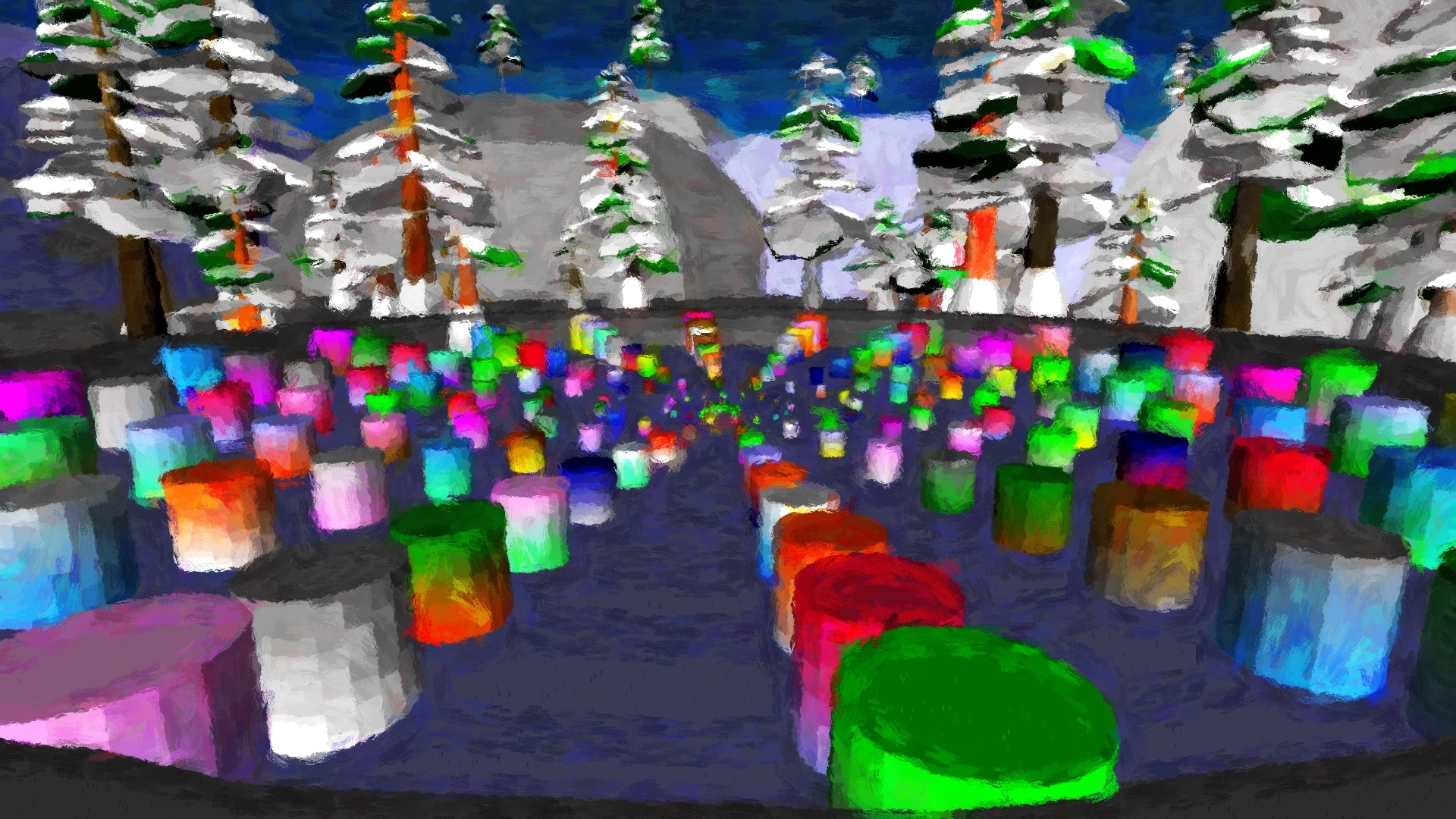
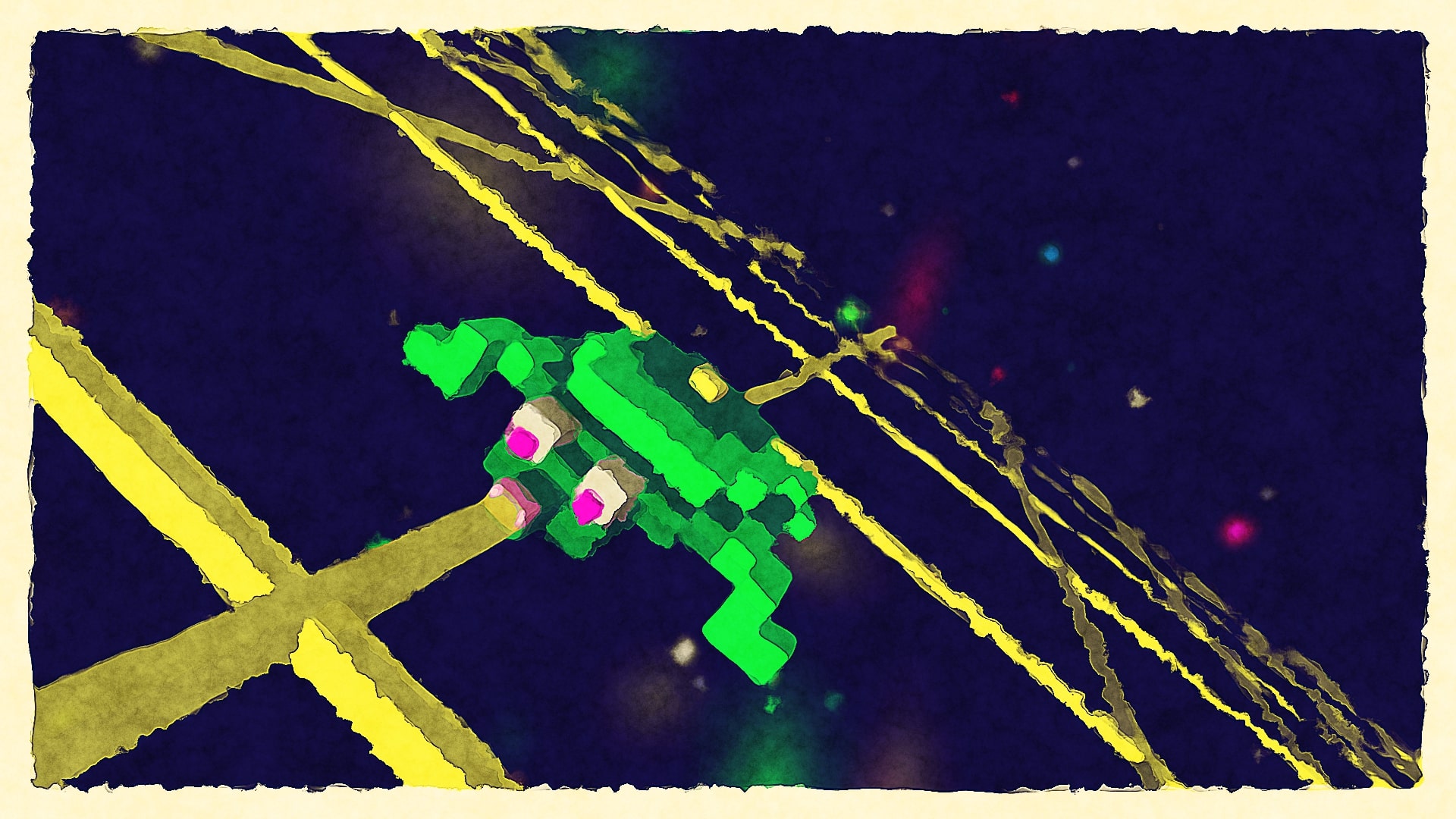
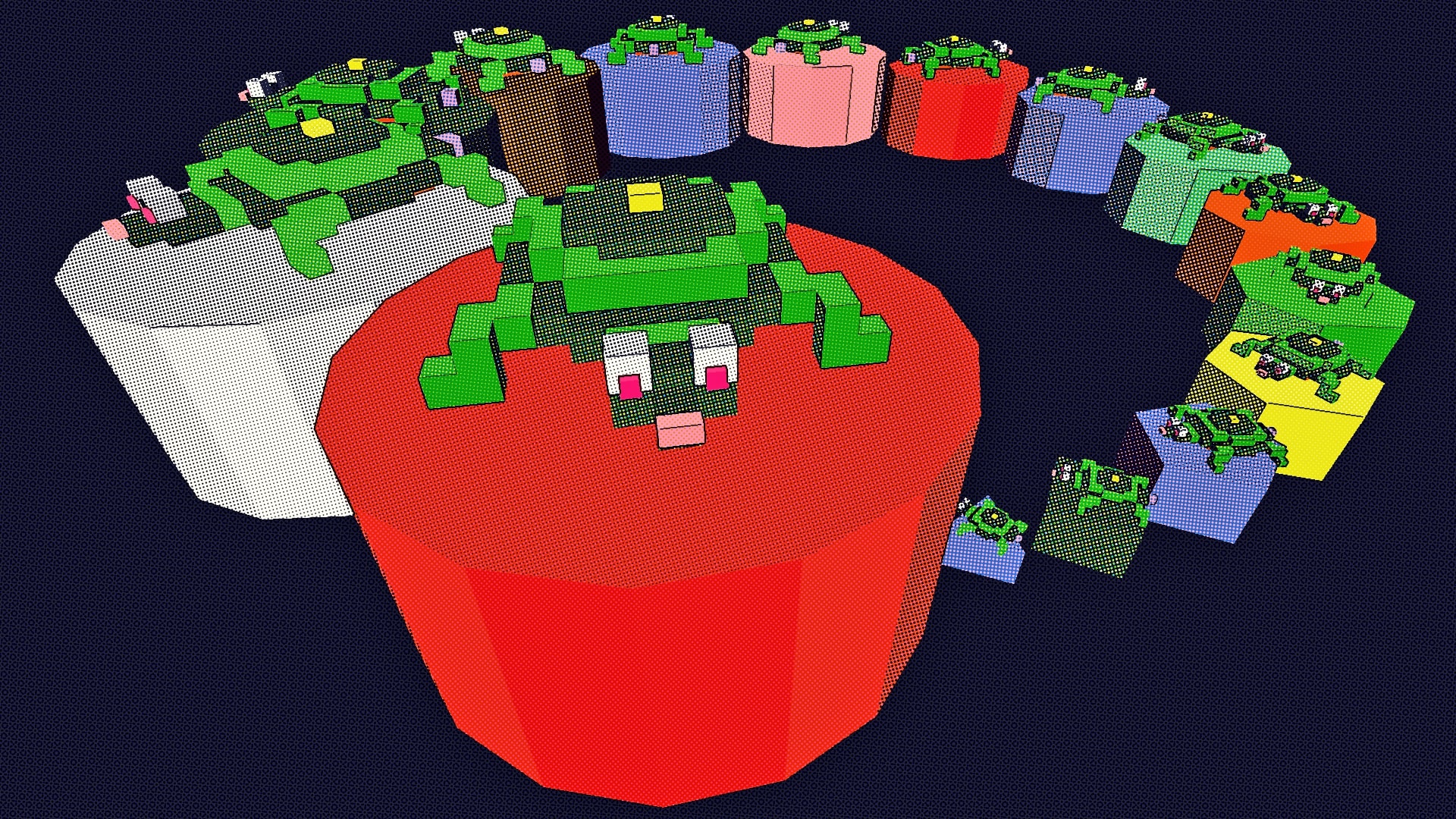
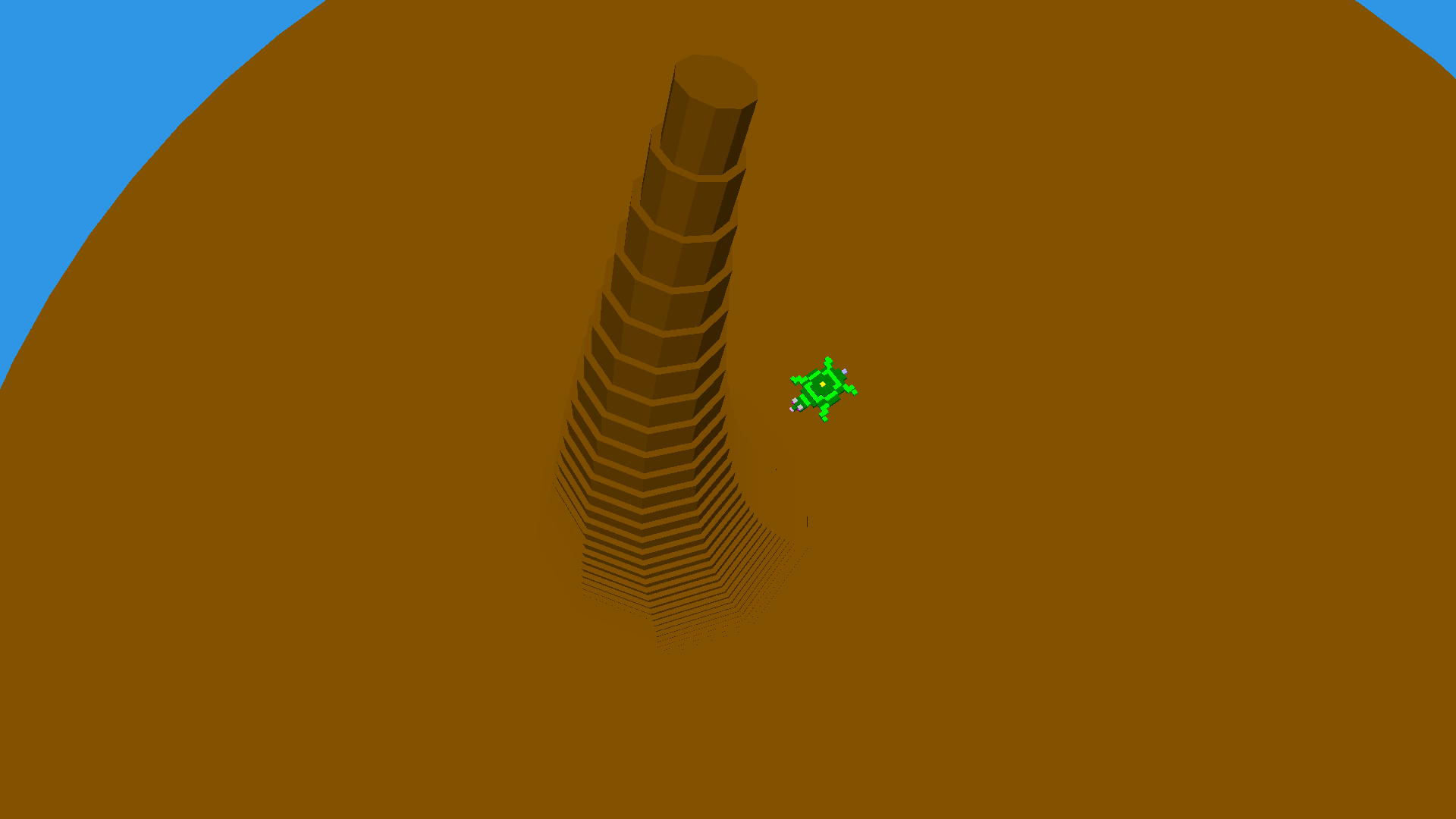
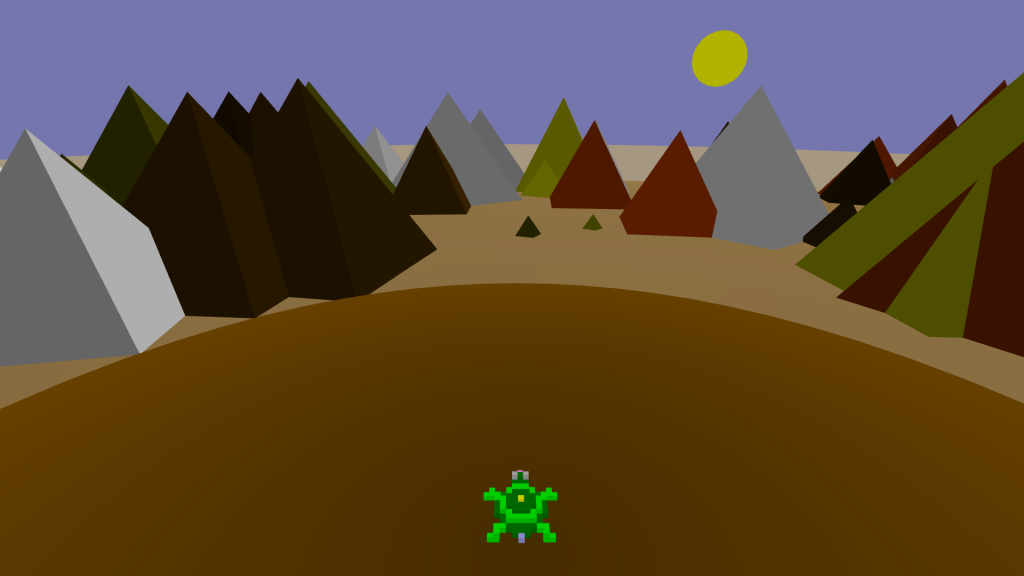
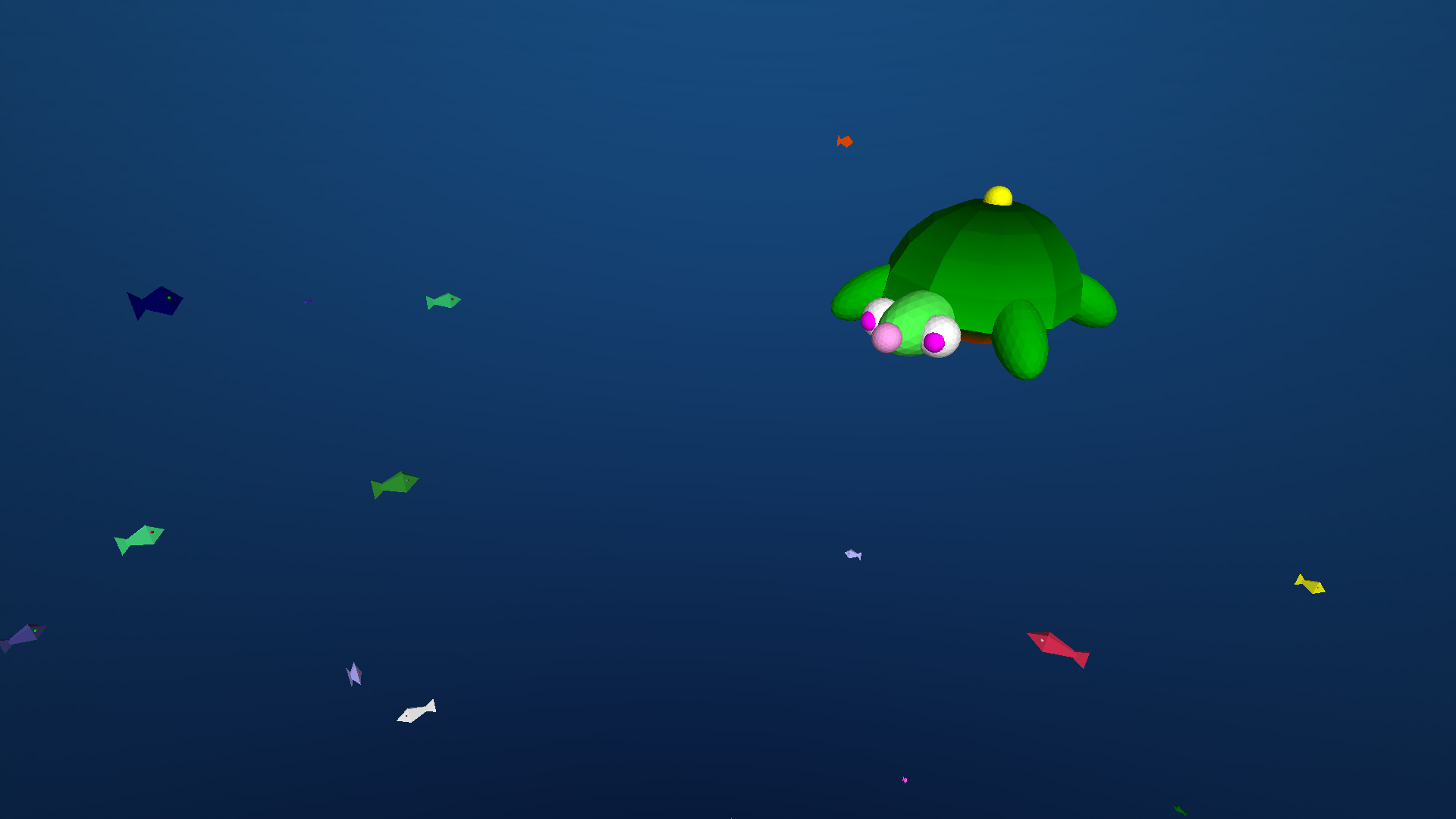
Floaty Turtle is a simple clone of Flappy Bird written in the Logo programming language that turtleSpaces uses.
Open in the integrated development environment (IDE)
NEWTURTLE "myrtle

TO floaty
  ;here is yet another example of a relatively complex
  ;game that can be rather simply implemented in Logo:
  ;a flappy bird clone!

  ;to make it work we use two turtles, one is the player
  ;and the other creates, moves and erases the pipes
  ;these are two seperate 'workers' or threads

  ;this procedure kicks off the game, displays a title
  ;screen, and then manages the player, processing
  ;input and moving the player appropriately

  ;the pipemaker turtle and its pipes procedure
  ;manages the pipes and checks for collisions

  ;the turtle does not move horizontally,
  ;instead the pipes do!

  reset
  cleartext
  setbackgroundcolor pick [6 7 14 5 10 11 14 15]
  ;select a random background color from the given list

  noaudiowait
  ;don't wait for audio to finish playing

  setmodel [penup back 7 stamp "myrtle]
  ;we need to offset Myrtle's actual position more
  ;toward her center for the purposes of this game

  setmodelscale 5
  ;make myrtle big!

  playsound "doodoo
  ;startup sound

  pipemaker:newworker [pipes]
  ;'kicks off' the pipemaker turtle, who
  ;creates and moves the pipes

  ;create the title screen:

  penup
  randomfillcolor
  slideleft 180 forward 5
  settypesize 60
  pushturtle
  ;'push' the turtle's state (position etc) on
  ;to a stack, from which it can be 'popped'
  ;off later

  typeset "Floaty
  popturtle
  ;restore the previously pushed state

  back 100
  randfc
  ;short for randomfillcolor

  pushturtle
  typeset "Turtle
  popturtle
  bk 10 sr 70
  ;back and slideright

  settypesize 10
  randfc
  typeset |Press any key to float!|
  ;title screen complete!

  home
  dn 90 rt 90
  ;down and right

  make "raise 0
  ;the :raise container holds the current
  ;value remaining to float Myrtle upwards

  forever [

    if loopcount = 1 [say "Ready!]
    if loopcount = 16 [say "Set!]
    if loopcount = 31 [say "Go!]
    ;the loopcount is the number of times the forever
    ;loop has executed. Based on that count, say the
    ;appropriate ready set go component

    if divisorp 100 loopcount [
      ;every 100 loops pick a random background
      setbg pick [6 7 14 5 10 11 14 15]
      ;from the given list
    ]
    ;setbg short for setbackground

    dosleep [50] [
      ;try to maintain an average of 50ms to do
      ;the following:

      if loopcount > 30 [
        ;if the loopcount is greater than 30:

        if :raise = 0 [
          ;if the value inside the :raise container
          ;is 0, then lower the turtle 2.5 turtle-units:

          lower 2.5
        ]
        [
          ;otherwise raise the turtle 2.5 turtle-units
          ;and decrease the value inside the :raise
          ;container by 2.5
          raise 2.5
          make "raise :raise - 2.5
        ]

        if keyp [
          ;if a key is pressed, play a sound,
          ;remove the key from the keyboard buffer
          ;and increase the value of the :raise
          ;container by 20:

          playsound "air
          clearchar
          make "raise :raise + 20
        ]

        clean
        ;remove the turtle's 'track' -- it's not
        ;drawing or creating anything so we don't
        ;need to have it piling up

      ]
    ]
  ]
END
NEWTURTLE "pipemaker

TO pipes
  ;the pipemaker turtle's job is to
  ;create the pipes, shift them to the left
  ;and check if they've hit the turtle

  clearscreen
  noaudiowait
  penup
  home
  slideright 250
  back 120
  up 90
  ;position the turtle appropriately for
  ;creating the pipes offscreen to the right

  begintag "move
  endtag
  ;this tag is used to shift the pipes,
  ;by replacing its contents with an ever-
  ;increasing slideleft directive

  make "height 100
  ;this is the starting height of the pipes

  make "heights [0 0 0 0 0]
  ;initialize an 'zeroes' list of pipe heights

  make "score 0
  make "count 0
  ;initialize the score and the pipe count

  settypesize 20
  ;set the type size. Type is the text you
  ;create inside the 3D world

  forever [
    ;do this forever:

    sleep [50]
    ;try to do this stuff in an average of
    ;50ms -- less or more as needed to keep
    ;that average:

    if divisorp 20 loopcount [
      ;every 20 loops:

      inc "count
      ;increase the contents of the :count container
      ;by one

      if loopcount > 60 [
        ;if the loopcount is greater than 60:
        playsound "clang
        inc "score
        say :score
        ;make a sound, increment :score and say it
      ]

      slideright 100

      begintag loopcount
      ;create a new 'tag' for the pipe
      ;so we can remove it after it passes the
      ;left side of the screen

      randomfillshade
      ;select a random fill shade

      make "col 1 + random 5
      ;select a random number and put it in :col

      setfillcolor item :col [12 9 7 6 11 14 10 13]
      ;set that color based on :col's index in the
      ;provided list

      make "height :height + (-60 + random 120)
      ;increase or decrease :height based on a
      ;random number

      if :height < 20 [make "height 30 + random 20] if :height > 120 [make "height 110 - random 20]
      ;if too high or low, pick a new value higher
      ;or lower as needed

      queue :height "heights
      ;add the new height to the list of heights

      ;create the lower pipe:
      cylinder 20 :height 50
      lower :height
      setfillcolor item :col [4 8 6 2 1 12 5 3]
      ;select the complementary color for the pipe

      cylinder 25 20 50
      lower 50

      ;type the pipe number:
      down 90 right 90 back 10
      if :count > 9 [bk 10]
      inscribe :count
      if :count > 9 [fd 10]
      forward 10 left 90 up 90
      ;if gameplay is too slow, comment out
      ;the above five lines

      ;create the upper pipe:
      lower 50
      ;remember, the turtle is upside down!
      cylinder 25 20 50
      lower 20
      setfillcolor item :col [12 9 7 6 11 14 10 13]
      cylinder 20 120 - ypos 50
      raise :height + 120

      endtag
      ;close the pipe 'tag'

      if loopcount > 119 [erasetag loopcount - 100]
      ;erase the pipe that has left the screen

      ignore pop "heights
      ;remove its height from the :heights container
      ;and just throw it away (ignore it)
    ]

    if loopcount > 60 [
      ;check for crash:
      if (or
        myrtle:ypos > (-120 + (90 + item 3 :heights))
        myrtle:ypos < (-120 + (20 + item 3 :heights))
        ;the third item in the :heights list is the
        ;height of the pipe around where the turtle
        ;is, so we can use that to see if we've hit
        ;anything
      ) [
        (print |Crash! Final Score: | :score)
        print |Press flag icon to play again!|

        calm "myrtle
        myrtle:run [setfillcolor 1 icosphere 30]
        ;red ball

        audiowait
        playsound "crack
        playsound "aw

        myrtle:clean
        ;gets rid of the red ball

        noaudiowait
        playsound "fall
        say |too bad|

        myrtle:repeat 90 [
          forward 3 lower 3 wait 1
        ]
        ;fall to the ground

        audiowait
        playsound "crash
        finish
        ;that's all folks

      ]
    ]

    replacetag "move [slideleft loopcount * 5]
    ;increase the value of the slideleft
    ;command in the move tag, shifting the
    ;pipes to the left

  ]

  ;and that's it! Not really much code, is it?

END