Updates

News

This is where we post turtleSpaces news: release notes, new features, example programs and Logo tutorials from the team.

For the latest round of changes, start with What’s new in 2026. To try anything you read about here, open the turtleSpaces IDE in your browser. There is nothing to install.

Questions, bug reports or something you made that you’d like to share? Write to help@turtlespaces.org.
Read More »

What's new in 2026

It has been a busy year for turtleSpaces. Here are the highlights. You can try all of them in the turtleSpaces IDE, which runs in your browser with nothing to install.

A new IDE in your browser

The web IDE has been rebuilt from the ground up. When you open it, you land straight in a running example project to play with. You only need to sign in when you want to save or publish your work.

Read More »

Introducing Model Context Protocol server

turtleSpaces MCP (Model Context Protocol) Integration

Overview

turtleSpaces supports the Model Context Protocol (MCP), enabling AI assistants like Claude and Gemini to interact directly with the Logo programming environment. This integration allows AI models to read, write, and execute Logo code, capture graphics output, and manage projects.

Command Line Options

To enable MCP mode in turtleSpaces, use the following command line options:

  • -mcp – Enable MCP server mode
  • -mcp-port <port> – Set the MCP server port (default: 1967)

You can also start the MCP from the File menu…

Read More »

Recent turtleSpaces Updates (May 2025)

Hello turtleLand!

We’ve added a ‘Live Coding’ option under the Settings menu that when enabled will allow updates to the code space without terminating the running process, meaning you can make changes to the code and see how they affect the already running worker.

We’ve made buttons, stickers and overlays work in the web IDE (and hence again in the application, which is now a wrapped version of the Web IDE with a native ‘backend’ (the engine that does all the complex stuff).

Read More »

Introducing Spaces

Spaces contain subsets of the broader turtleSpaces primitive (keyword) set dedicated to various types of creation. They also have restricted feature sets, to enable gradual exposure to everything turtleSpaces has to offer.

You can select a Space from the menu provided by clicking on the name of the current Space (eg omniSpace) in the top-left corner of the web IDE, or by clicking on the link in the following list:

Read More »

IDE now available in offline (downloaded) version

We are pleased to announce that turtleSpaces now supports offline use of the web-based Integrated Development Environment. Simply download turtleSpaces for your relevant platform, and once you’ve signed in to a local account, type IDE in the console.

Your default web-browser should then open with the IDE in a new window or tab. You can use this IDE to control your local copy of turtleSpaces. This means that execution of Logo programs will generally happen much faster. Loading and saving will happen to / from your local turtleSpaces folder (present in your home or User folder).

Read More »

Bales, Missiles and Triggers, Oh My!

turtleSpaces is great for creating 3D models and animations, but we also want it to be great for games. Unfortunately, the interpreter is not the fastest thing around — but that’s okay! We can compensate by creating new commands that work ‘under the hood’ to take care of certain game elements.

Bales are groups of turtles that all execute the same code, for example alien attackers in a space battle game. They are declared similarly to turtles, using a NEWBALE declaration.

Read More »

Introducing Environments

Environments are a cool new way to get started with Logo. turtleSpaces now provides a variety of environments in different settings to inspire Logo creation:

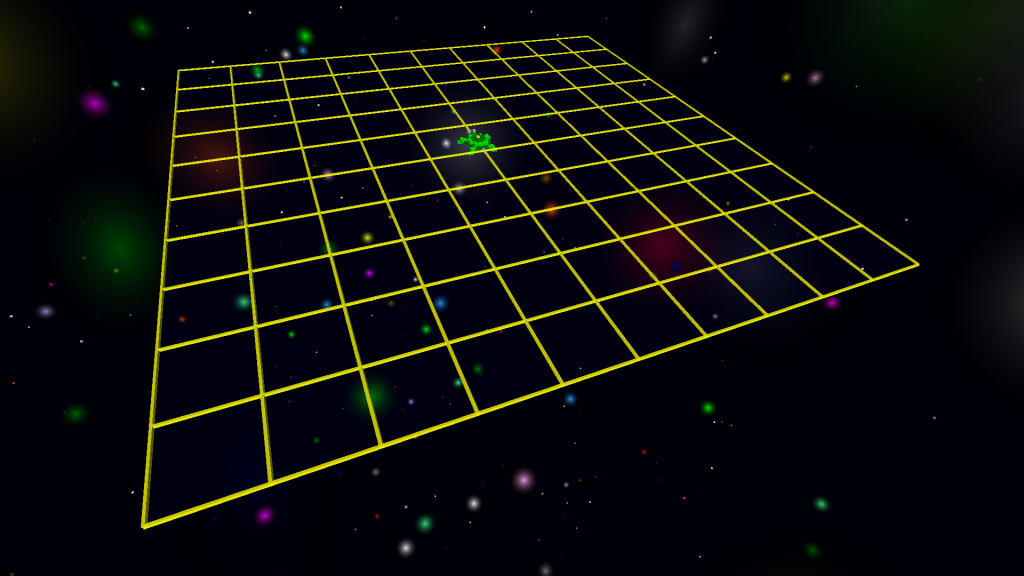
Starry Night and Star Platform – Myrtle builds in space!

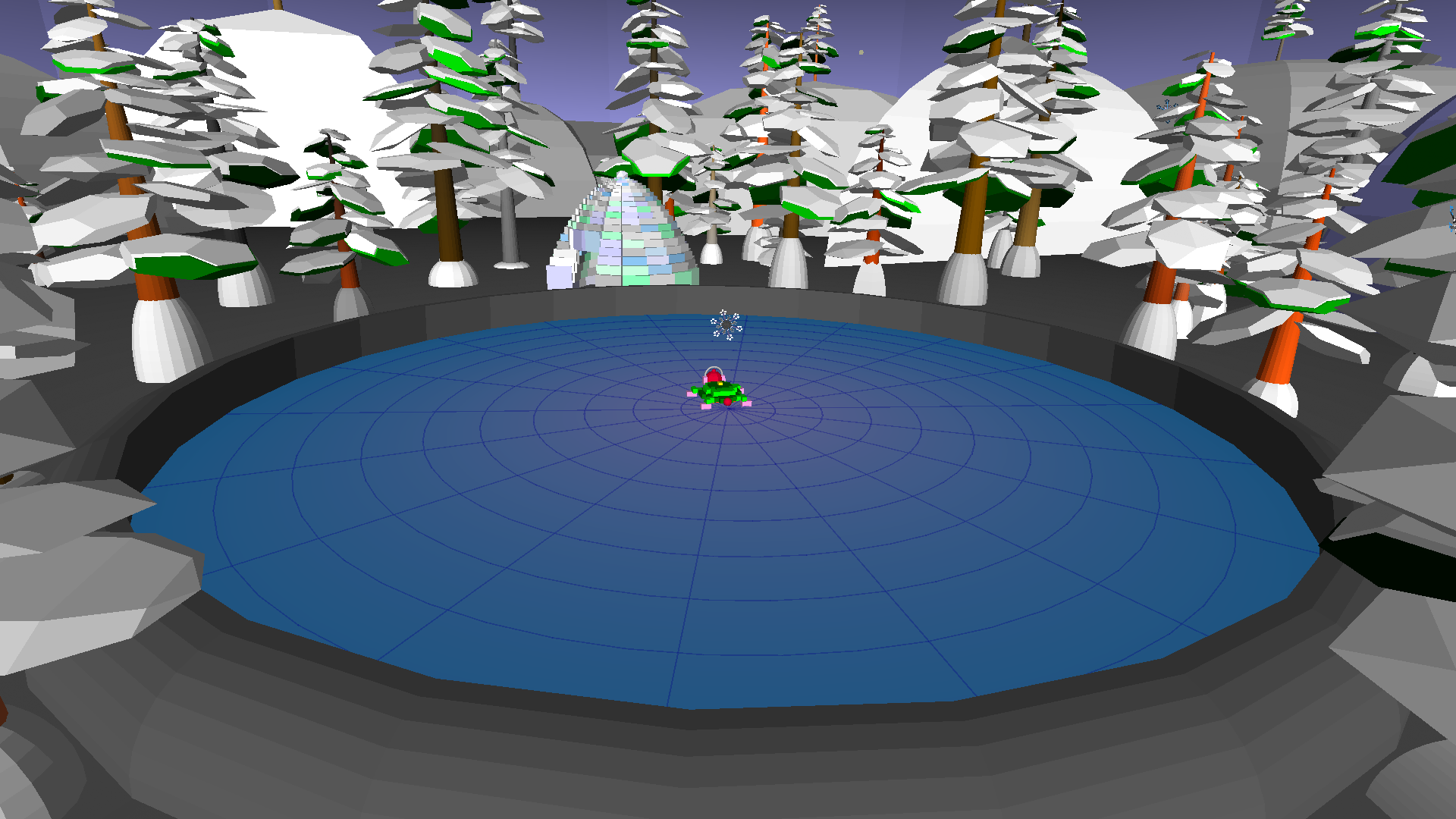
Winter Ice Pond – Myrtle goes skating!

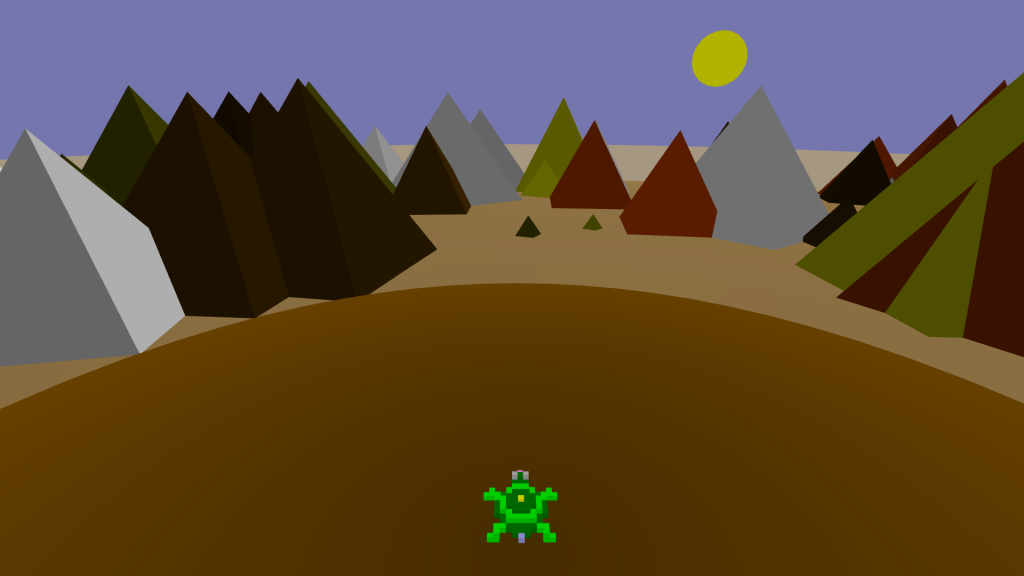
Pyramid Desert – Build a monument to the Gods!

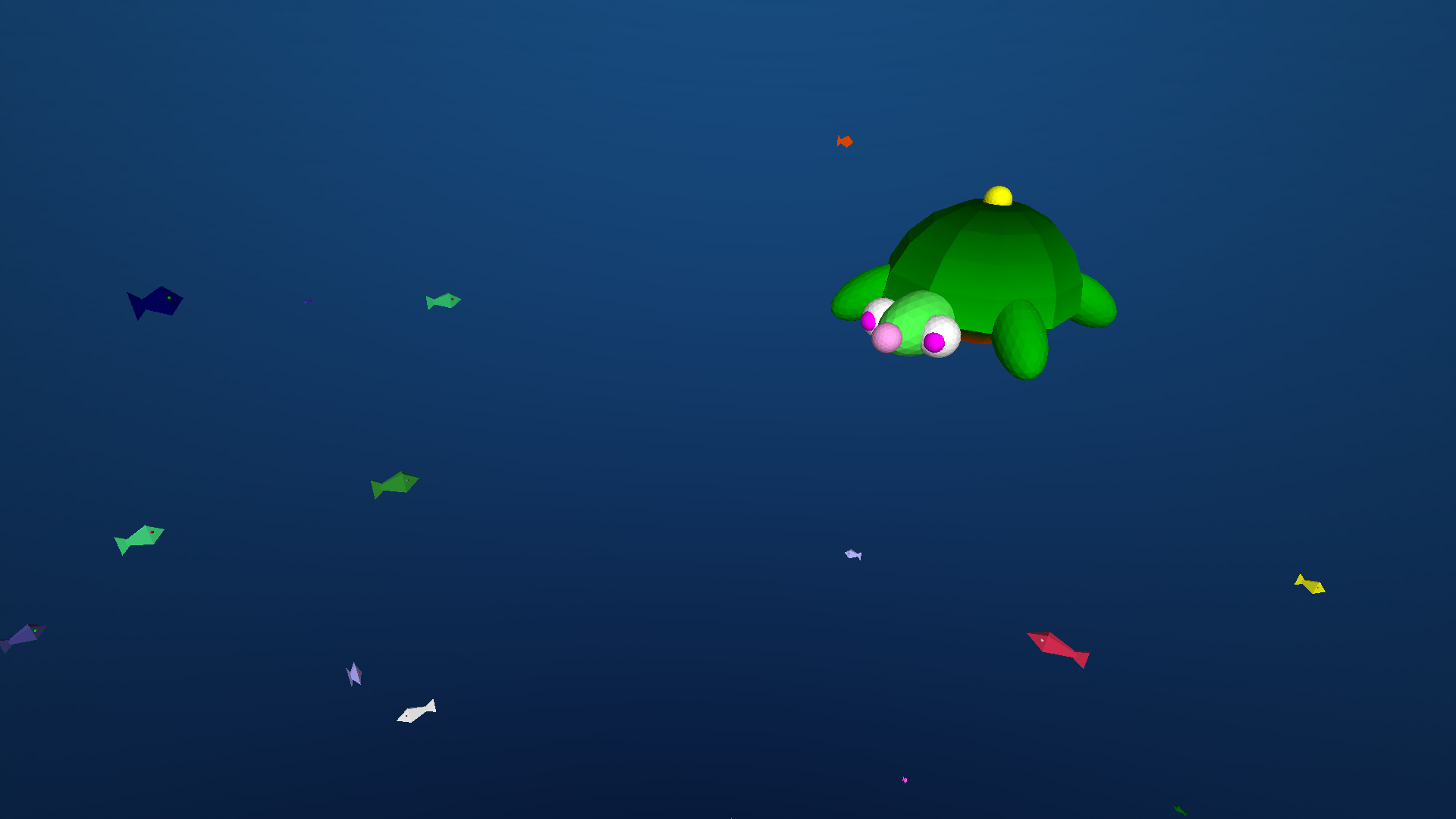
Under the Sea – Shelly swims with the fishes!

Forest Cabin – Myrtle’s hideaway in the woods.

Read More »

New WebAssembly Build of turtleSpaces Logo Now Available

To make turtleSpaces more accessible to our users, we’ve created a WebAssembly build of turtleSpaces and paired it with a new Javascript front-end UI that renders turtleSpaces output natively in the browser, and has a code editor with syntax highlighting.

It comes with a number of built-in examples, and a fairly complete set of features: loading from the local machine, saving to the local machine, exporting STL, exporting PNG (high-resolution), and sharing using the turtleSpaces model viewer (which unlike STL is in full color).

Read More »

turtleSpaces Model Web Viewer

On our journey to porting turtleSpaces to the Web (yes, that’s coming!), we’ve added a primitive, SHAREVECTORS “description (or |description|) that allows users to share their creations to the web. SHAREVECTORS will return a link to the turtleSpaces website where you can view a static model, as it was in turtleSpaces when you executed the SHAREVECTORS command.

Note that the camera in the web viewer is currently fixed to the Y axis and is oriented upward, and so you need to ensure your models are oriented that way (they should look correct if you issue a CAM:CS to return the camera turtle to its home position).

Read More »