This simple yet attention-grabbing Logo procedure is a real visual treat, creating random three-dimensional ‘flowers’ based on the sine function. This could spice up a math class or just provide a brief introduction to sine waves in general.
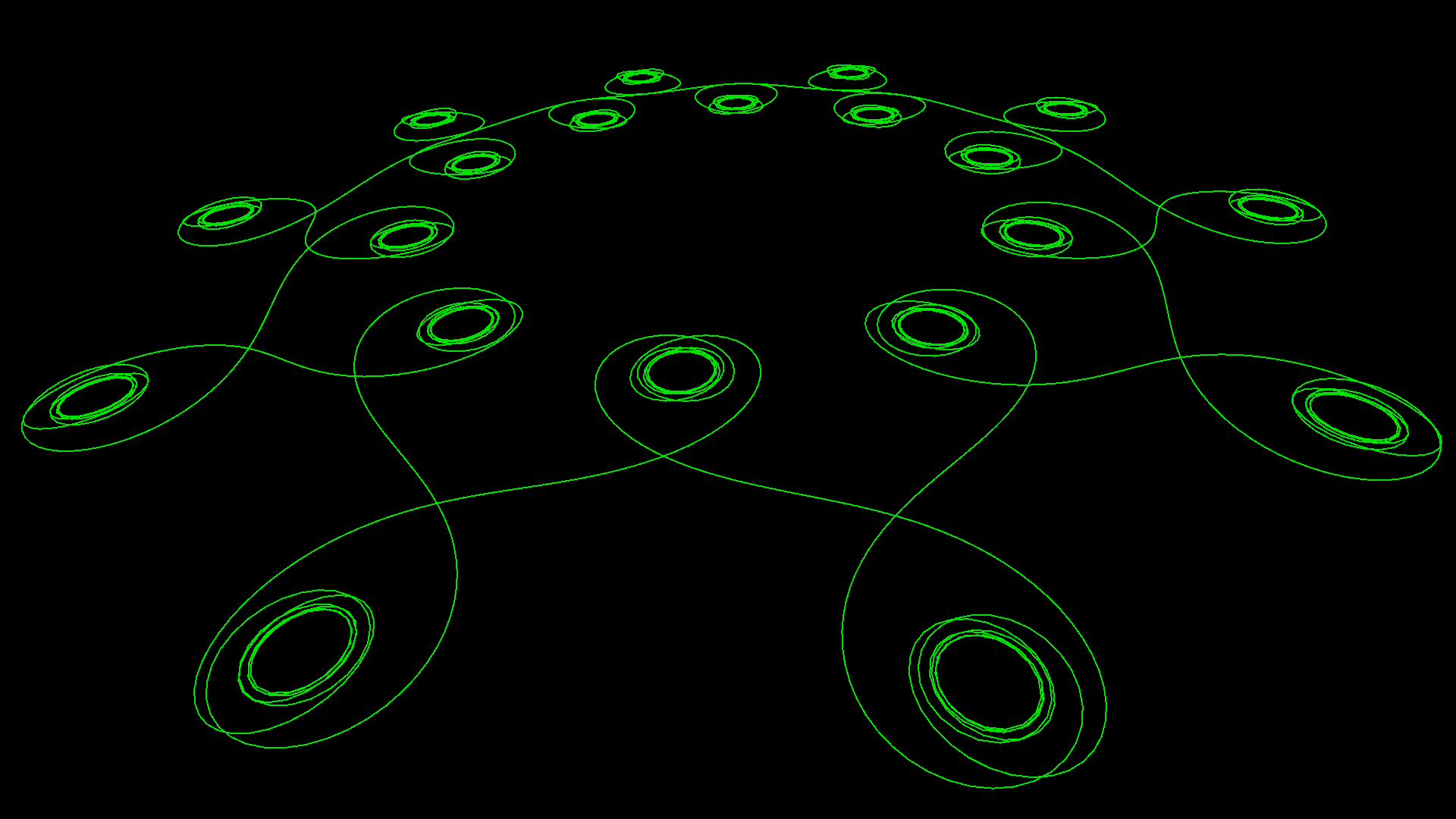
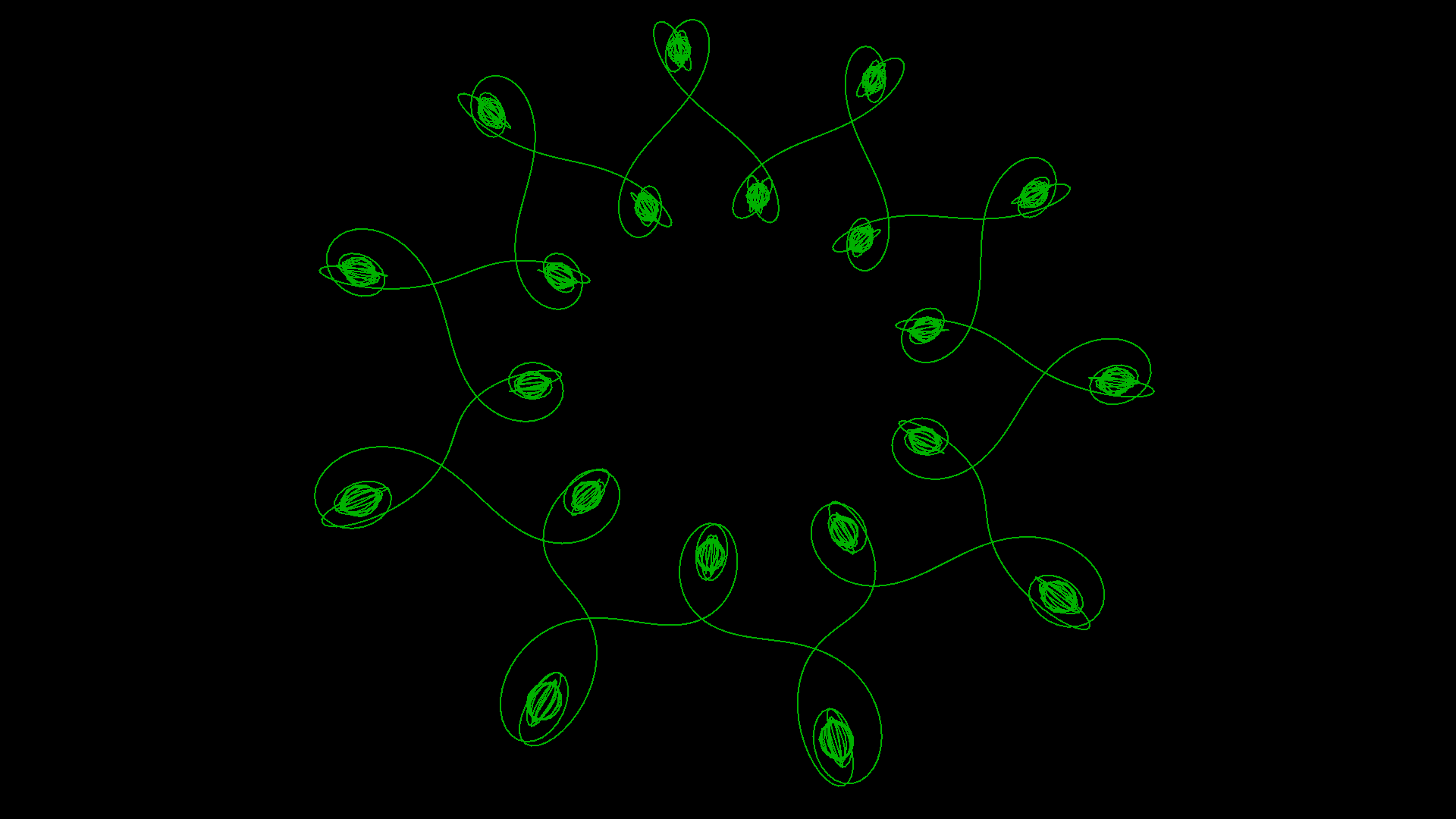
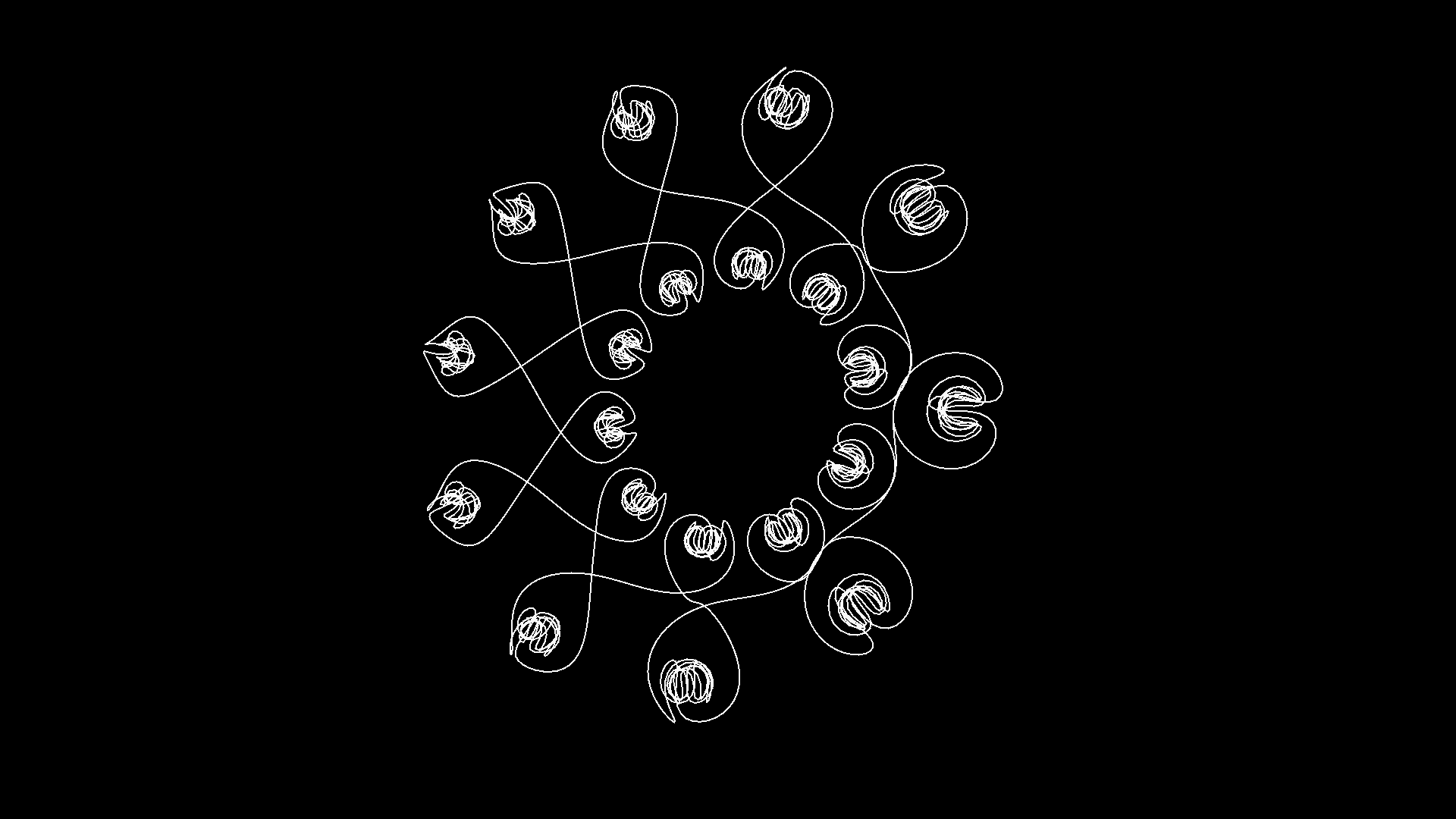
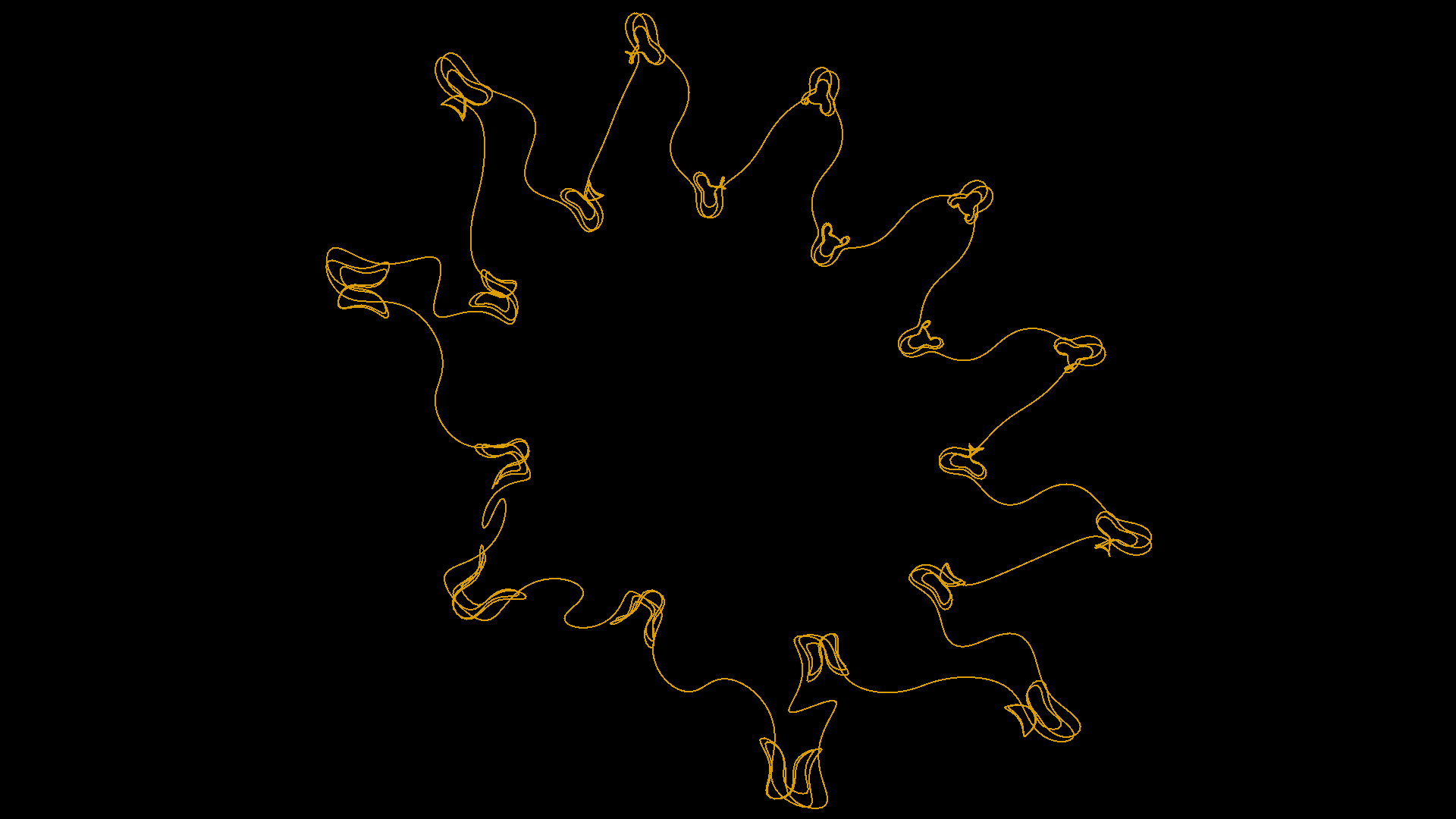
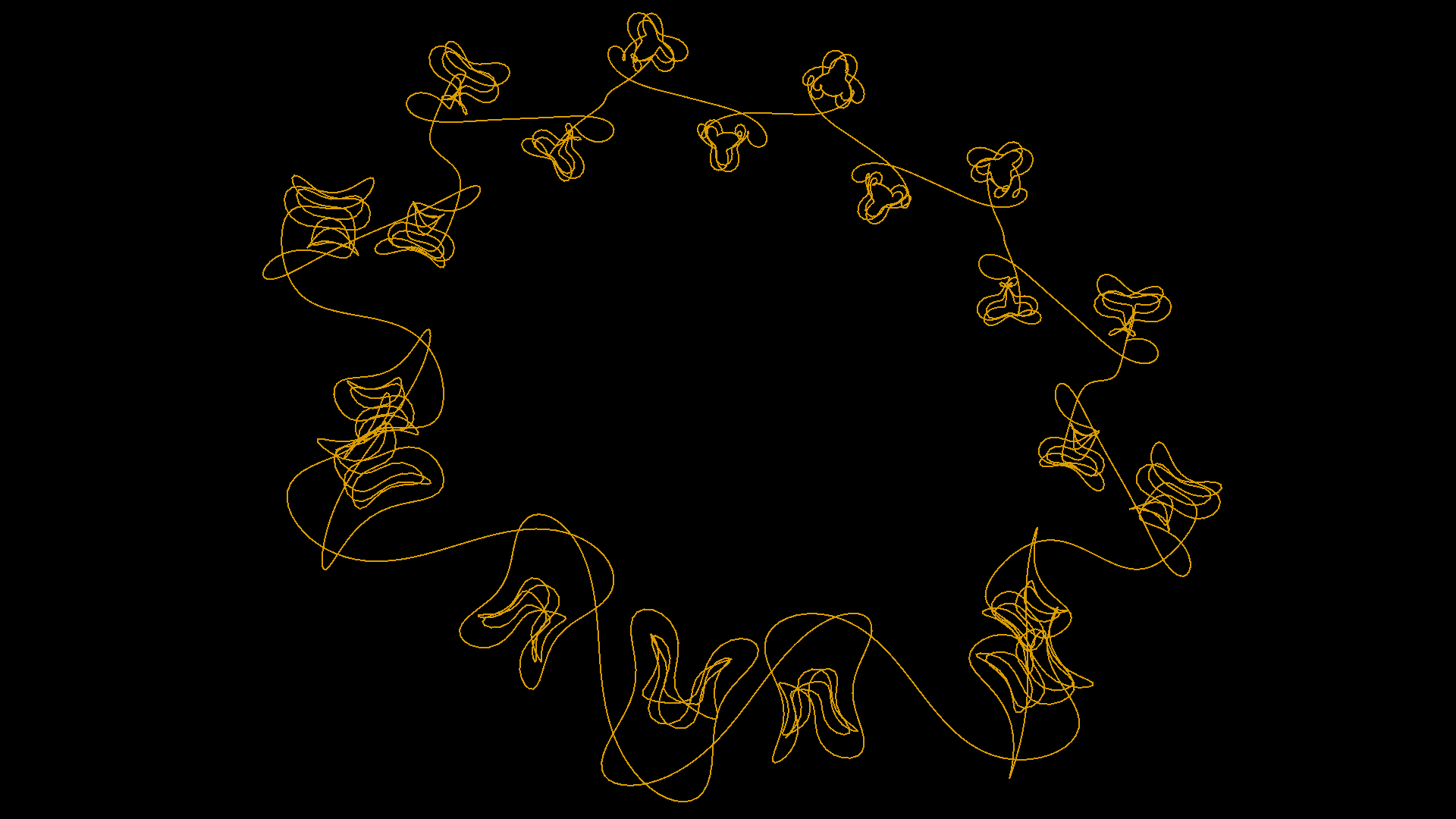
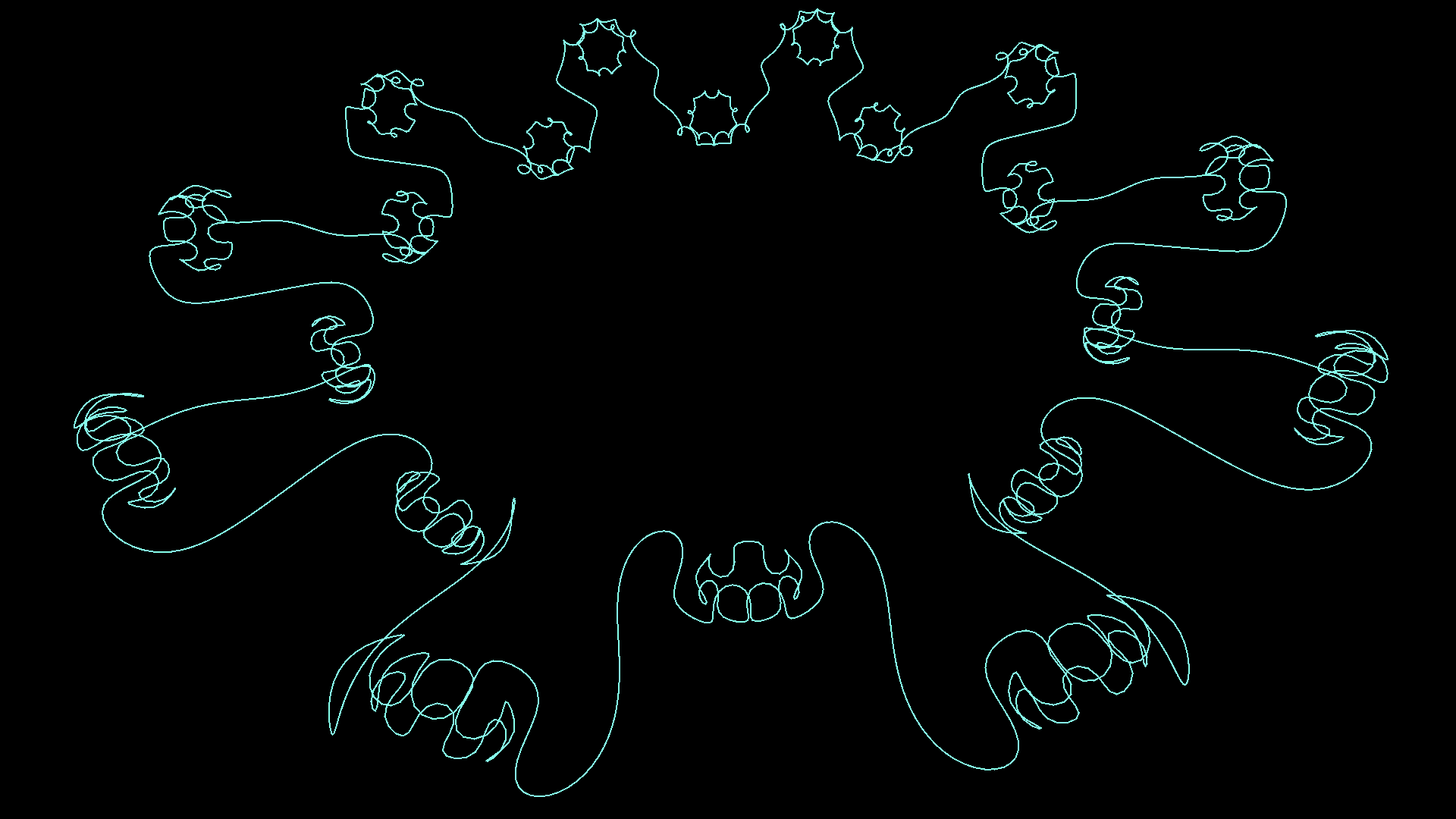
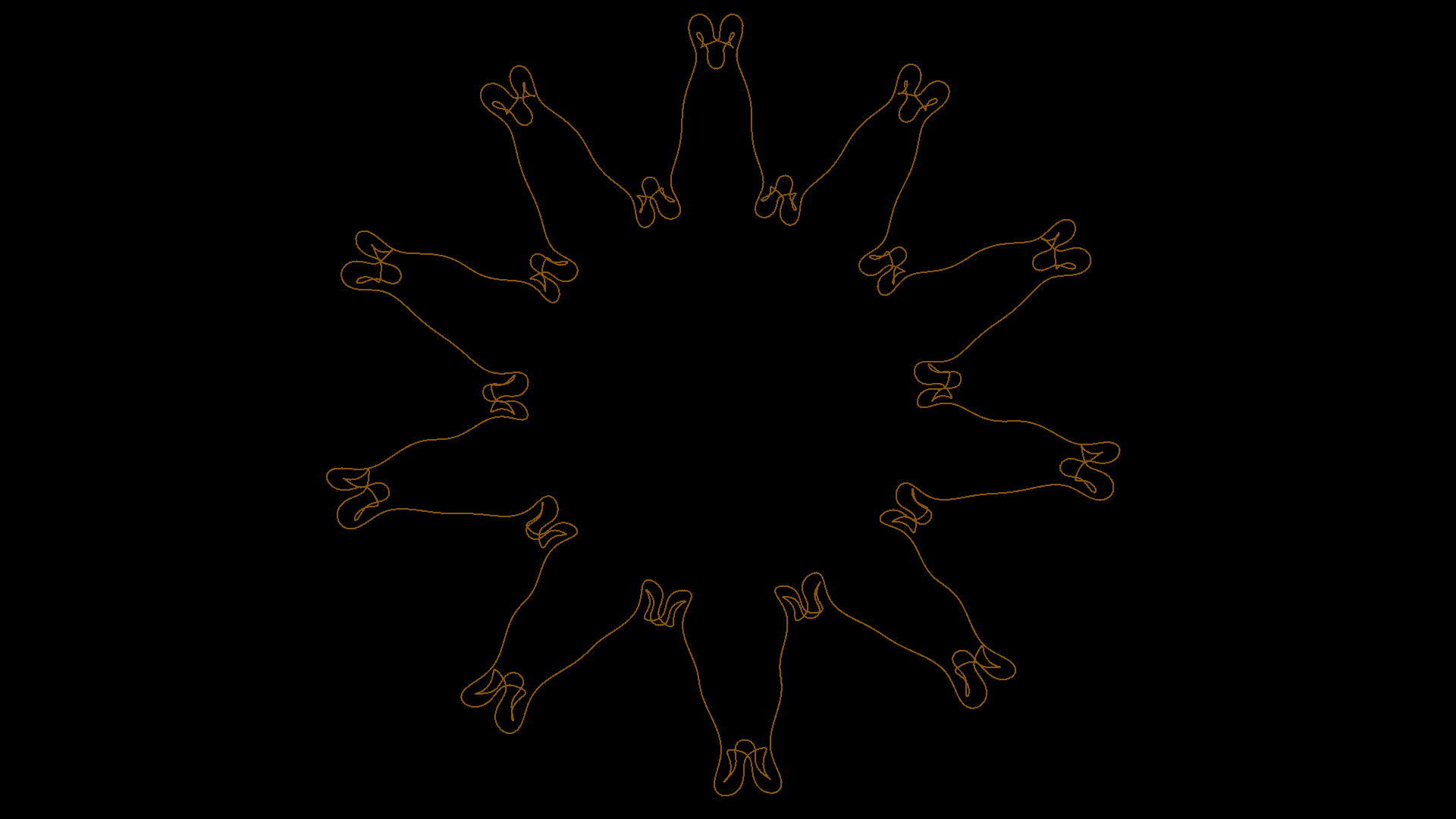
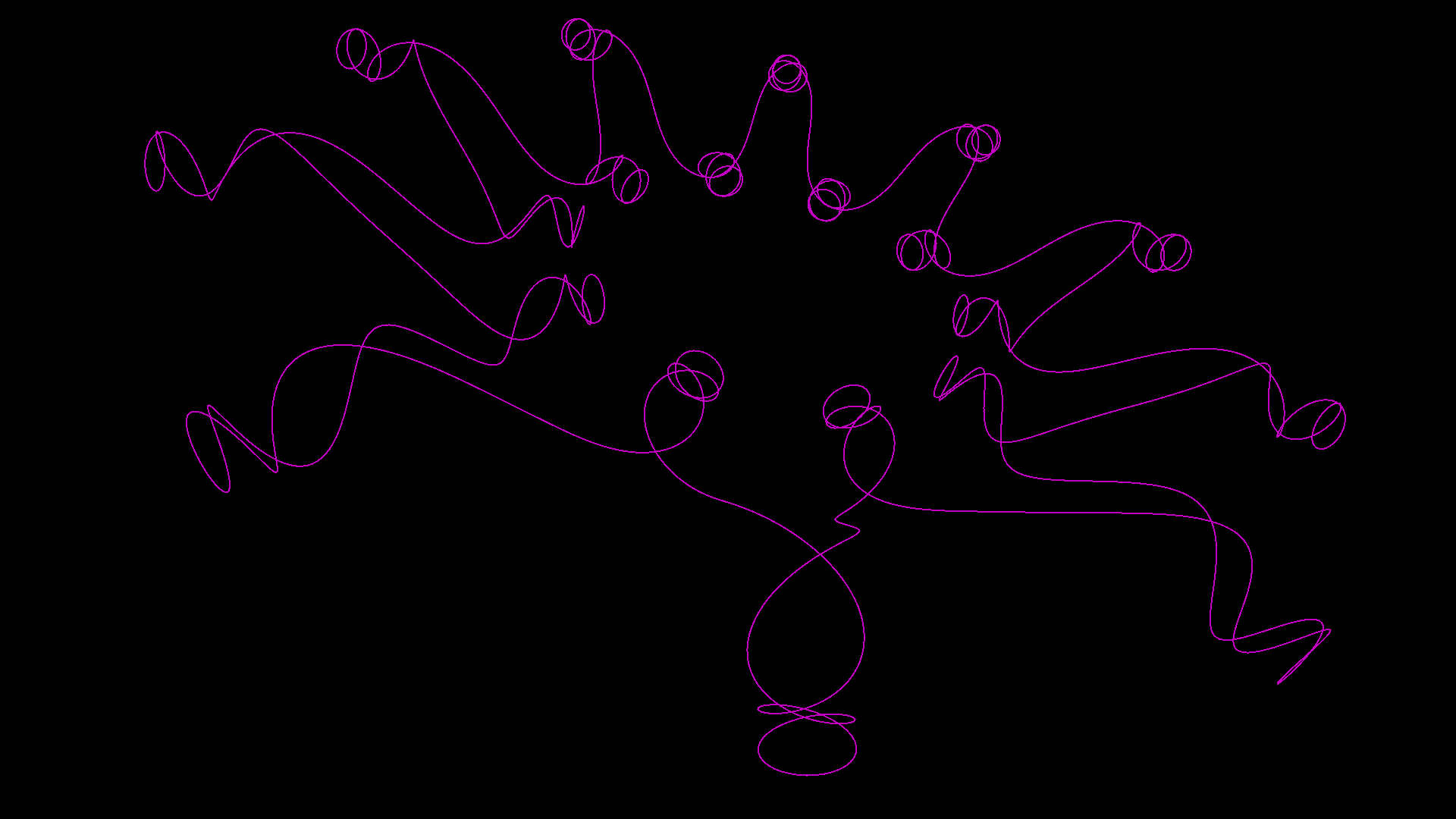
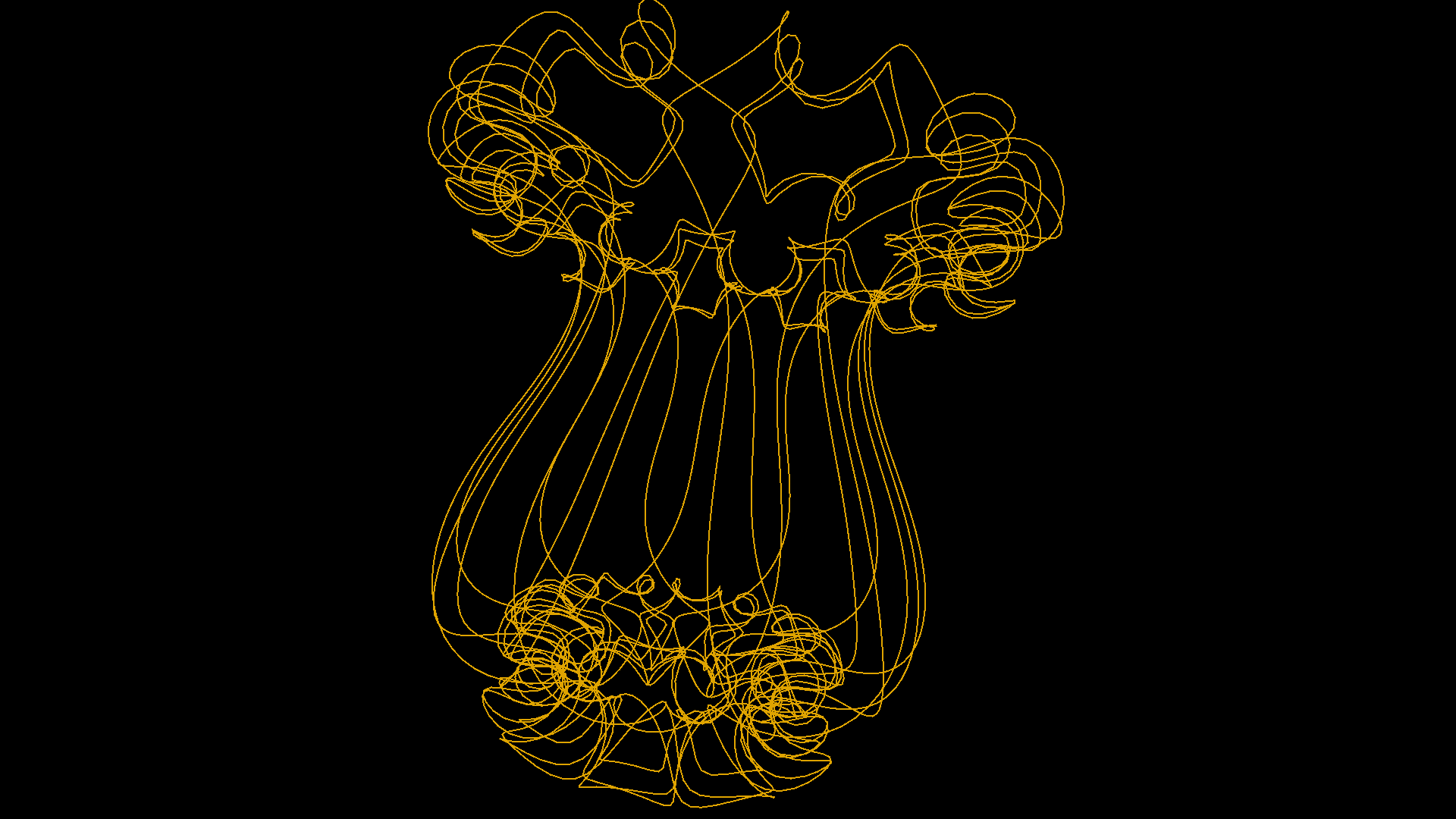
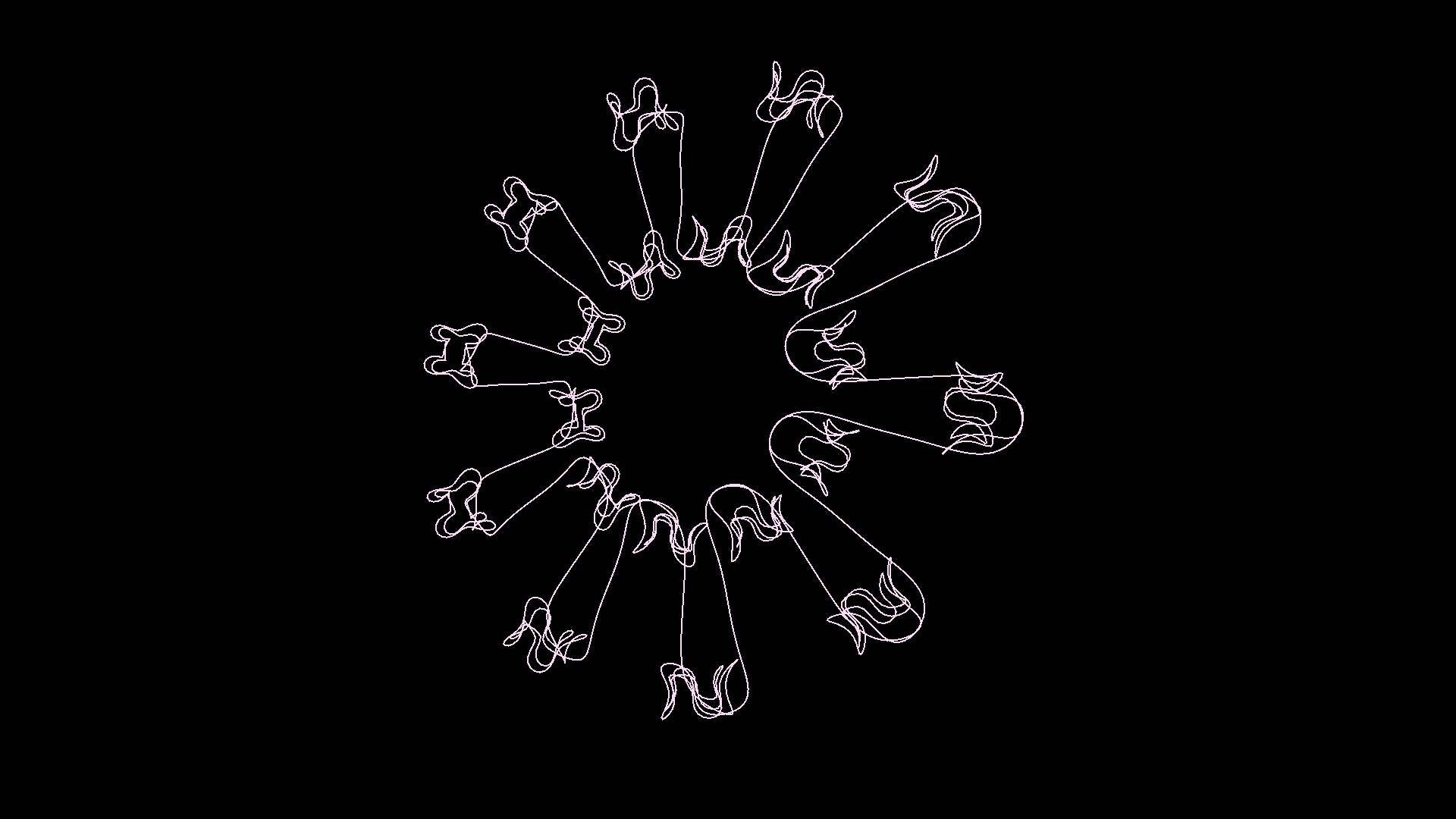
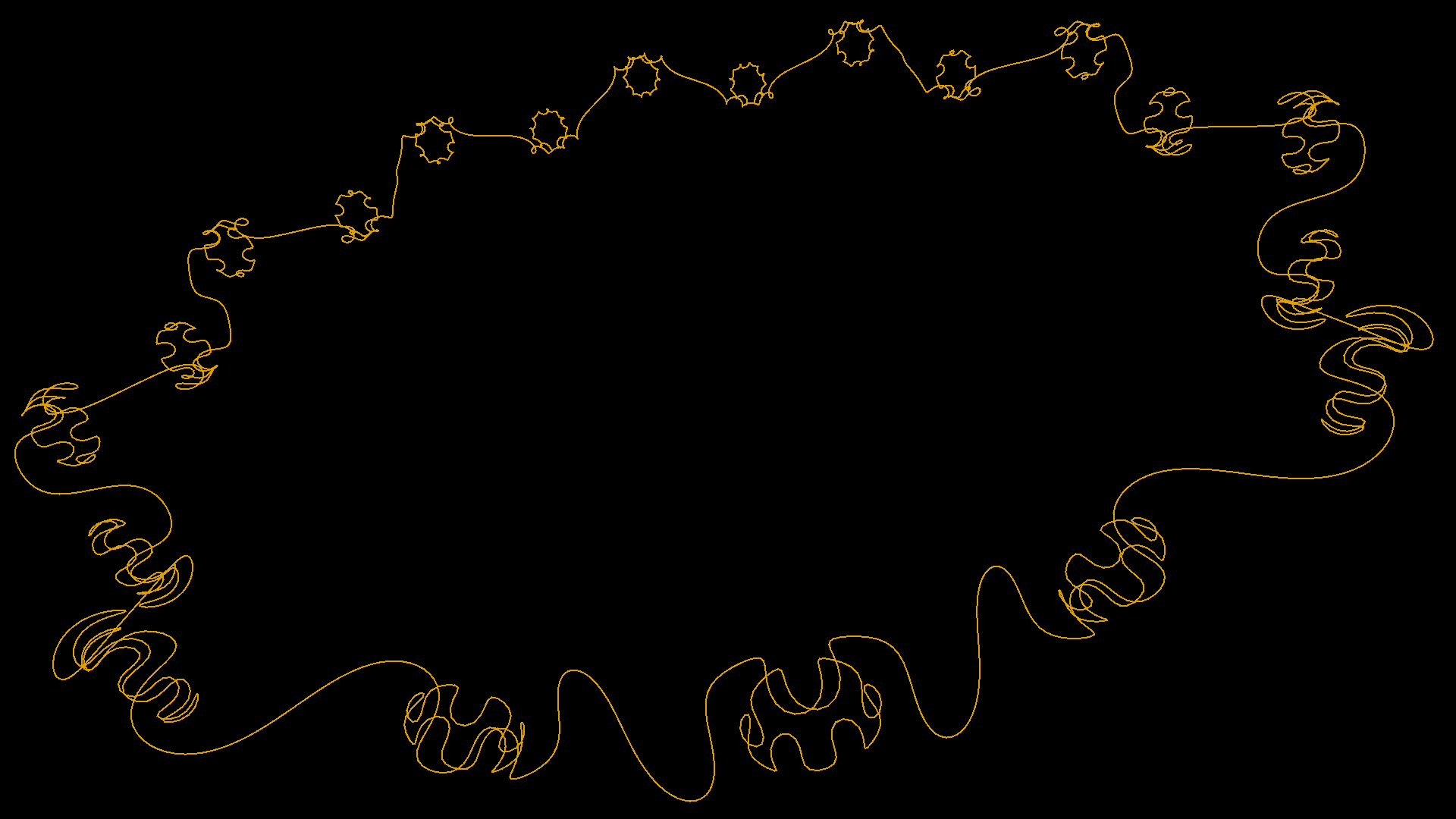
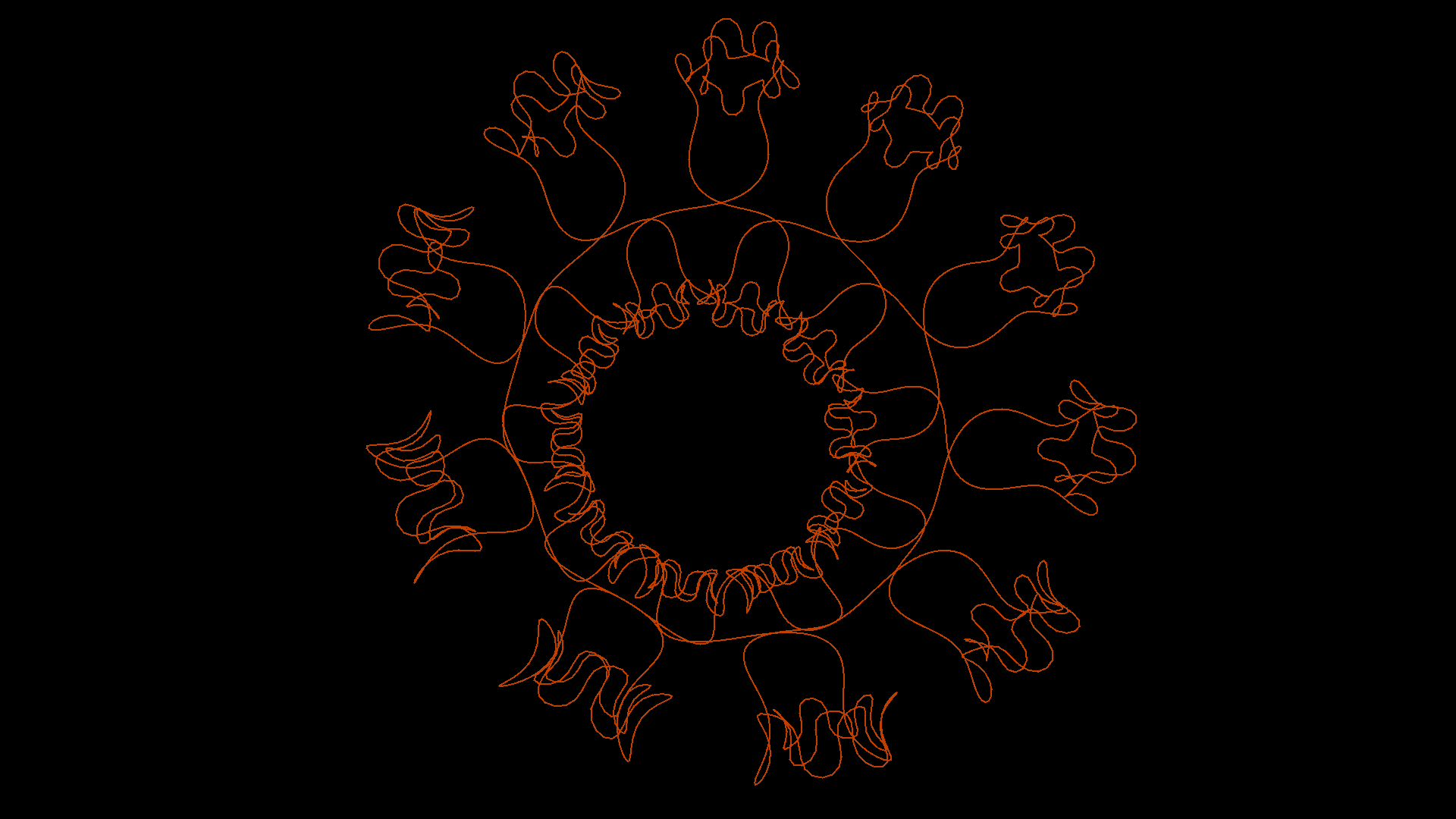
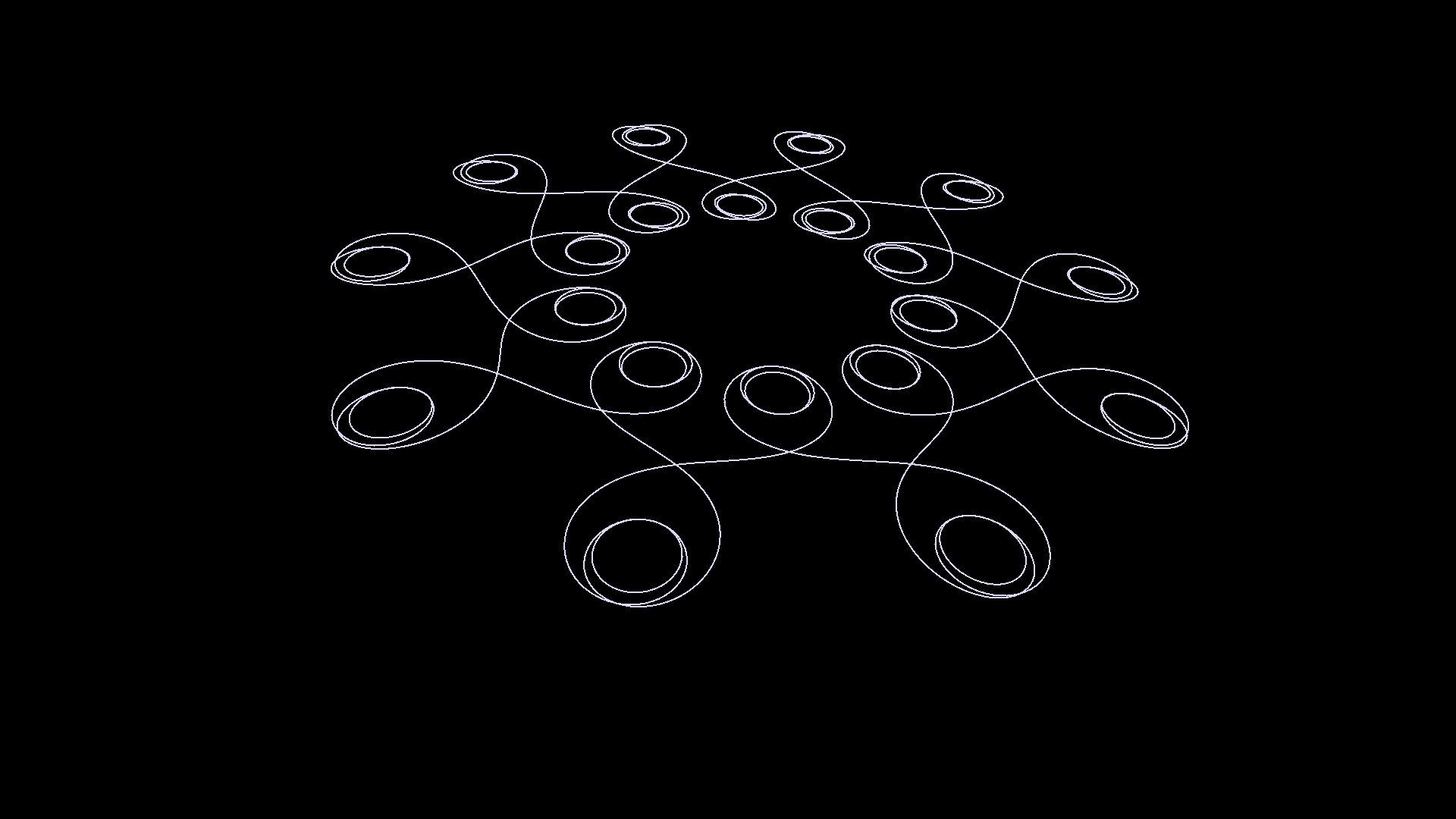
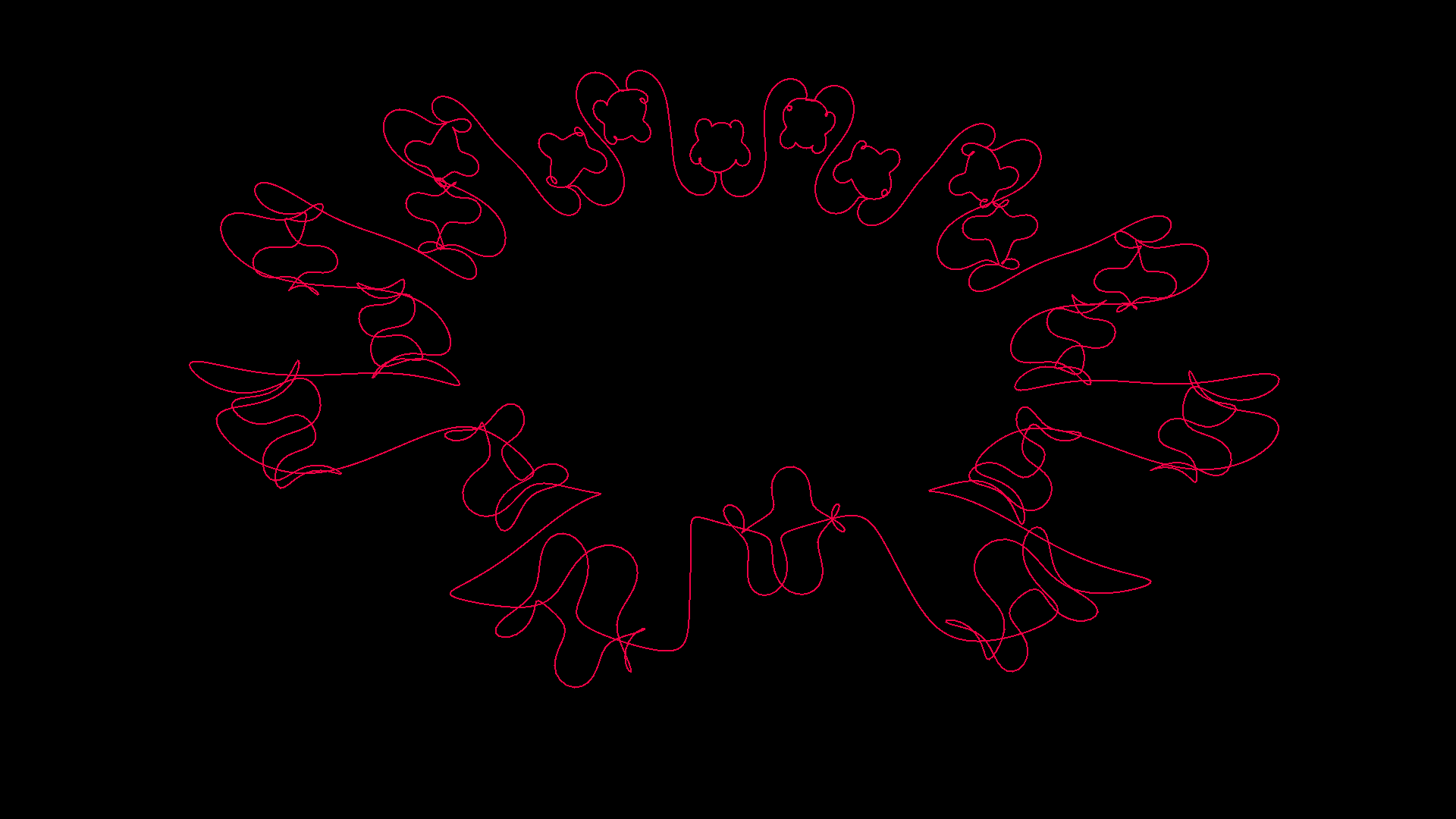
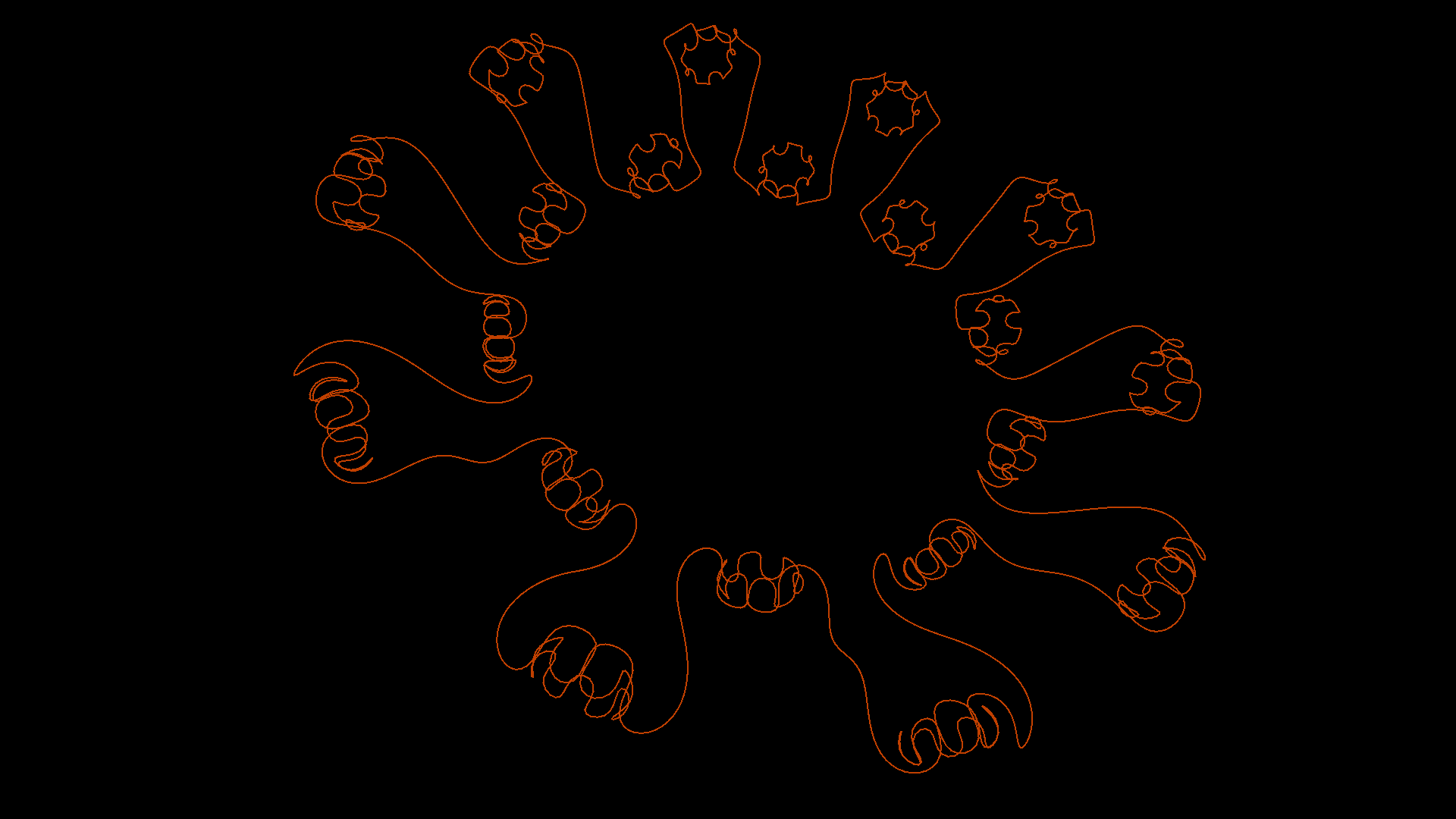
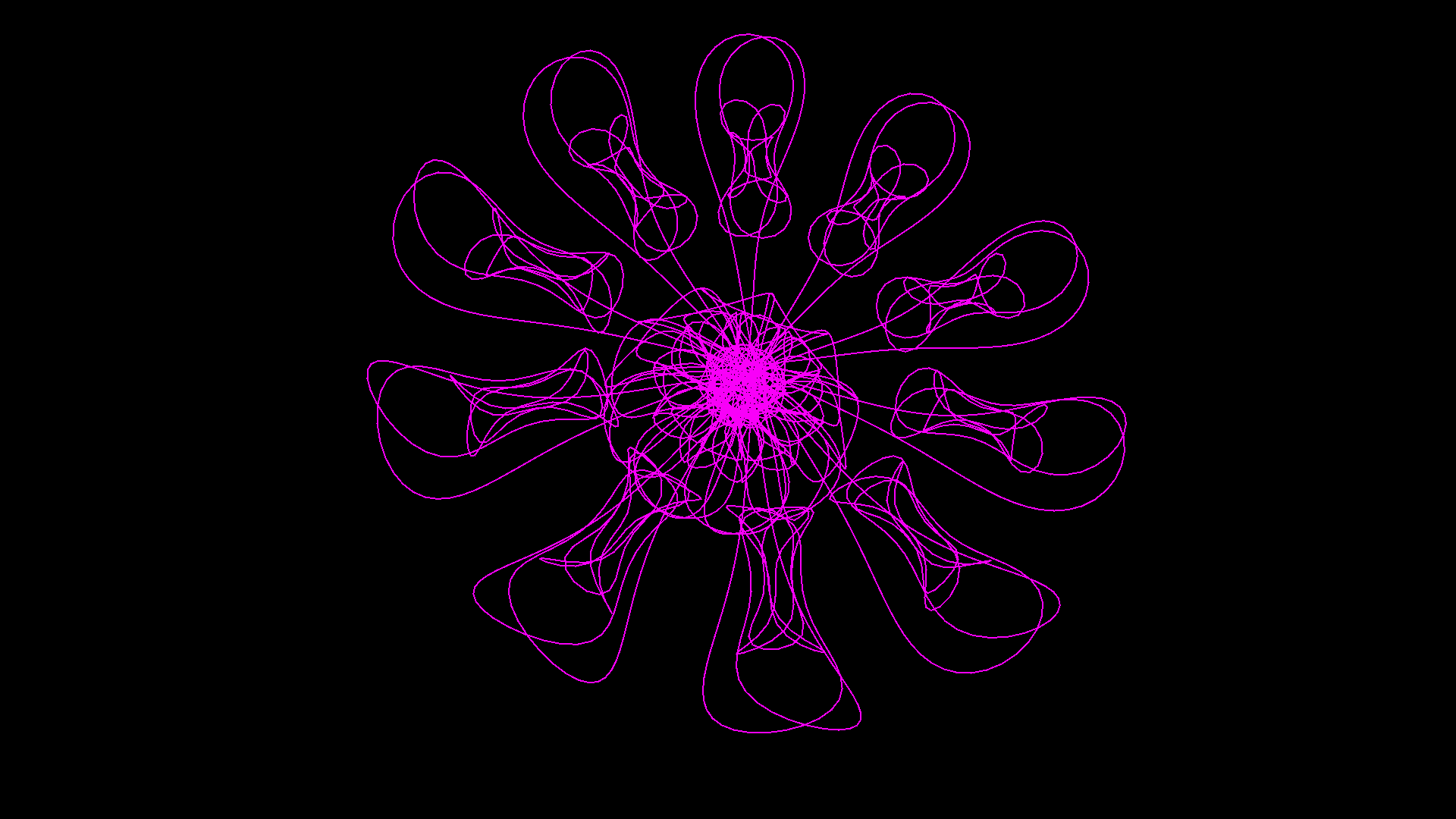
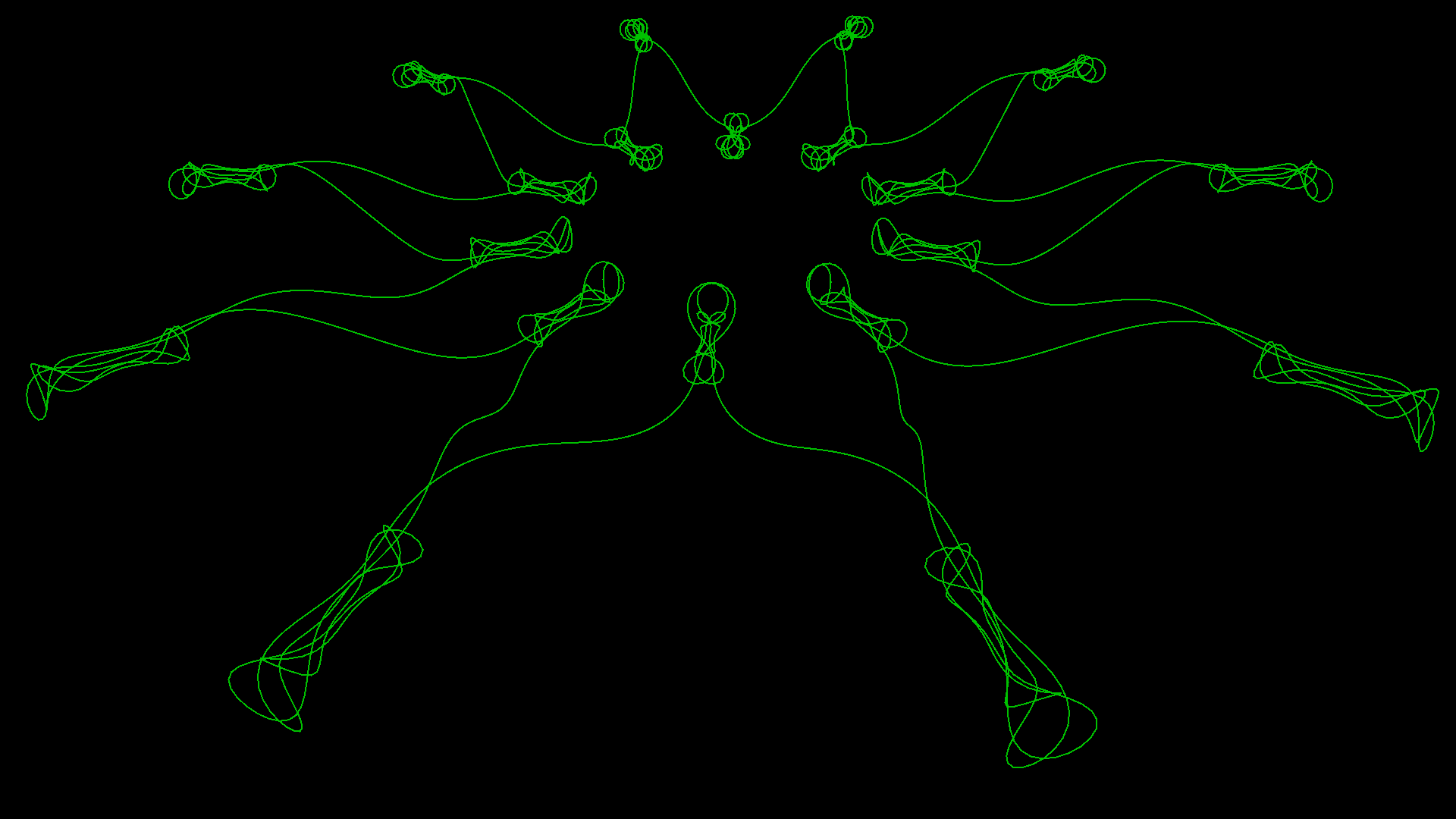
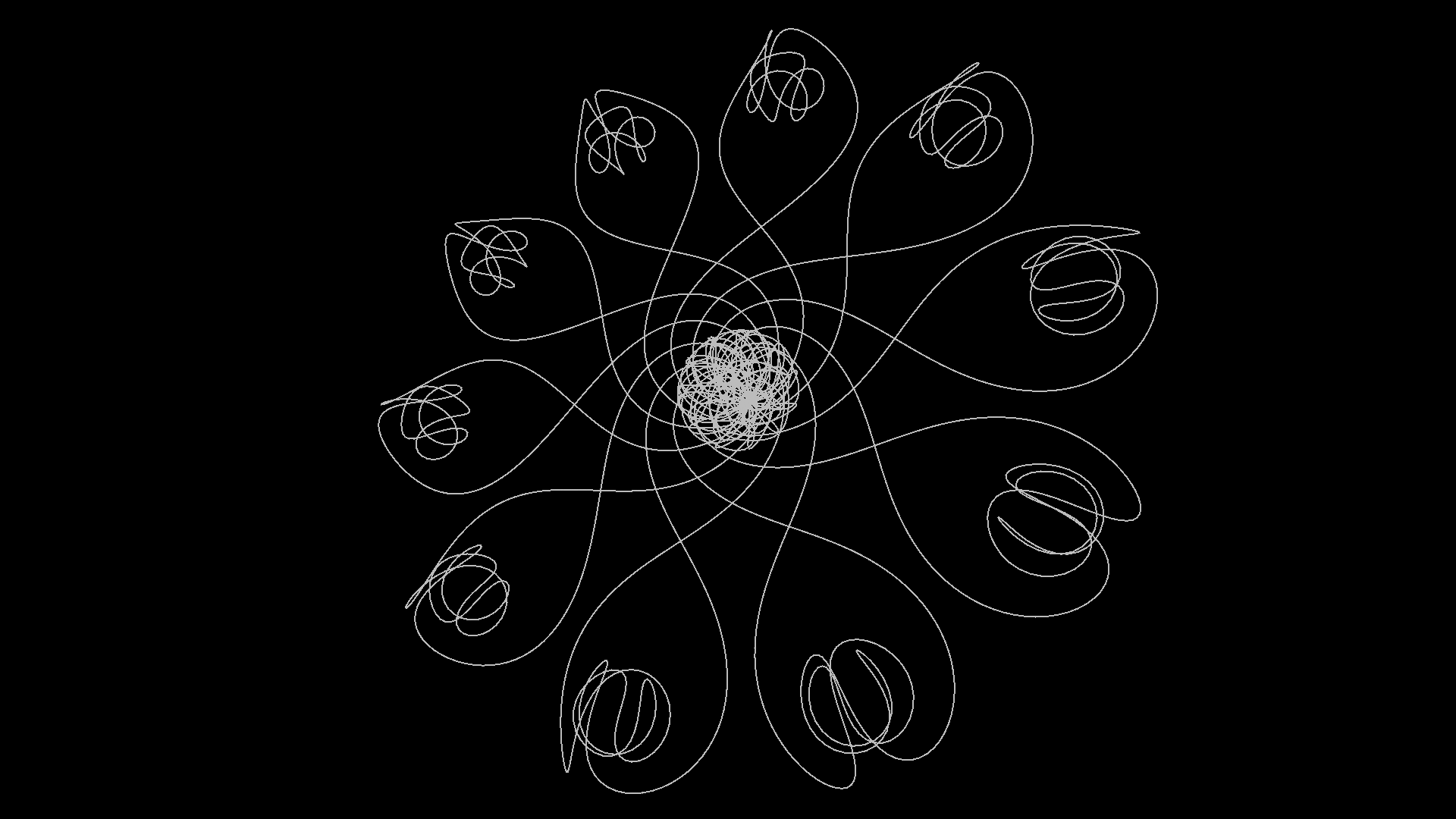
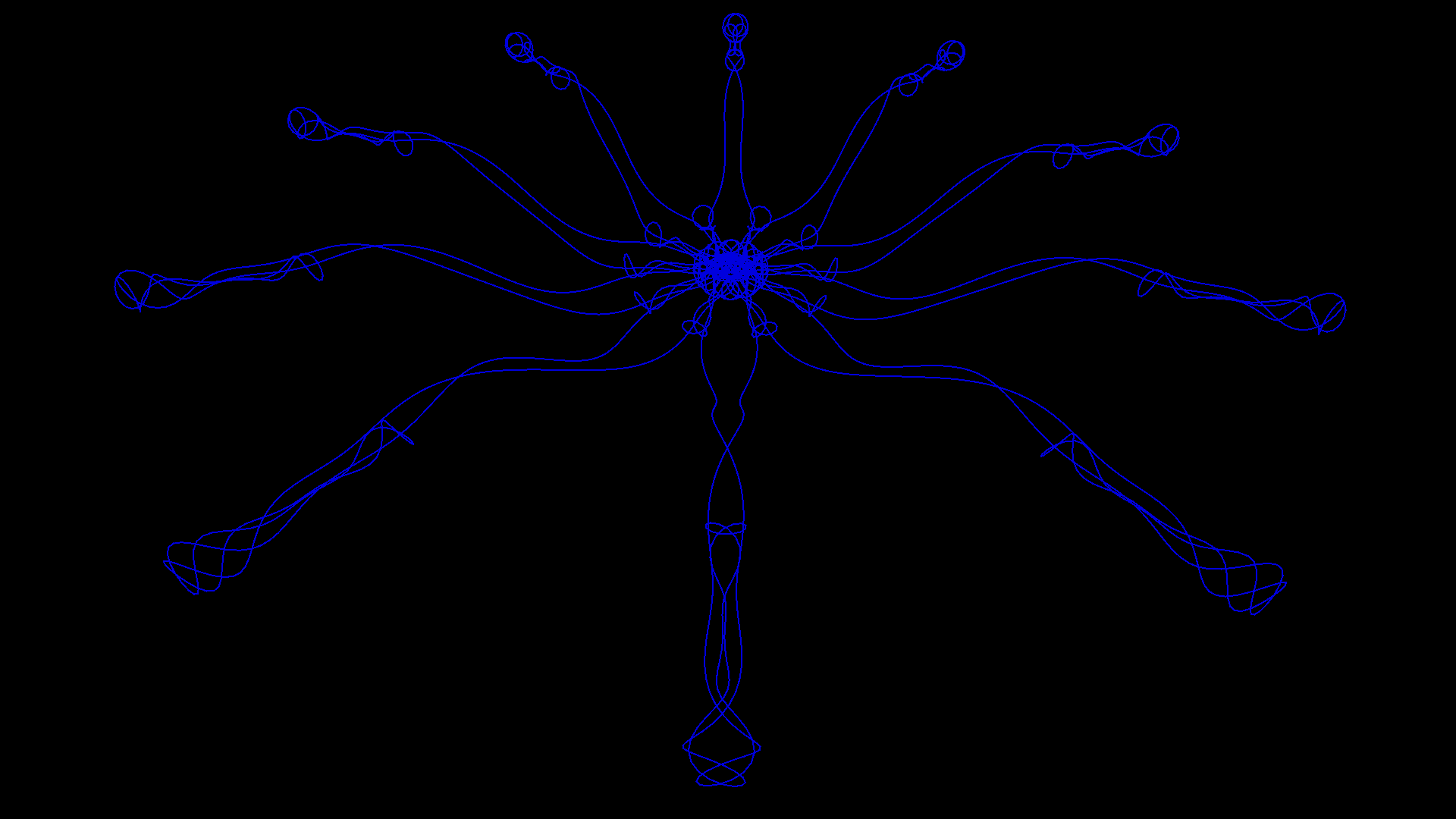
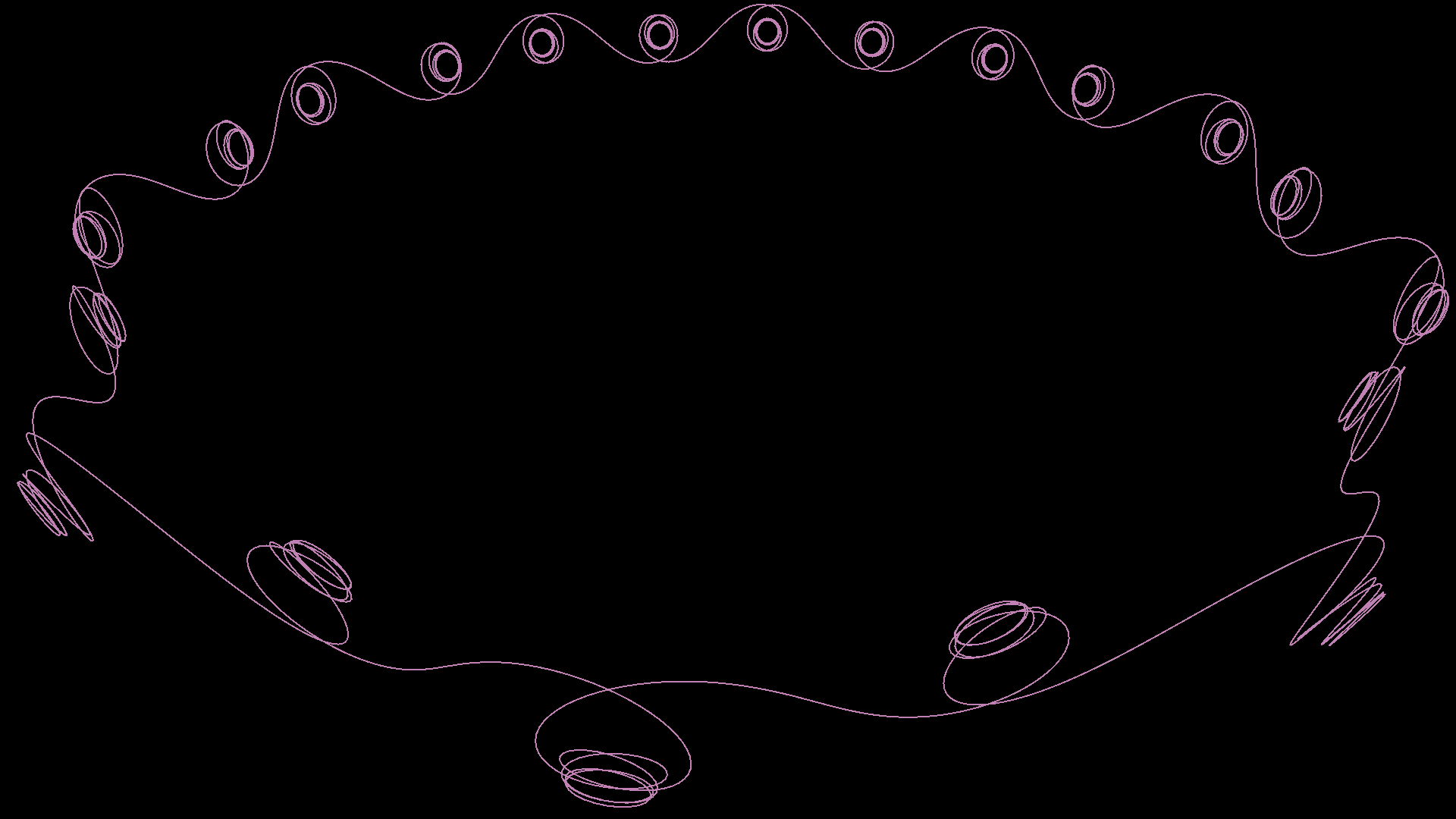
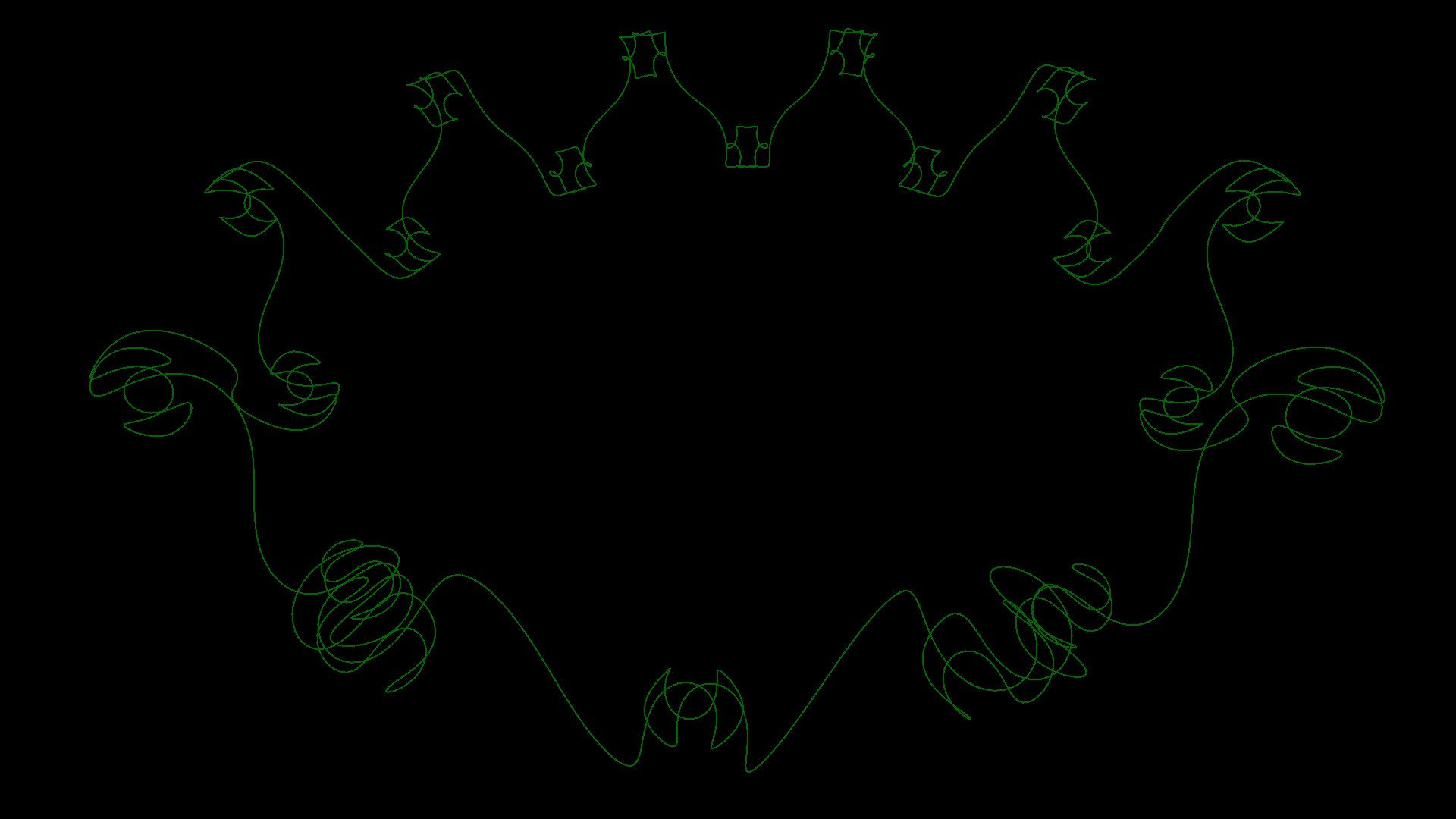
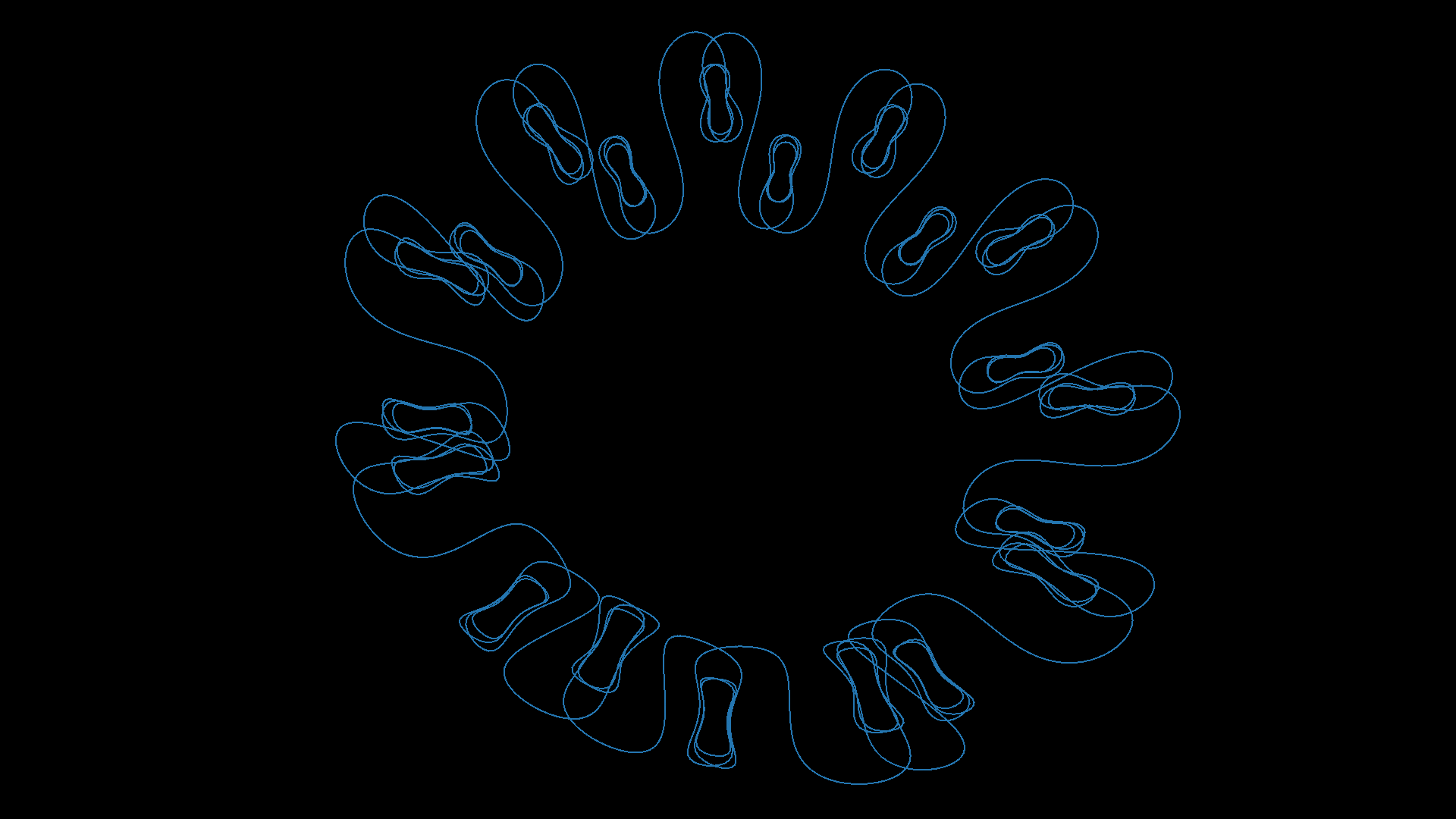
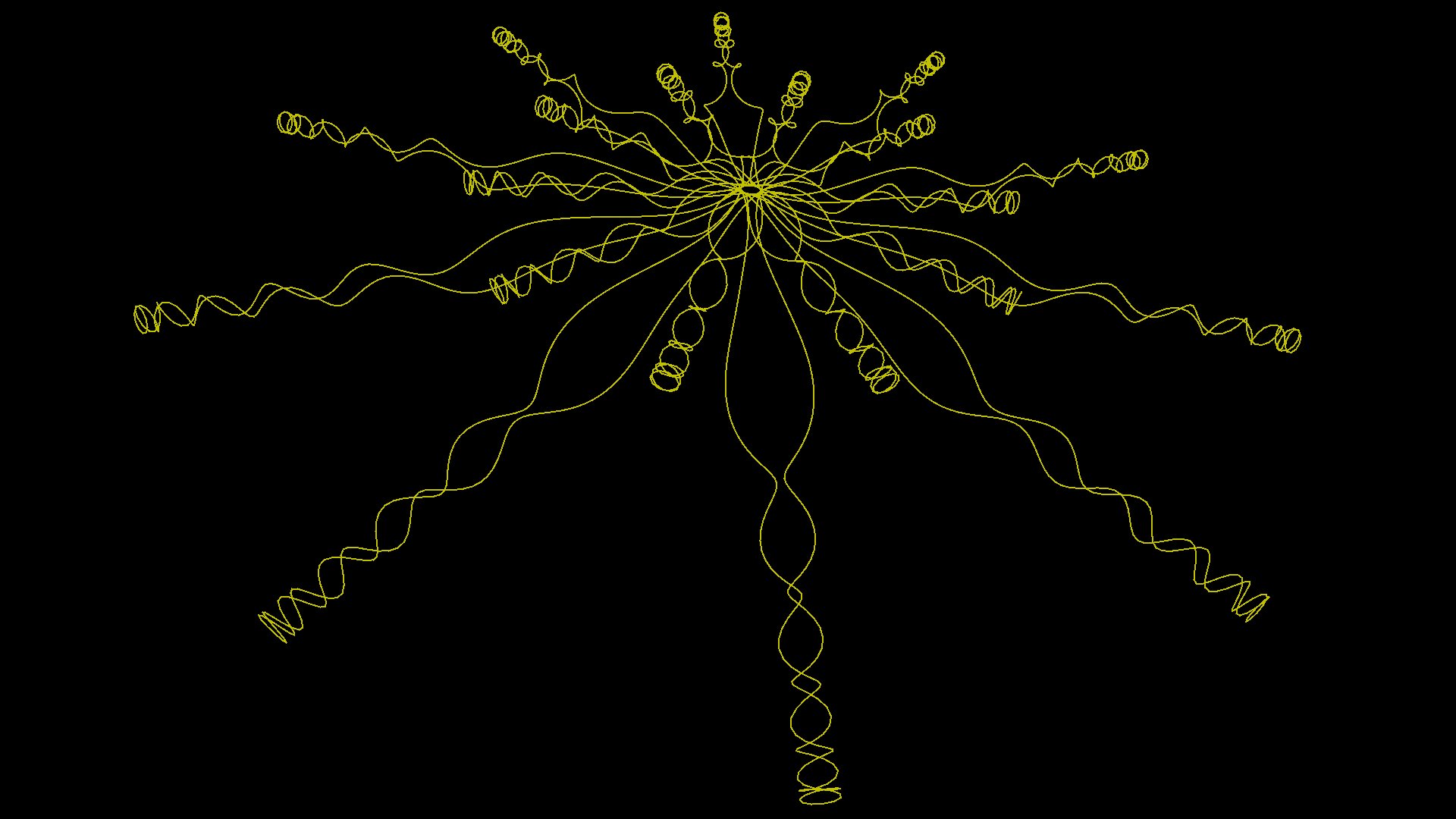
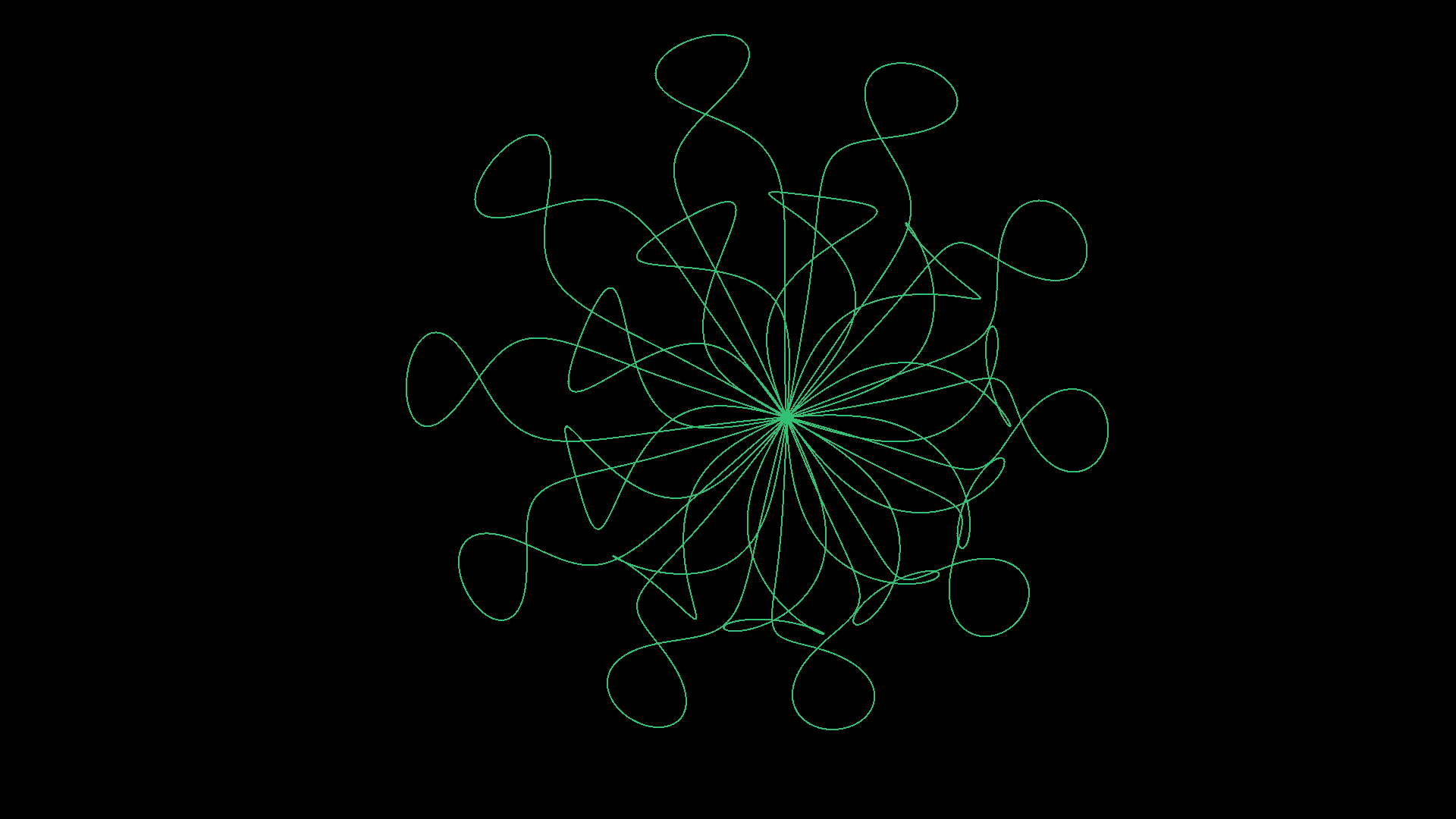
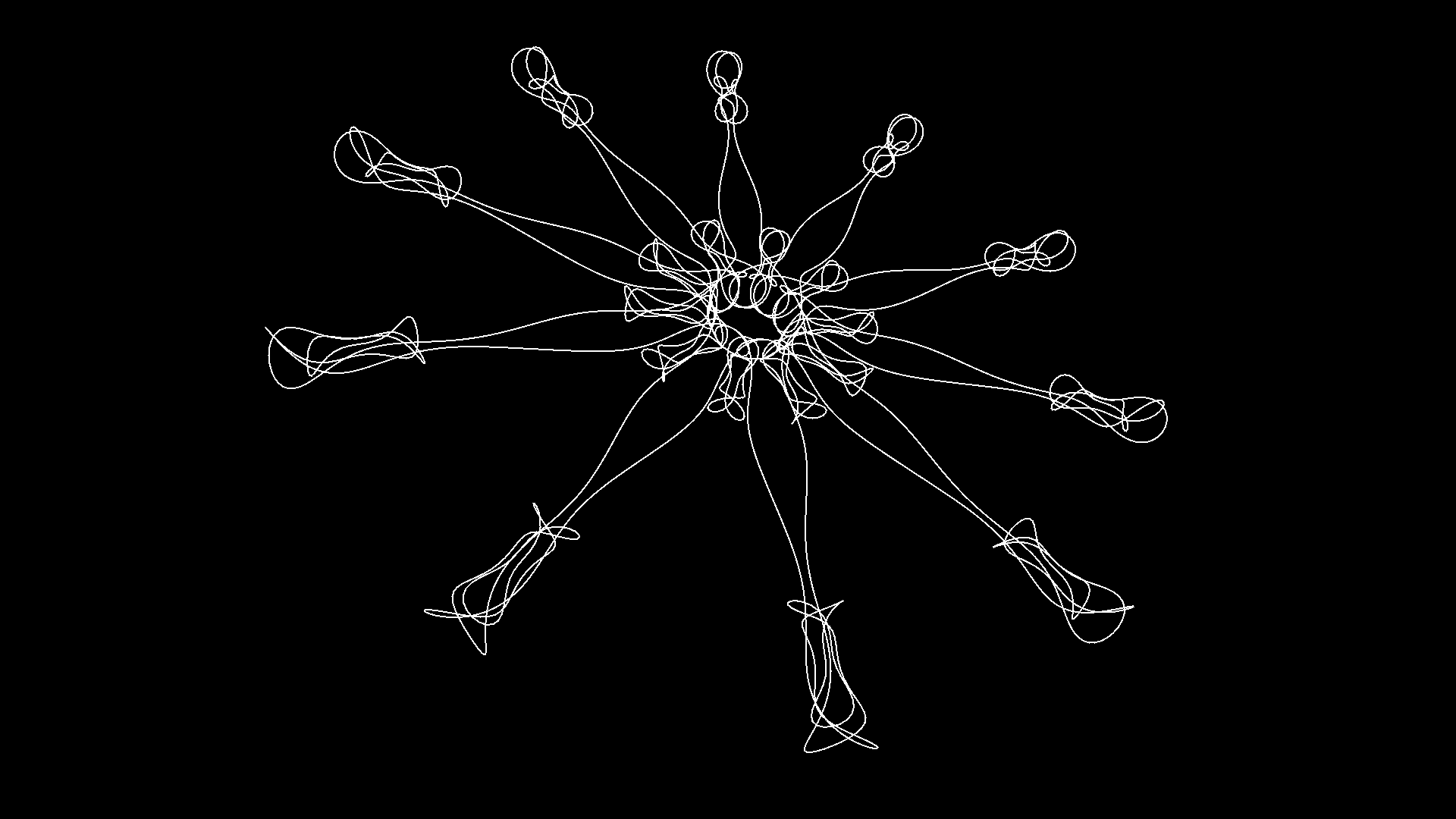
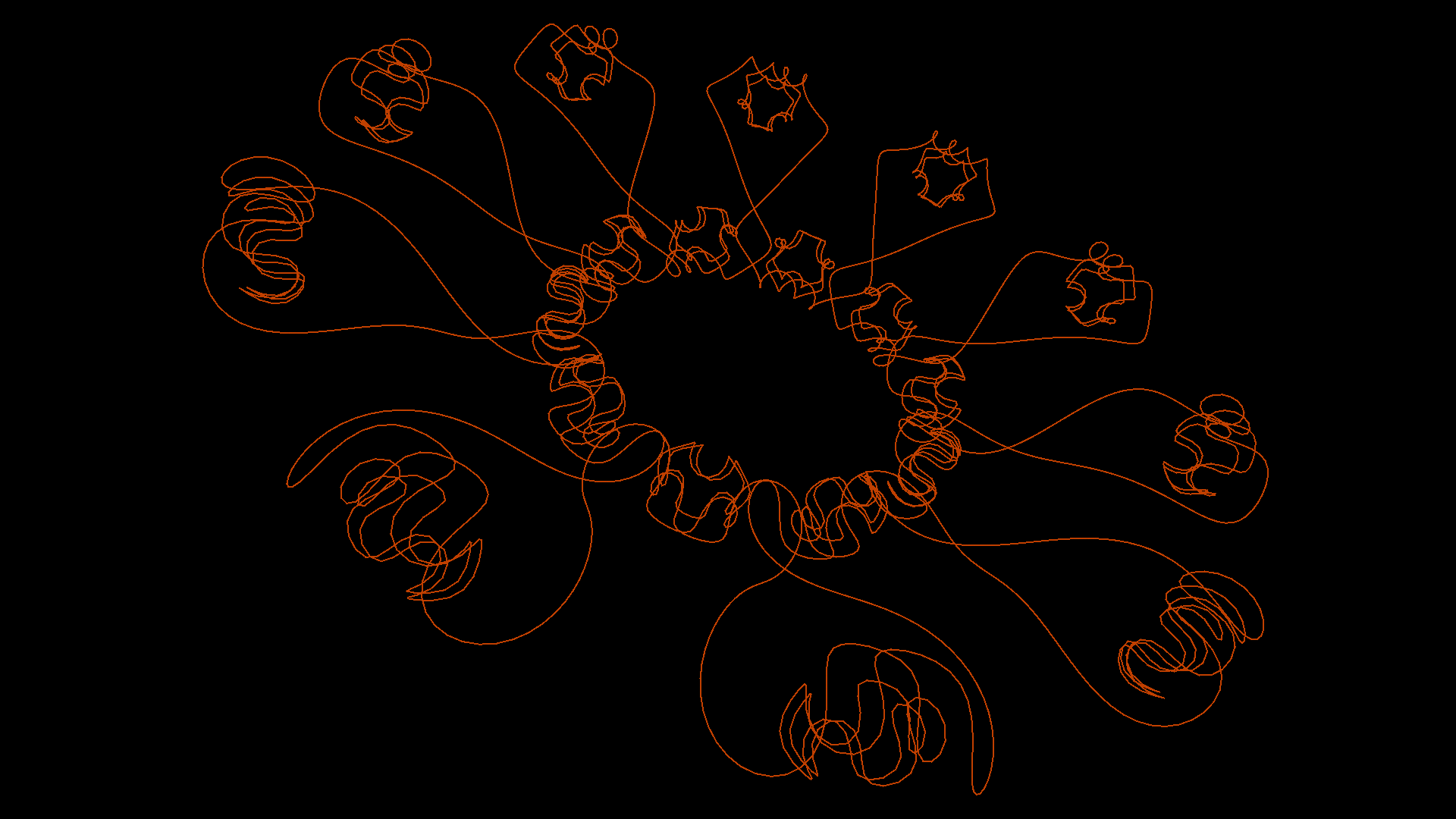
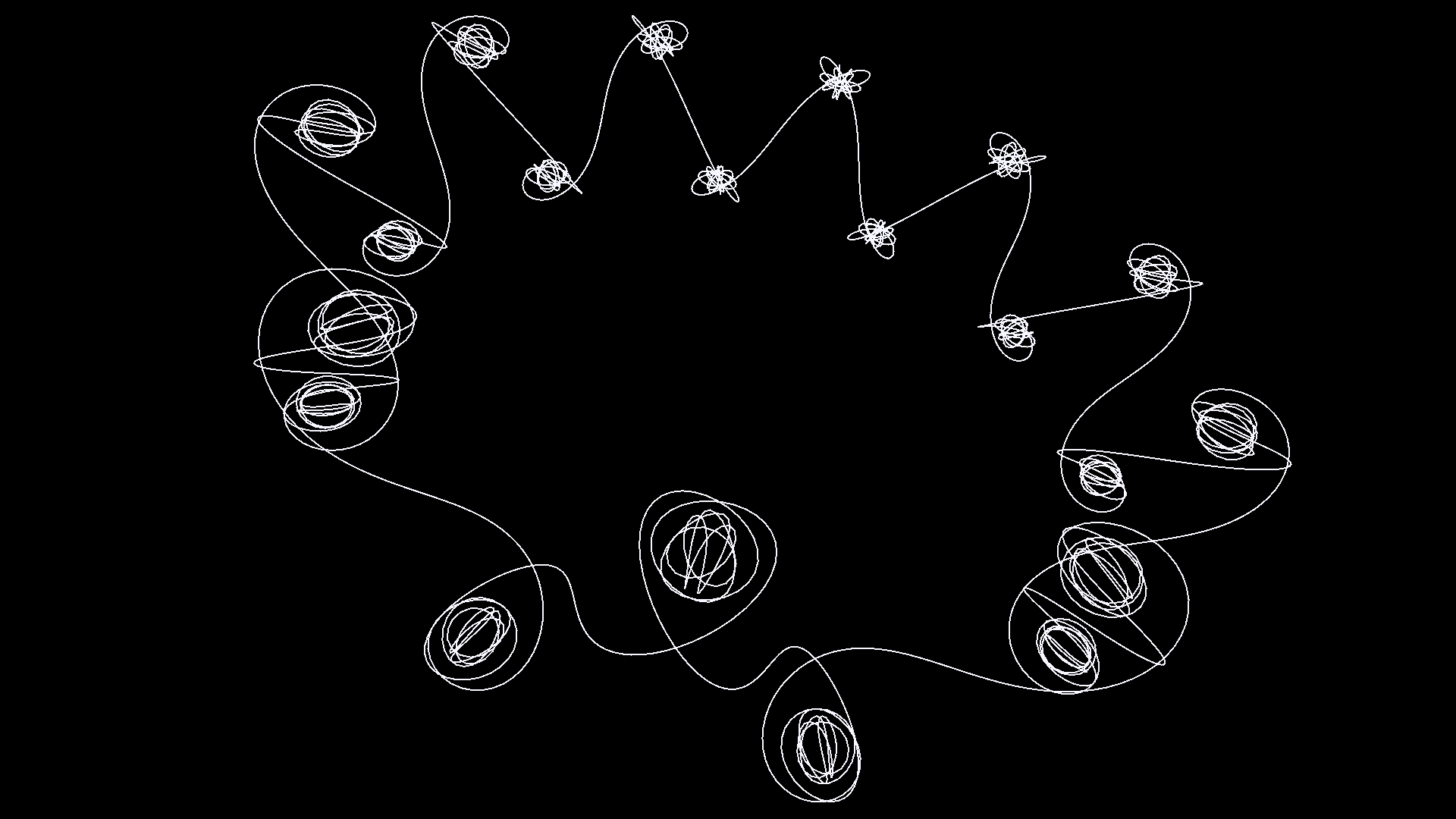
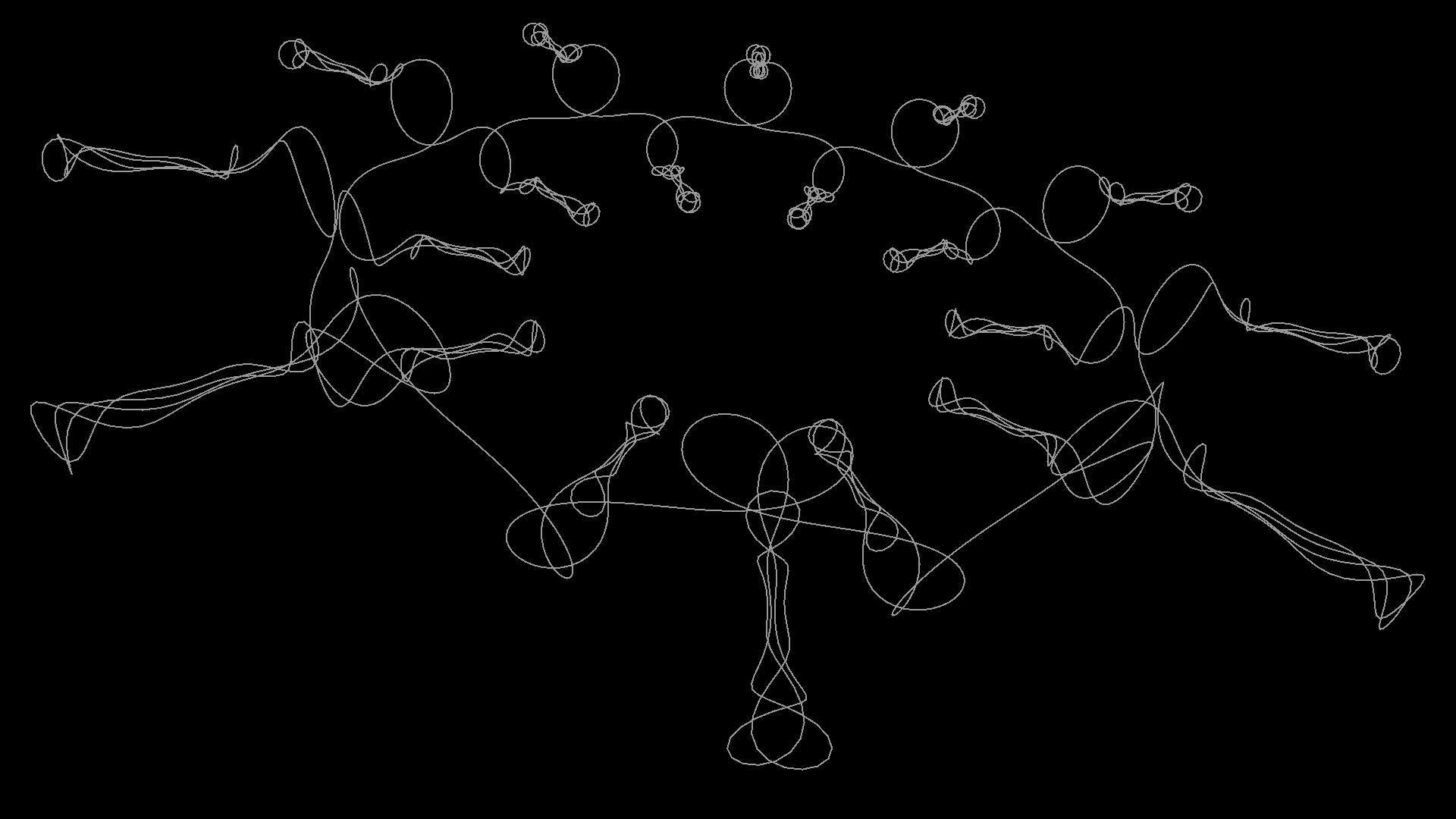
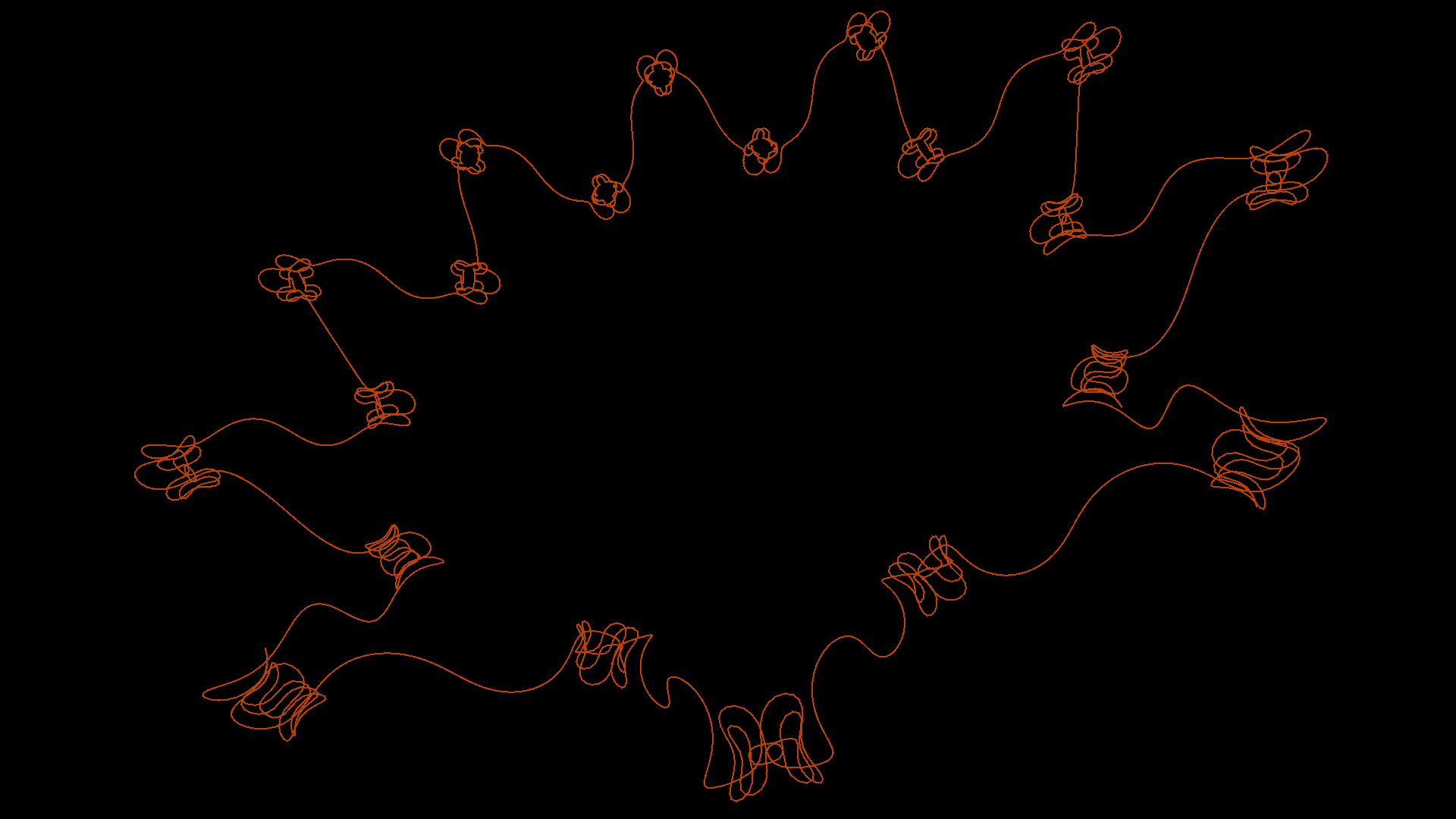
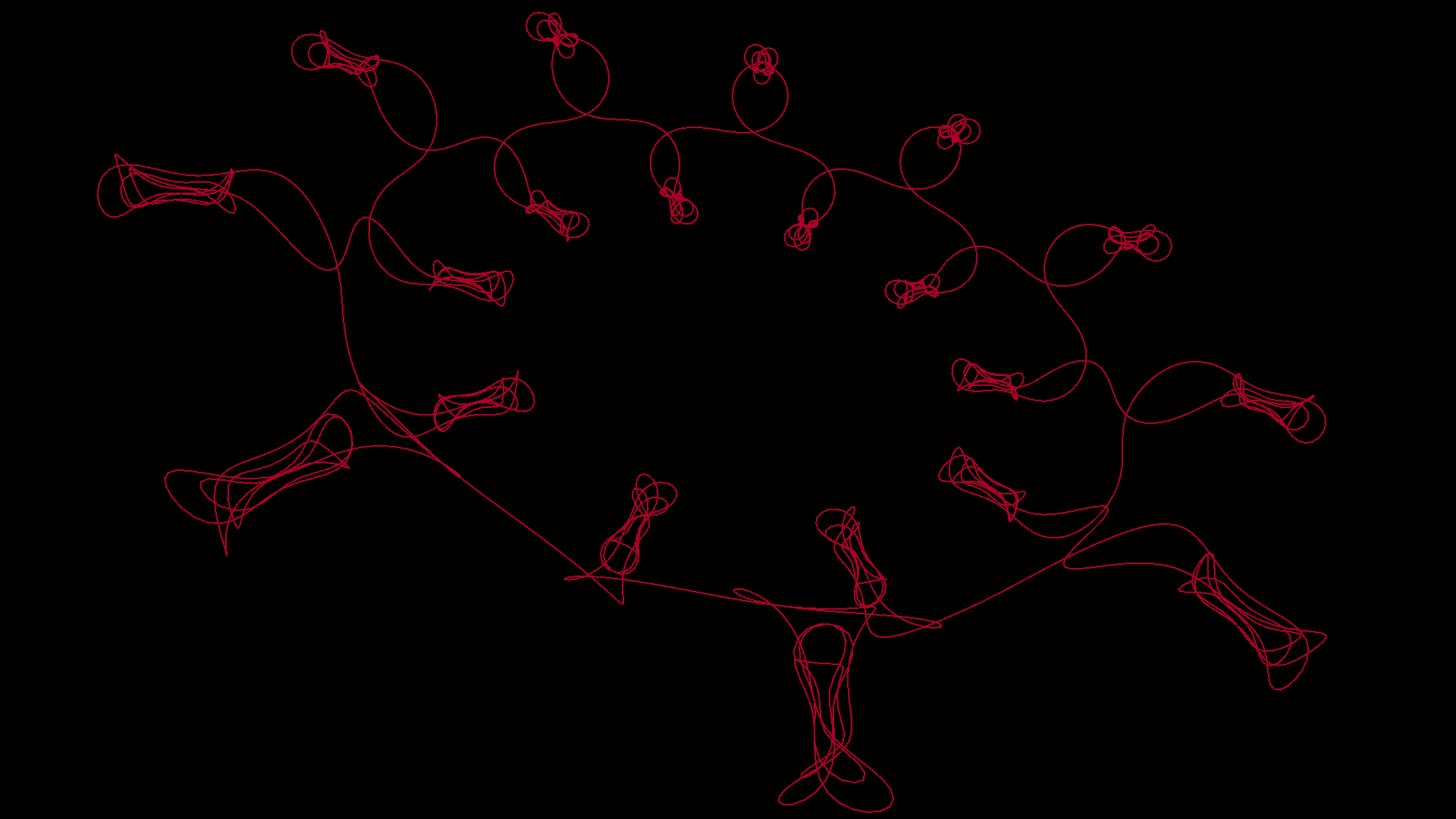
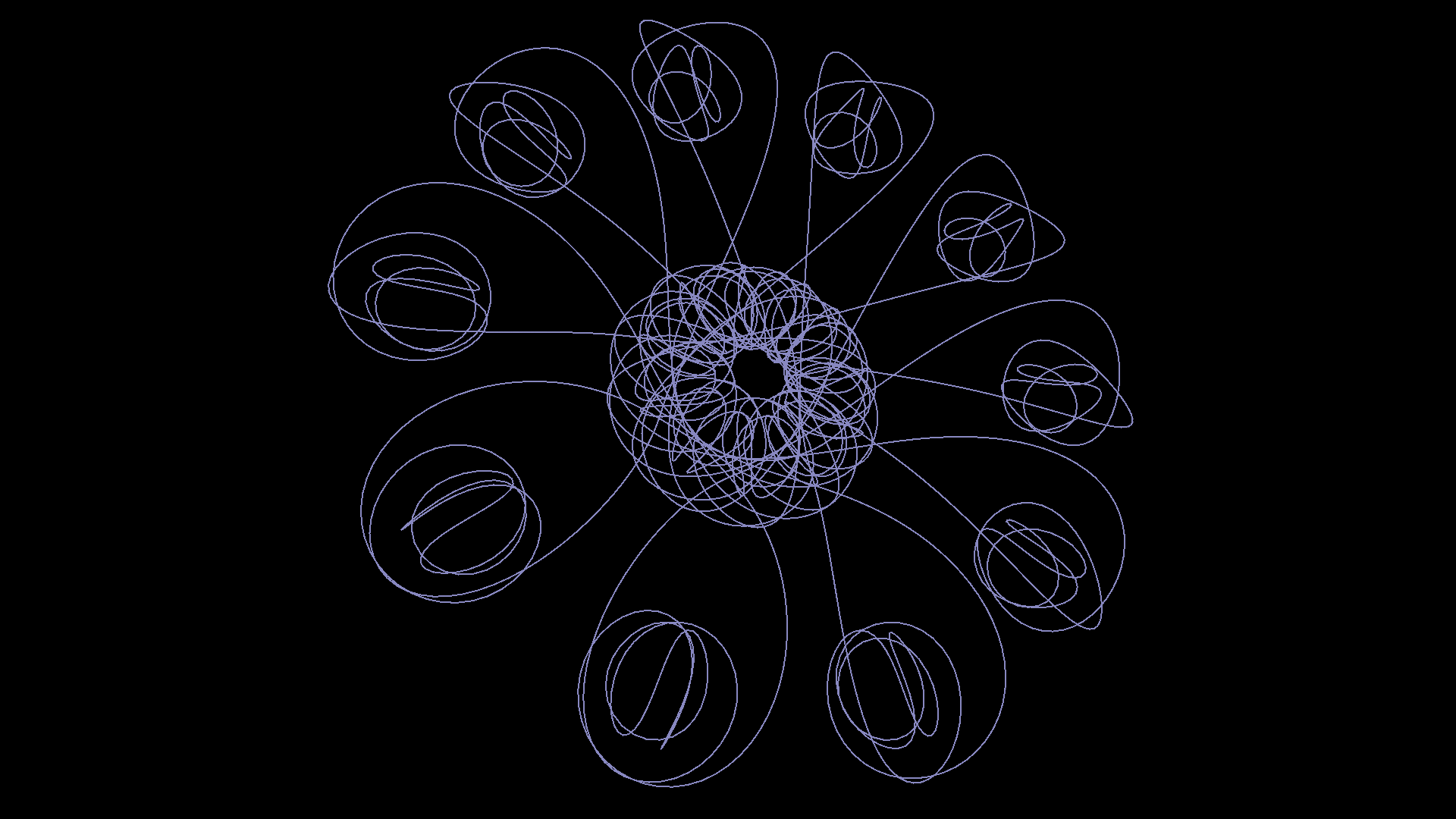
The procedure makes use of the move primitive, which allows the turtle to move based on an arbitrary number of degrees away from its current heading, on the X and Y planes. When combined with the sine function, it produces these interesting ‘natural’ 3D designs.
Live model view – click and drag to rotate
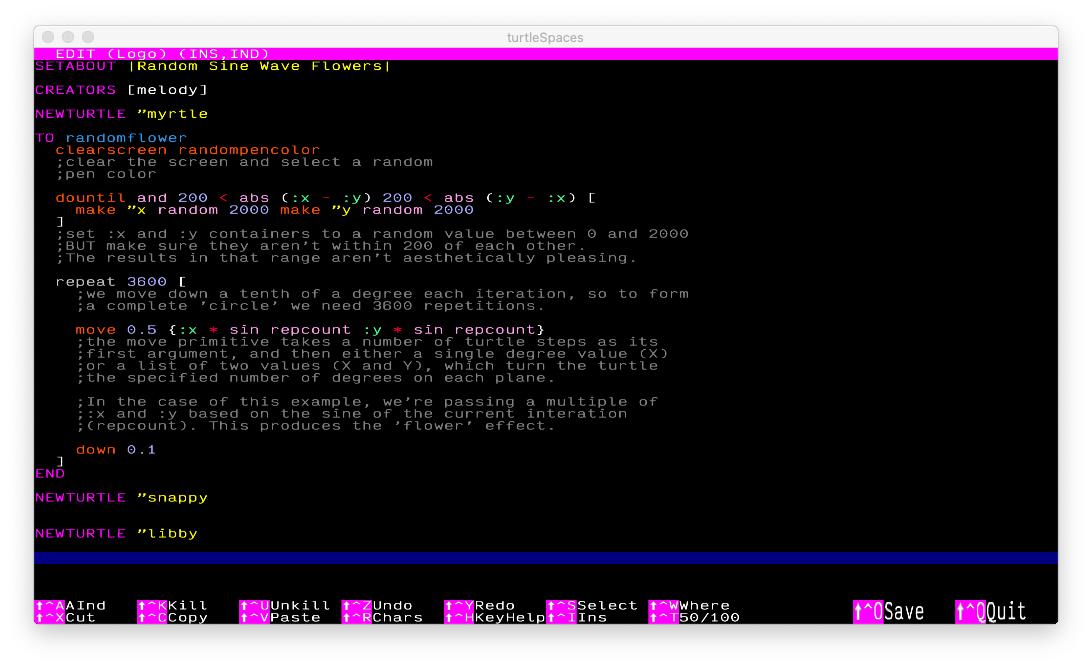
TO randomflower
  clearscreen randompencolor
  ;clear the screen and select a random
  ;pen color

  dountil and 200 < abs (:x - :y) 200 < abs (:y - :x) [
    make "x random 2000 make "y random 2000
  ]
  ;set :x and :y containers to a random value between 0 and 2000
  ;BUT make sure they aren't within 200 of each other.
  ;The results in that range aren't aesthetically pleasing.

  repeat 3600 [
    ;we move down a tenth of a degree each iteration, so to form
    ;a complete 'circle' we need 3600 repetitions.

    move 0.5 {:x * sin repcount :y * sin repcount}
    ;the move primitive takes a number of turtle steps as its
    ;first argument, and then either a single degree value (X)
    ;or a list of two values (X and Y), which turn the turtle
    ;the specified number of degrees on each plane.

    ;In the case of this example, we're passing a multiple of
    ;:x and :y based on the sine of the current interation
    ;(repcount). This produces the 'flower' effect.

    down 0.1
  ]
END
You could put a wait into the loop so that students can see the process a bit more clearly.
Don’t forget that you can click and drag the view to orbit around the model, click with both buttons and drag to ‘pan’ the orbit point, and use the mouse wheel (or right-click and drag up and down) to zoom in and out.
Children can pick their favourites and share them with the class!