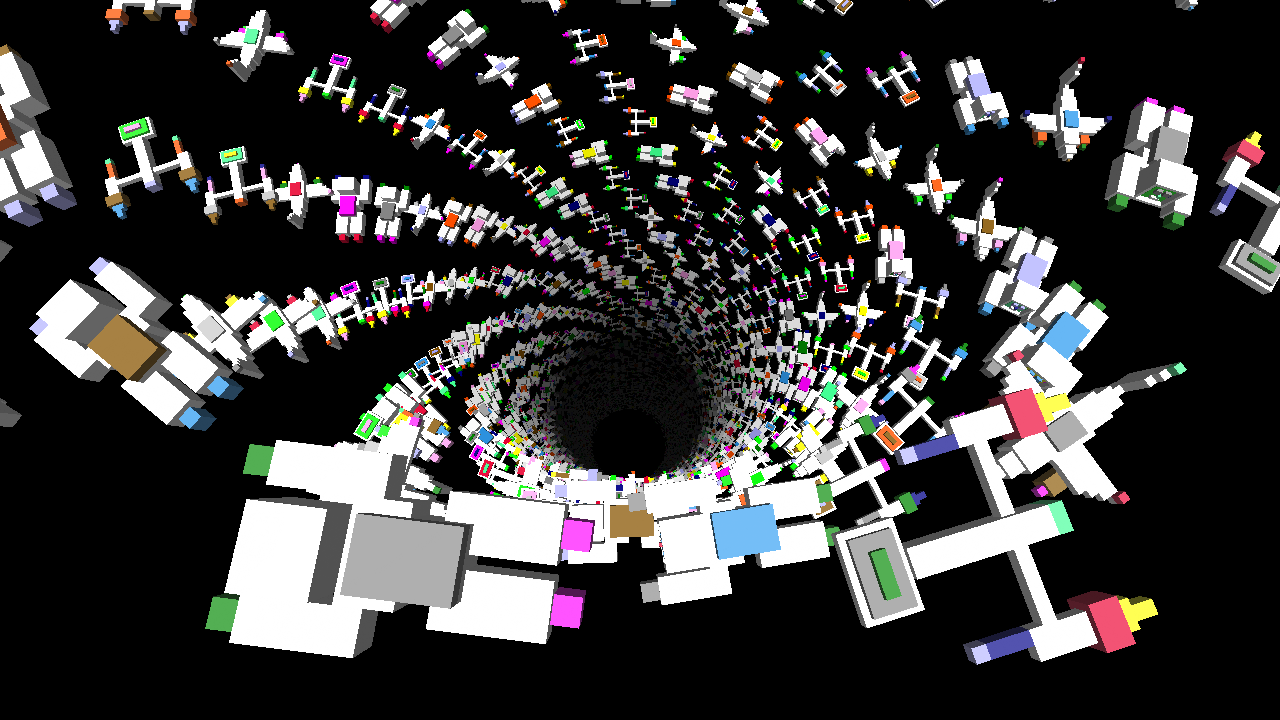
In turtleSpaces, you can ‘stamp’ the current model, leaving a copy of it in the current position. This can be useful in some circumstances, to create artworks made out of more sophisticated models. In the case of this example, we’re going to use the default ‘myrtle’ turtle model to create a descending spiral of turtles.
If you change the colors in the default palette using the definecolor primitive, then those colors are also used to render the turtle model, and by extension the stamp. And so, if we ‘cycle’ the colors, shifting their RGB values from one palette slot to the next, we can create a rotating series of differently-colored turtles.
Note: For reasons, colors 0 (black) and 15 (white) cannot be redefined. But there are 1-14 and 16-63 to play with, which is plenty!
For aesthetic reasons, we want a certain turtle to have the default colors, so we need to add an offset to some of the calculations to make that happen. Finally, we need to position Snappy (the camera or view turtle) in a certain position to get the view we want. Because this involved a fair amount of manual fiddling, I’ve just inserted the position and vectors into the listing to reproduce Snappy’s position and orientation.
Finally, to make the spiral we’re going to use the orbit commands, which rotate the turtle around an ‘anchor point’. The tether primitive allows us to turn the turtle away from the anchor point, which would normally move the anchor point but does not if tether is called. We descend a little each time we move, creating a downward spiral.
TO turtlesallthewaydown

  reset

  snappy:setposition [-0.0567188571145 -41.2097873969 -9.14256453631]
  snappy:setvectors [
    [0.0177688320245 0.192937058466 -0.981050233209]
    [-0.00350577343795 0.981211134942 0.192905205264]
    [0.999835975629 1.16396598173E-05 0.0181113694522]
  ]
  ;position Snappy where we want him to reproduce the image

  make "defaultcols colors
  ;make a copy of the default color palette

  penup dropanchor
  pullout 50 tether
  ;we want 'orbit' in a circle

  left 90 orbitright 39
  ;because we tethered, we can point away
  ;then orbit around the anchor point

  repeat 800 [
    setfillshade -5 + repcount / 20
    ;set the shade of the fill color, the color used
    ;to create the voxels that make up the turtle, amongst others

    make "offset remainder repcount + 11 14
    ;why +11? So we get the default turtle colors in the right place!

    repeat 14 [
      definecolor repcount item 2 + remainder (:offset + repcount) 14 :defaultcols
      ;shuffle the color palette. We need to start at item 2 because 1 is black
      ;(item is 1-based, whereas definecolor is 0-based -- 0 being black)

    ]

    stamp "myrtle
    ;make a copy of myrtle in the current position

    orbitleft 22.95 lower 1
  ]

END
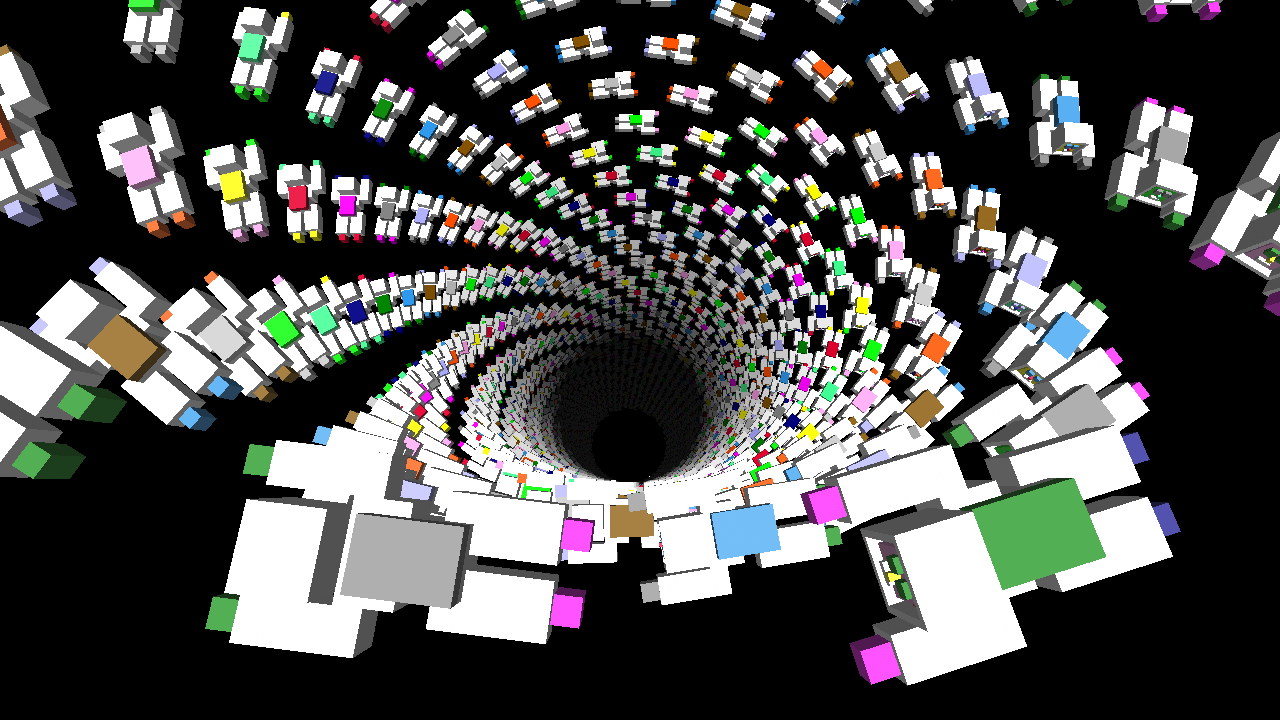
If you replace stamp “myrtle with stamp “astronaut, and before it add a setmodelscale 0.5, like this:
setmodelscale 0.5 stamp "astronaut
you get:
If you change the “astronaut in stamp “astronaut to stamp pick [astronaut spaceship plane] like so:
setmodelscale 0.5 stamp pick [astronaut spaceship plane]
you’ll get: